What the CPU Does Inside of a PLC (In Plain English)
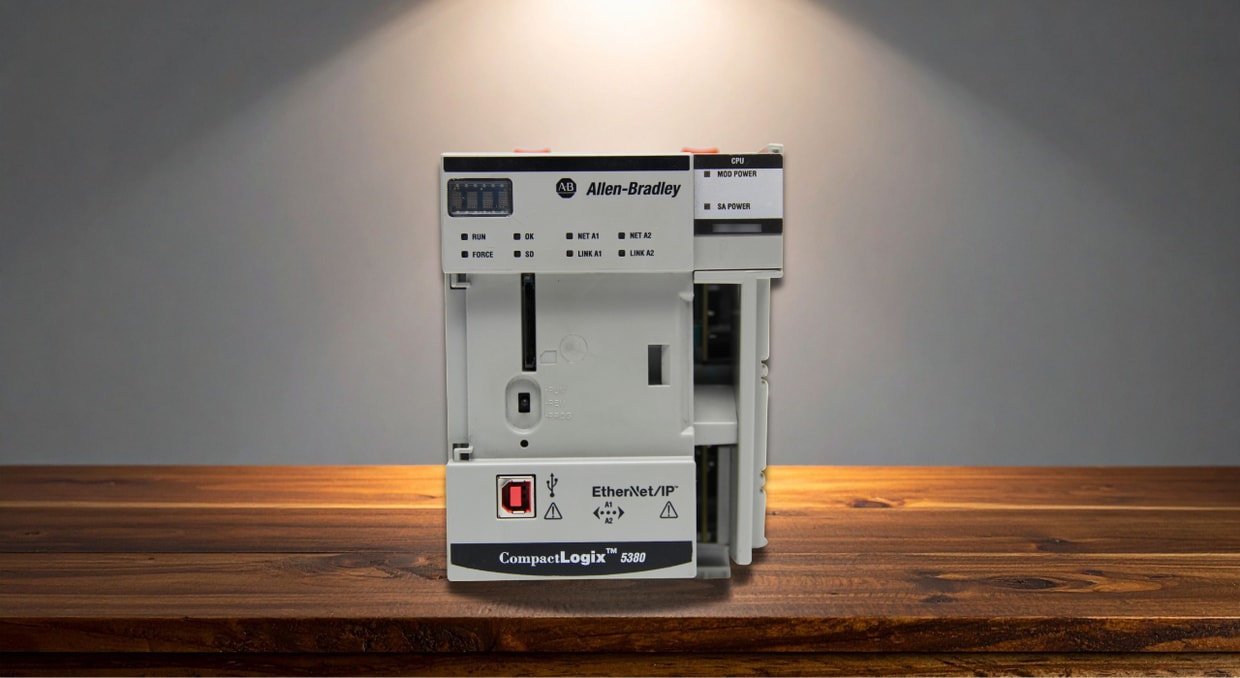
If you open a PLC rack and point to the CPU, most people will tell you it’s “the brain of the system” and then immediately stop talking. Not because that explanation is wrong, but because it usually leads straight into computer science terms that don’t help much when you’re trying to understand what the PLC is actually doing.
Really, the CPU is more like a little worker instead of a brain. His main task is to ensure nothing is on fire, read and understand the instructions given to him, tell the rest of the system what to do based on them, and record the results. This happens thousands of times a second without our little worker getting distracted or tired.
Once you look at it that way, the CPU no longer feels abstract, and you can follow its thought process step by step to see why timing matters. Though there is more to it than that, so let’s decipher what the CPU does inside of a PLC, all in plain English.
CPU vs Processor
You’ll often see the terms CPU and processor used interchangeably, especially in general computing. In industrial automation, these two terms are not interchangeable, and their differences do matter.
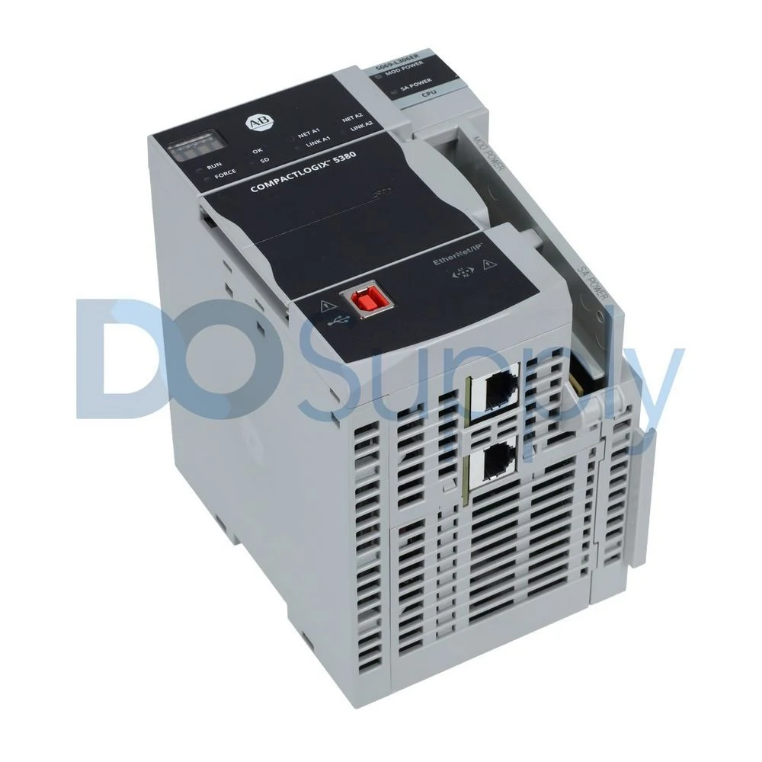
A processor usually refers to the physical silicon chip that performs calculations and executes instructions. On most computers, it’s just one part of a larger system that includes an operating system, background tasks, and user applications, all competing for attention, whereas the RAM, graphics card, and storage handle everything else.
A PLC CPU, on the other hand, is better thought of as a complete control unit rather than a raw processor. This is where the CPU vs processor distinction matters. A processor by itself can execute instructions, but it does not guarantee when those instructions will run or what might interrupt them. A PLC CPU exists to guarantee timing. It ensures that logic is scanned in the same sequence, outputs are updated at the right moment, and tasks stay in the order they’re programmed to avoid any chaotic movements.
So when people ask “CPU vs processor” in the context of PLCs, the simplest answer is this: The processor is the physical chip, and the CPU is the whole system.
How the PLC CPU Works
Unlike a typical desktop computer, a PLC CPU doesn’t provide a user interface or operating environment. Its job is simply to execute control logic as efficiently and predictably as possible.
CPU Modes
As a result, the CPU usually comes with a couple of modes, such as Run, Remote, Program, etc. When the CPU is in Program mode, its logic can be edited, downloaded, and reconstructed without execution. Setting the CPU to Remote mode allows the operator to control it remotely through programming software. This allows the CPU to be placed into Run or Program mode without physically touching the hardware, which is very helpful in larger facilities.
Finally, putting the CPU into Run mode allows it to perform the task it was programmed to. It will run its scan cycle, read inputs, solve logic, and update outputs. During this, the CPU will not adjust its program, but strictly run it to keep it predictable.
The Core Functions of a PLC CPU
The CPU, in its most basic sense, is made to keep the system organized. Everything the PLC does can be traced back to a handful of core responsibilities that repeat constantly while the controller is running.
Fetch-Decode-Execute Cycle
First, the CPU must understand what it’s supposed to do from the ladder logic or software programmed into it. This happens through a process often called the fetch–decode–execute cycle. In plain English, the CPU reads instructions from memory, determines their meaning, and then executes them. While this isn’t unique to PLCs, here it’s done in a more tightly controlled and predictable order to avoid anything executing out of place.
Input Processing
Next comes input processing. The CPU regularly checks all the connected input modules and copies their current states into memory. Push buttons, sensors, limit switches, and analog signals are all read and stored so the CPU can work with a consistent snapshot of what’s going on around it. This prevents logic from changing its mind halfway through a decision because a signal flickered at the wrong moment.
Logic Execution
Once the inputs are captured, the CPU executes the logic. This is where ladder logic, function blocks, or structured text are evaluated. Each rung or instruction is processed in order, using the input data and internal memory to decide what should happen next. Nothing moves yet since the CPU is still thinking rather than acting.
Output Control
After the logic is solved, the CPU handles output control. Only at this point does it send commands to output modules. This allows peripherals like motors to turn, valves to open, and indicators to change states. Because the outputs are updated together at the end of the scan, the machine behavior remains smooth.
Communication
While all of this is happening, the CPU is also managing communication. It exchanges data with HMIs, drives, remote I/O, and other controllers over industrial networks such as Ethernet/IP, Modbus, or Profibus. These communications are carefully scheduled so they don’t interfere with control logic timing.
Diagnostics
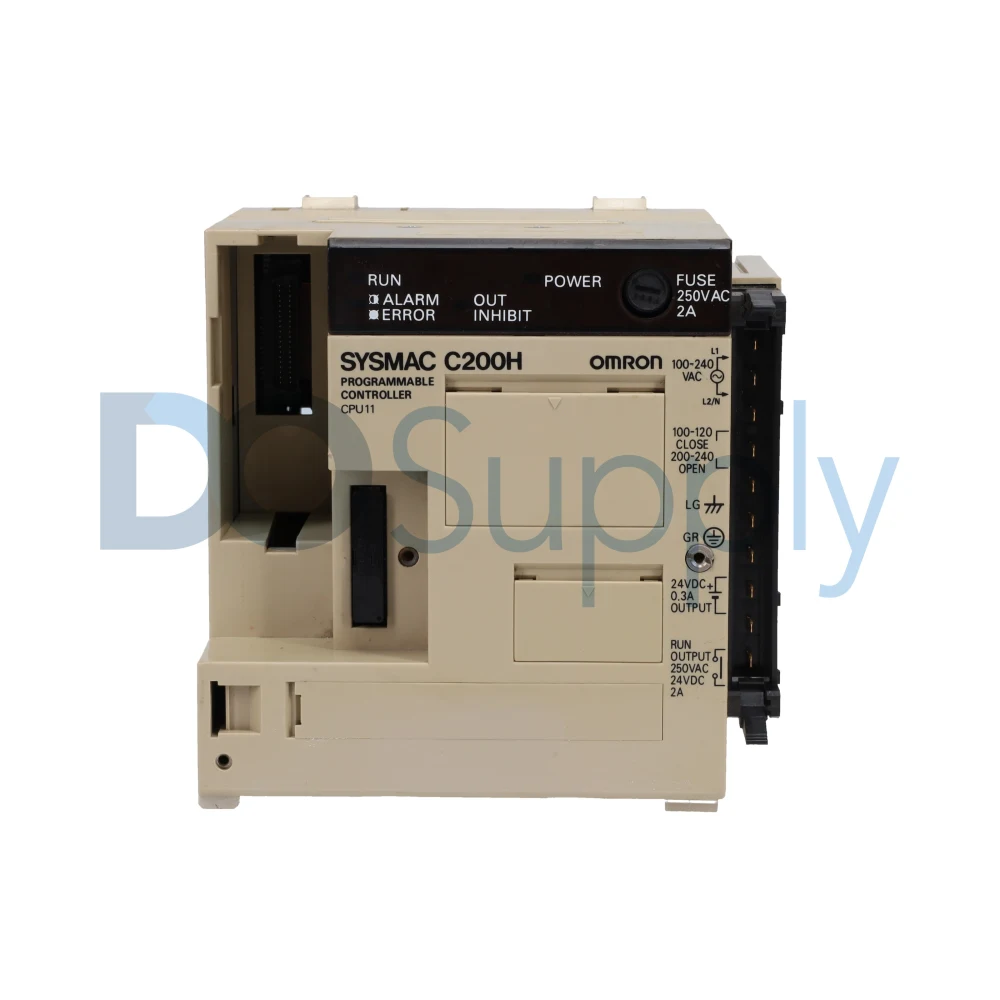
The CPU also keeps an eye on itself. Diagnostics and fault handling run in the background, monitoring for issues such as module failures, watchdog timeouts, communication errors, or memory problems. If something goes wrong, the CPU faults, alerts the operator, or places the system in a safe state.
Memory Management
Finally, there’s memory management. The CPU stores the user program, system configuration, I/O data, timers, counters, and internal tags. It keeps track of what happened in the last scan and updates its onboard memory, or RAM, with that data. The more RAM the CPU has, the more information it can store.
Taken together, these functions explain why the CPU feels like the “brain” of a PLC. It coordinates inputs, decisions, outputs, communication, and system health in a deterministic loop that repeats continuously. All of this combines to create a smooth, predictable, and easy-to-manage system.
Final Thoughts
Understanding your hardware at a fundamental level helps you see the bigger picture the next time you look at a control system. The PLC CPU is an invaluable tool in automation, quietly keeping everything organized and running without chaos.
There are many PLC CPUs available with different capabilities and intended applications. If you’re exploring options or just want to learn more, you’re always welcome to browse our site. All of our PLC CPUs and products ship with a two-year warranty and same-day shipping, so you can focus on solving problems instead of worrying about lead times.
DO Supply Inc. makes no representations as to the completeness, validity, correctness, suitability, or accuracy of any information on this website and will not be liable for any delays, omissions, or errors in this information or any losses, injuries, or damages arising from its display or use. All the information on this website is provided on an "as-is" basis. It is the reader's responsibility to verify their own facts.