How HMIs, PLCs, and CPUs Work Together on a Machine
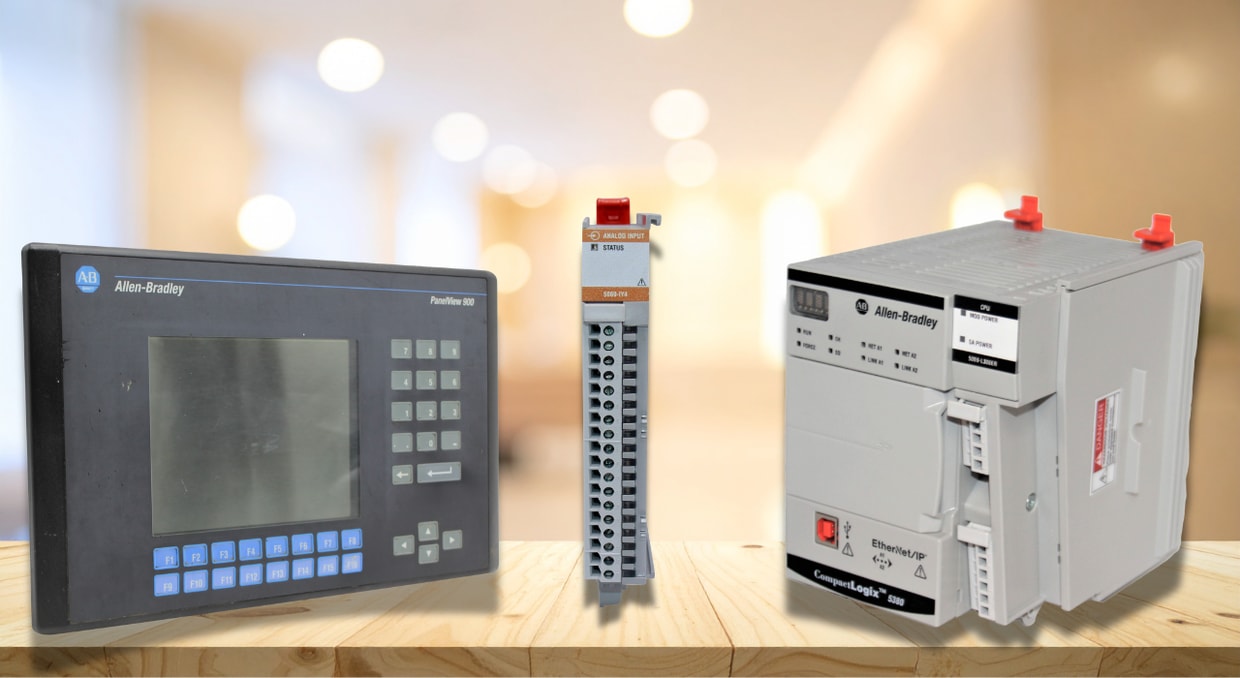
Modern industrial machines may appear mechanical externally, yet internally they operate through an integrated digital control system. Any automation system has three major components: the Programmable Logic Controller (PLC), the CPU, and the Human‑Machine Interface (HMI). For any industrial automation process, understanding how these components work together is essential for anyone involved in automation, manufacturing, or industrial engineering.
HMIs help people engage with the equipment by visualizing the entire process; PLCs manage the machine’s logic and operations; and CPUs execute commands that keep everything operational. Each component serves a separate purpose, but its true strength lies in how they exchange information and communicate with one another in real time.
The Function of PLCs in Controlling Machines
PLCs form the core of industrial automation. They are dedicated industrial computers designed to reliably manage machines, production lines, and processes in demanding environments. In contrast to general‑purpose computers, PLCs are engineered to operate nonstop, cope with electrical interference, and function with exact timing.
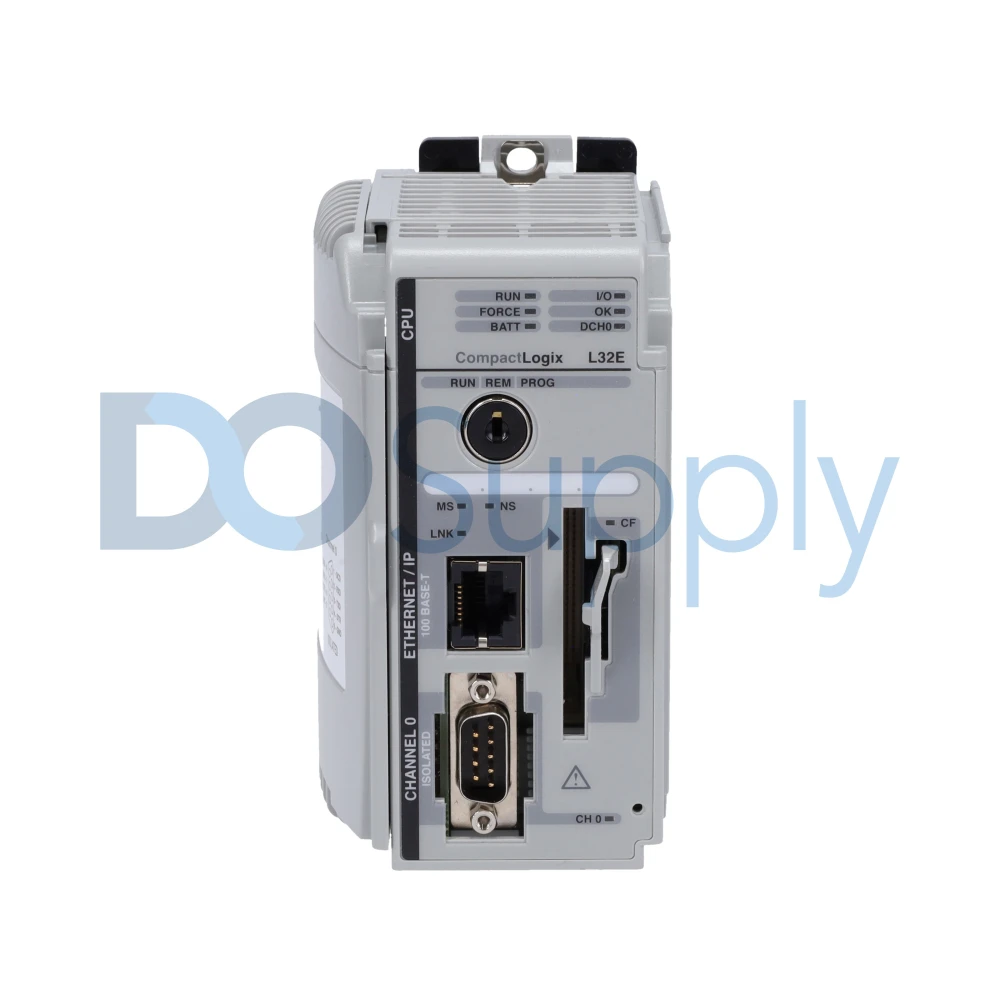
Field inputs provide the PLC with information about the devices’ operational states in the physical environment. For example, a temperature sensor may signal that a motor is overheating, or a sensor may signal that any other device has reached a particular temperature.
The PLC determines the appropriate response by executing its control software based on this input. After that, it sends output signals to drives, motors, or any other responsible devices. A machine’s correct operation is ensured by this ongoing cycle of reading inputs, processing logic, and modifying outputs.
What precisely is a CPU in automation?
The CPU is the PLC’s primary processing unit. Although PLCs are often referred to as a single piece of equipment, they actually have many internal components, the most important of which is the CPU. It executes the control software (which varies by PLC brand), performs computations, monitors memory, and manages communication.
Each PLC scan cycle is controlled by the CPU. In each cycle, the CPU reads the inputs, executes the logic, sets the outputs, and performs diagnostics. This process repeats continuously, typically within milliseconds. The CPU’s speed and performance dictate the complexity of the control logic and the rapidity of the machine’s response to variations.
In more sophisticated setups, CPUs also manage motion control, safety tasks, data recording, and network communication. High‑performance CPUs are crucial for CNC machines, robotics, and fast packaging equipment, where timing and accuracy are vital.
HMIs serve as the human interface for machines
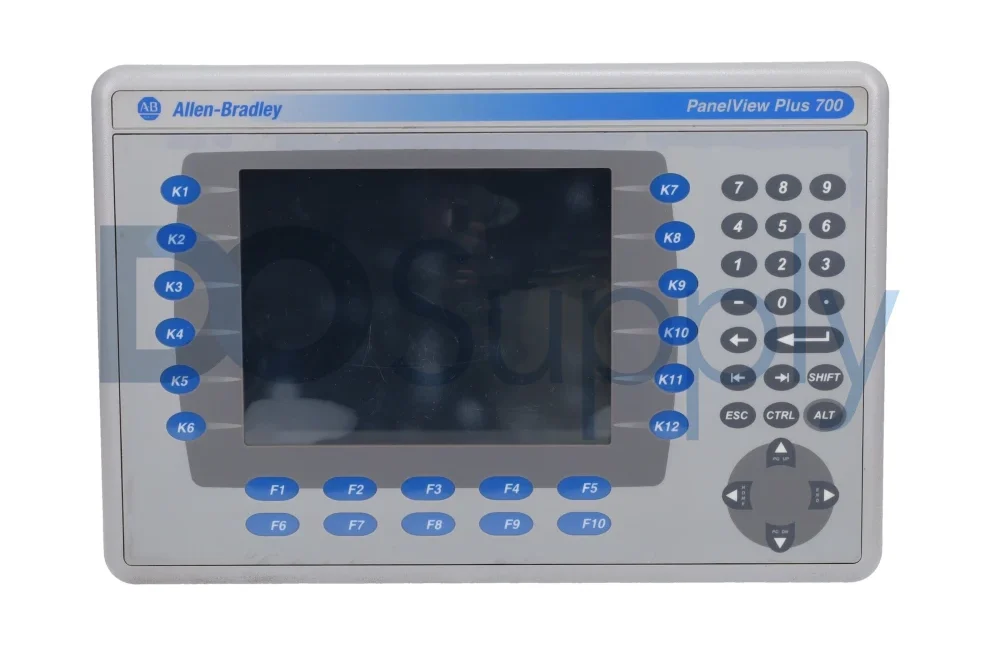
While PLCs and CPUs manage logic and execution, HMIs are designed for human interaction. An HMI is the visual, interactive panel that operators, technicians, and engineers use to monitor and control a machine. It commonly takes the form of a touchscreen panel, an industrial PC, or a web‑based dashboard.
HMIs display real-time data from PLCs, including device status, operating conditions, fault alarms, temperature, and other alert signals. Additionally, they allow operators to give different commands to the PLC, such as selecting operating modes, modifying setpoints, or turning a machine on or off. Working with PLCs without HMIs would need a laptop and programming software, which is impractical for automation. Automation systems can be used by people without programming experience thanks to HMIs, which translate complex machine data into understandable screens.
How Do HMIs, PLCs, and CPUs Work Together?
For HMIs, PLCs, and CPUs to operate jointly, they need effective communication. Such communication usually occurs over industrial networks such as Ethernet/IP, Profinet, Modbus TCP, or Profibus. These protocols specify how information is transferred dependably and in real time.
The PLC serves as the main data source. The CPU within the PLC refreshes internal memory tags according to inputs and logic. The HMI accesses these tags to show information on the screen. When an operator presses a button on the HMI, the HMI writes a value back to a PLC tag, which the CPU then processes.
The data exchange is ongoing and rapid. In properly engineered systems, refreshes occur several times each second, providing operators with almost real‑time information. The dependability of this connection is essential, as late or erroneous data may cause unsafe or inefficient machine performance.
How the PLC Scan Cycle integrates everything
Understanding the interaction among PLCs, CPUs, and HMIs is easier when you examine the PLC scan cycle. That cycle represents the recurring sequence that the CPU executes to manage the equipment.
First, the processor gathers all sensor input signals and records their statuses in memory. Next, it executes the control program step by step, using the input data to determine actions. During this stage, the processor assesses conditions, timers, counters, and logical instructions. Finally, it refreshes the output signals and issues commands to the actuators.
HMIs communicate with the process by accessing and modifying memory tags either within or between scan cycles. Since the scan cycle is deterministic, engineers can predict how quickly an HMI change will affect machine operation. This predictability is a key factor why PLCs are favored over conventional computers in industrial control.
Instant Decision Process on a Machine
A major advantage of PLC-based systems is their ability to make real-time decisions. The processor handles inputs and logic at a consistent, predictable speed. This enables equipment to react instantly to shifting conditions.
For example, when a safety sensor detects a blockage, the PLC CPU can halt the equipment within a few milliseconds. Simultaneously, the HMI can show an alarm indicating the reason for the stop. This interaction among PLCs, CPUs, and HMIs provides both safety and transparency.
In intricate machines, several decisions can take place concurrently. The processor prioritizes functions such as safety logic, motion control, and communication. Modern PLCs utilize multitasking processors to manage these tasks efficiently without delays.
Information Transfer from Sensors to Displays
One helpful perspective on the system is to view it as a data stream. Sensors produce raw measurements from the physical process. PLCs collect this data, and the CPU converts it into useful information. HMIs subsequently display that information to users in an understandable format.
For instance, the PLC receives an analog signal from a carbon monoxide sensor. That signal is converted by the CPU into a physical unit, such as g/meter cube. It then determines if any particular remedy is required by comparing this value to predetermined criteria. The CO quantity, overall system status, and any alarms are shown on the HMI.
System design and fixing issues are made easier by this clear separation of activities. CPUs manage execution, PLCs manage control, and HMIs manage interface and display.
How Applications and Interfaces Are Created Jointly
Typically, PLC and HMI undergo development progress together. Engineers create PLC tags that depict machine conditions, commands, and measurements. The identical tags are subsequently employed in the HMI to show information and receive user input.
Since PLCs act as the sole source of truth, every piece of logic is contained within the CPU program. HMIs do not perform control decisions; they merely display and affect PLC data. This architecture enhances safety and uniformity because crucial decisions are never delegated to the user interface.
Contemporary engineering tools enable PLC and HMI projects to be built within a single software environment. This close integration diminishes errors and assures accurate data mapping between PLCs and HMIs.
Security and Dependability in Integrated Systems
Safety is a key factor behind the prevalence of PLC‑based solutions in industrial automation. PLC processors are built to shut down safely, and numerous installations use safety‑rated PLCs equipped with dedicated safety processors. These units manage emergency stops, light curtains, and safety interlocks separately from the regular logic.
HMIs enhance safety by delivering clear alarms, warnings, and instructions. If a fault arises, the HMI can lead operators through diagnostic procedures while keeping them safe.
Final Thoughts
In conclusion, HMIs, PLCs, and CPUs do not function as standalone units. They constitute components of an integrated control system, each with a specific purpose. PLCs offer framework and control logic, CPUs supply computational capability and judgement, and HMIs form the interface linking people and equipment. If the design is done properly, this interaction yields equipment that is safe, efficient, and user‑friendly. Information moves effortlessly from sensors through the controller to displays, and instructions return just as fluidly. Consequently, PLC‑based solutions continue to underpin industrial automation across sectors such as manufacturing, Building Management, energy, water treatment, and many others. Understanding how these three components interact with each other is very important. It provides a concrete understanding that enables engineers to create superior equipment, allows operators to manage it more efficiently, and lets organizations boost productivity with assurance.
Finding the right PLC, CPU, and HMI combo doesn’t need to be difficult. That’s why we have our support team on standby to help you find the right combination for the right job. Not only that, we carry numerous PLC families and supporting accessories, drives, motors, and everything in between, all ready to ship same-day and backed by our two-year warranty. Have broken equipment that needs repairs? No problem! Send them in to be fixed or replaced by our team of technicians today! If you would like to read more about PLCs, we have an article here that compares PLC brands based on reliability, cost, and support in 2026 here.
DO Supply Inc. makes no representations as to the completeness, validity, correctness, suitability, or accuracy of any information on this website and will not be liable for any delays, omissions, or errors in this information or any losses, injuries, or damages arising from its display or use. All the information on this website is provided on an "as-is" basis. It is the reader's responsibility to verify their own facts.