PanelView Performance in Harsh Environments
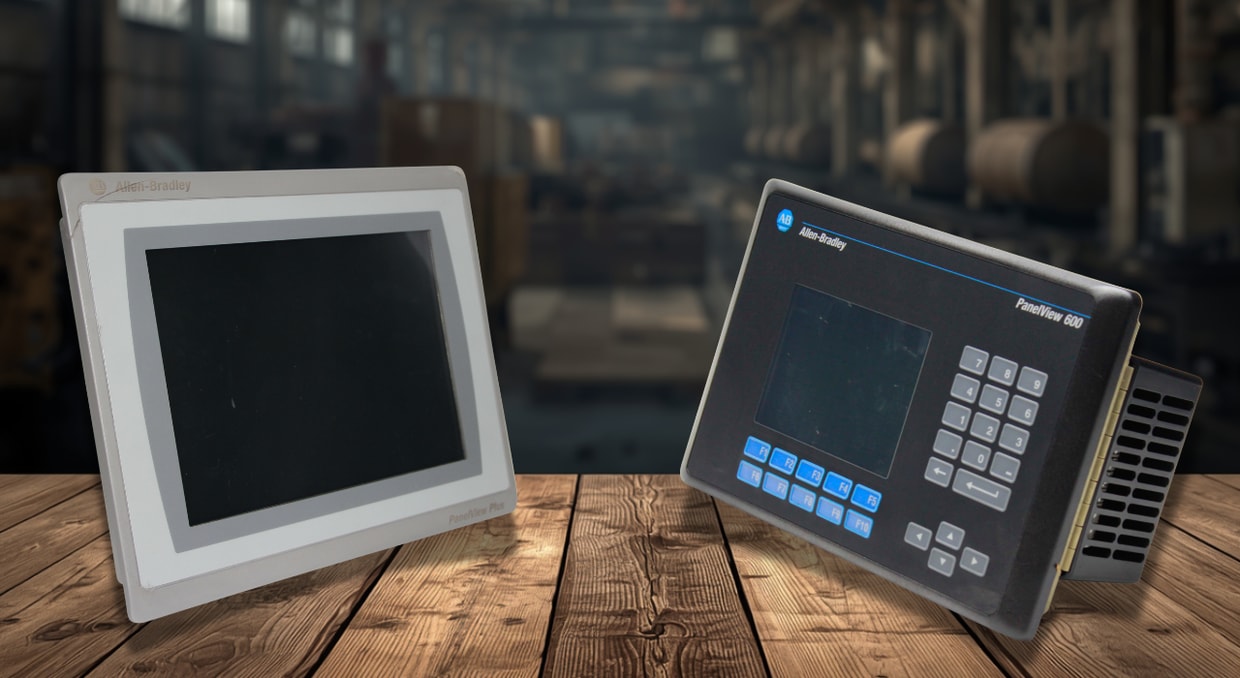
For industrial automation engineers, the HMI isn’t just a screen—it’s the nerve center of the entire operation. And when you put that center somewhere tough, like a food processing plant, offshore rig, or chemical facility, ordinary commercial displays just don’t cut it. This is where Rockwell Automation’s PanelView family really stands out, specifically the PanelView Plus 7 Performance and ArmorView Plus 7 terminals.
You can read spec sheets all day, but it’s more important to know how PanelView terminals survive wild temperature swings, corrosive gases, and brutal washdowns. dLet’s dig into what makes the PanelView excel in harsh, demanding environments, so you know your HMI investment won’t let you down.
Thermal Endurance
First off: temperature. Electronics hate extreme heat and cold, and PanelView terminals have to stay stable, even when sealed up tight inside enclosures with bad ventilation. Rockwell spells out exactly what these displays can handle. Most PanelView models—the 6.5-inch, 9-inch, 10.4-inch, 12.1-inch, and 15-inch versions—operate reliably between 0 and 55 °C (32–131 °F). But the larger 19-inch versions are a bit different: Series A operates from 0 to 50 °C (32–122 °F), while Series B goes up to the standard 0 to 55 °C. ArmorView Plus 7 terminals—another flavor of PanelView—operate from 0 to 50 °C, but with the optional I/O plate from the VESA Mounting Kit, the operating range drops to 0 to 45 °C.
When you aren’t using them—like during shipping or storage—PanelView terminals don’t mind going from -25 up to 70 °C (-13 to 158 °F). That means they’ll survive everything from a freezing container to a sun-baked warehouse.
Thermal Dissipation Data
Thermal management isn’t just about survival—it’s about heat dissipation. Put a terminal inside a sealed enclosure, and it heats up quickly. For example, the 6.5-inch DC PanelView (touch-only or touch-and-keypad) puts out 51 BTU, but Series B is slightly more efficient, dropping to 38 BTU. The AC version bumps up to 53 BTU. If you move up in size, the numbers rise. A 9-inch DC PanelView (Series A) spits out 55 BTU; Series B improves that to 41 BTU. The 12.1-inch DC (Series A) gives you 60 BTU, and Series B or stainless steel versions cut it to 49 BTU. The 19-inch monsters are the hottest: DC units put out 114 BTU (Series B is 92 BTU), and AC versions hit 119 BTU.
Vibration, Shock, and Altitude
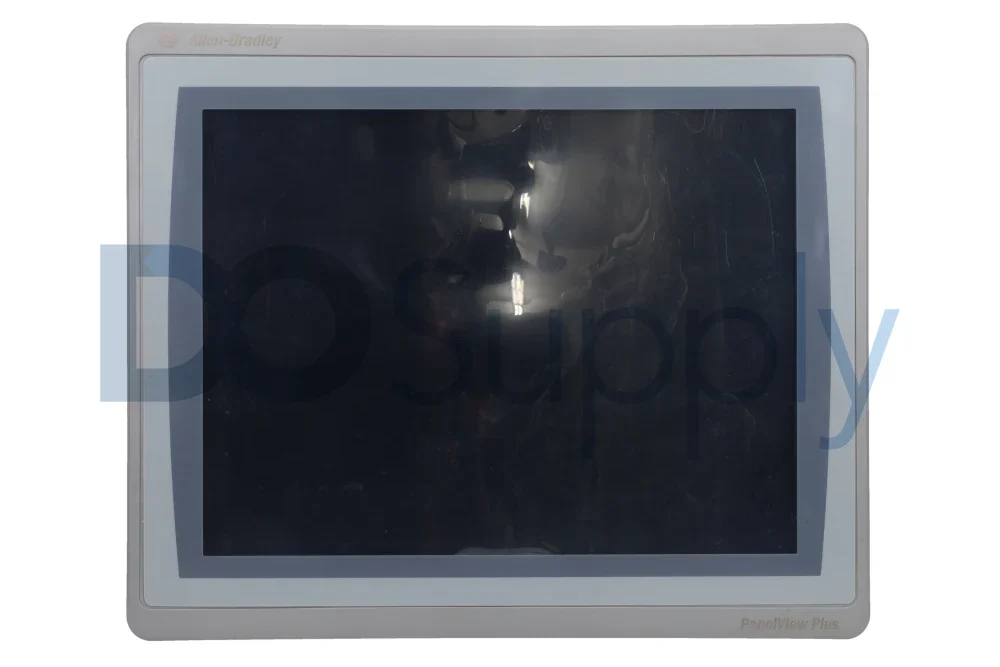
For shock resistance during operation, the PanelView handles 15 g at 11 ms. In non-operating conditions (e.g., transport after removal), the tolerance doubles to 30 g at 11 ms. For engineers using the ArmorView Plus 7 with an arm mount coupling, note that the operational shock rating drops to 5 g at 11 ms. Regarding altitude, all PanelView terminals operate up to 2000 m (6562 ft) without derating, a critical specification for high-elevation mining or mountain-top radar installations.
Harsh settings are rarely predictable. A PanelView on a packaging line or a drilling platform must withstand vibration and shock. For the smaller sizes—6.5, 9, 10.4, 12.1-inch —and the ArmorView Plus 7, these displays handle peak displacement of 0.012 inches from 10 to 57 Hz and 2 g acceleration from 57 to 500 Hz. The 15-inch and 19-inch units get a bit more cautious: 0.006-inch displacement from 10 to 57 Hz and 1 g acceleration from 57 to 640 Hz.
Shock testing is pretty intense. During normal operation, PanelView can handle 15 g at 11 ms. When powered off and getting transported, it’s tough enough for 30 g at 11 ms. If you use an arm-mounted ArmorView Plus 7, its shock rating drops to 5 g at 11 ms. These terminals work up to 2000 meters (6562 feet) without losing performance, which is handy for any job in high-elevation spots like mining or mountain radar stations.
Environmental Sealing
Enclosure rating is essentially life-or-death for food, beverage, or pharma applications. Standard PanelView terminals are rated NEMA/UL Type 12, 13, 4X, and IP66—tested and certified by UL. But for the nastiest washdown jobs, the PanelView Plus 7 Performance Stainless Steel Series B and C step up with IP69K (ISO 20653) ratings. So, yes—they handle high-pressure, high-temp steam cleaning, typical in dairy and meat facilities.
Humidity’s another hidden enemy. PanelView units tolerate 5–95% relative humidity—as long as there’s no condensation. That’s crucial because condensation can make circuits temporarily conductive, causing all kinds of trouble.
Corrosive Atmosphere and Chemical Resistance
Factories are full of airborne chemical grime. When you see a ‘K’ or “BSHK” in the PanelView catalog number, you’re looking at corrosion-resistant models. These stand up to ASTM B845-97 Method K 20-day exposure, earning Severity Level G3 for airborne contaminants (ANSI/ISA 71.04-2013) and CX for chemically active substances (IEC 60721-3-3:2019). Basically, they’ll take up to 86.4 g/(m²·yr) copper corrosion mass loss and keep working. Just remember—the port plugs have to stay installed in unused ports for this protection, and the outer surfaces are also chemically tested. You may see some discoloration from aggressive chemicals, but Rockwell guarantees it won’t affect the terminal’s performance.
Pollution Degree and Hazardous Location Certifications
People often ask about pollution ratings. IEC-664-1 talks about four levels: Degree 1 means dust doesn’t matter, Degree 2 is non-conductive with a bit of condensation, Degree 3 gets bad (conductive grime in tough settings), and Degree 4 is total trouble—constant wetness from rain or snow. PanelView Plus terminals are built for Pollution Degree 2 and Overvoltage Category II use. That might surprise folks looking for “harsh environment” gear, but it just means the inside of the panel stays clean; the enclosure keeps out the really nasty stuff.
What if things explode? The PanelView Plus 7 Performance (E10314) is certified for hazardous locations—Class I, Division 2, Groups A, B, C, D; Class II, Division 2, Groups F and G; and Class III, Divisions 1 and 2—thanks to cULus certification under ANSI/ISA 12.12.01 and CSA C22.2 No. 213.
Addressing Cold Environments
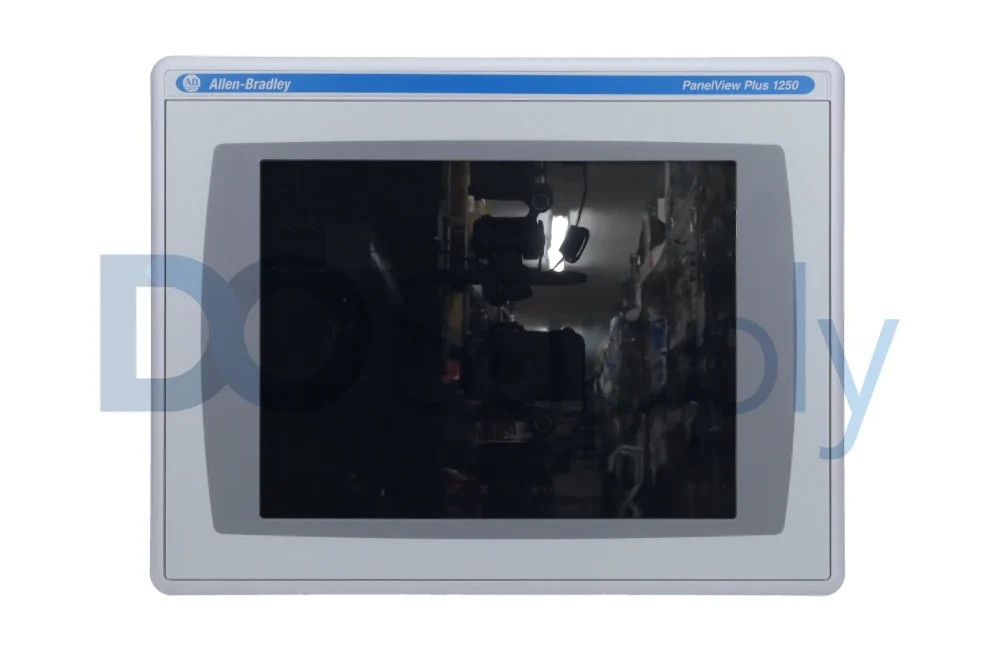
Cold starts are another common concern. People ask if heaters can be used with PanelView Plus terminals inside enclosures. The answer is yes, as long as the inside stays at least at freezing (32 °F/0 °C). Rockwell doesn’t make a dedicated heater, and if you need to run below freezing, the standard PanelView won’t cut it. Instead, use Allen-Bradley’s 1200XT line—part of the XT Extreme Environment System—which operates from -20 up to 70 °C (-4 to 158 °F).
Global Regulatory Compliance
Last but not least—regulations. PanelView meets a laundry list: CE (EMC) for EN 61000-6-2 and EN 61000-6-4, CE (LVD) via EN 61010-2-201, North American compliance with UL 61010-1 and CSA-C22.2, plus RCM (Australia), KCC (Korea), UKCA, Morocco, RoHS for China, Türkiye, Saudi Arabia, UAE, and Europe. Stainless Steel Series B and C add NSF/ANSI/3-A 14159-1 and NSF/ANSI 169 approval for hygiene in meat and poultry environments.
Conclusion
PanelView terminals aren’t fragile IT gear. From the smaller touch models (38 BTU) to the big 19-inch units surviving crazy shocks (30 g), these are built for punishment. Stick to the thermal, humidity, and enclosure specs—use the IP69K stainless steel options for the toughest washdowns—and check the catalog for the ‘K’ suffix if you need corrosion resistance. For deep freeze operations, grab the XT Extreme Environment System. PanelView doesn’t compromise when it comes to harsh environments—it’s built to last, and that’s why it’s the standard for industrial HMIs.
If you are replacing an aging HMI, planning a washdown-related installation, or trying to match a PanelView terminal to a demanding application, we at DO Supply can help you find the right fit. We carry a wide selection of Allen-Bradley PanelView terminals, including PanelView Plus 7 Performance models, stainless steel options, replacement units, and supporting accessories. Our team can also help with repairs, sourcing, and replacement planning, so your operator interface is ready for the environment it actually has to live in. If you would like to learn more about HMIs, we have an article going over how screen design affects downtime here!
DO Supply Inc. makes no representations as to the completeness, validity, correctness, suitability, or accuracy of any information on this website and will not be liable for any delays, omissions, or errors in this information or any losses, injuries, or damages arising from its display or use. All the information on this website is provided on an "as-is" basis. It is the reader's responsibility to verify their own facts.