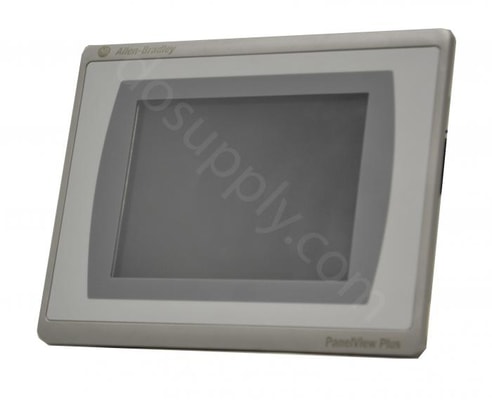
The PanelView 550 Standard Terminal HMIs have been in service for many years. Introduced by Allen Bradley to facilitate factory automation and provide real-time actionable data to users and technicians, the 550 Standard was a workhorse. The units were sturdy and reliable and were scalable across a wide range of applications. As automation capabilities have improved through more flexible communication, onboard capabilities provided by machine OEMs and further connectivity on broader networks, Allen Bradley introduced HMIs such as the PanelView 7Plus to provide a more flexible HMI platform to monitor and control devices for even more applications. Comparing the legacy PanelView 550 and the PanelView Plus 7 To fully understand the improvements in the PanelView Plus 7 over the PanelView 550 Standard, here is a direct comparison of the key features and capabilities of both. Screens The importance of HMIs in modern factories is undeniable. And screens and alarms on HMIs help monitor and...
Automation and control systems run the gamut from both simple to complex as well as small to large. Allen Bradley’s PanelView Plus 7 was introduced to better visualization for larger and more complex applications. In addition to best-in-class functionality, the PanelView Plus 7 offers a larger screen and much more processing power. In today’s complex manufacturing environments, visualization is critical to manage production or process flow. To do this, companies rely on multiple terminals as well as many PCs for both remote monitoring as well as programming. The PanelView Plus 7’s embedded Ethernet capability and two Ethernet ports allow it to function in a number of complex control solutions such as device level ring topology. The Ethernet connectivity is key to the PanelView Plus 7’s success in allowing managers and technicians direct as well as remote access to configure devices, troubleshoot process issues and review and address alarms. Because of its importance to the PanelView...
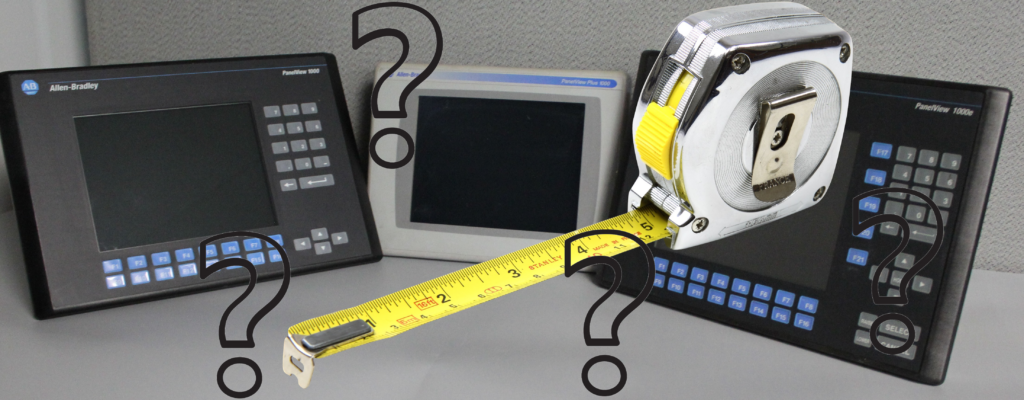
Graphic terminals are an essential part of most modern operating systems. They provide solutions for human machine interface issues where access at the point of need by an operator, manager or technician is critical. By providing access where needed, users can achieve visualization of the process they seek to manage and allows them to make changes quickly and accurately. Today’s HMIs are also built for shock, vibration and other harsh conditions found in a manufacturing environment. And they are built to work with modern communication protocols such as DeviceNet, ControlNet, EtherNet/IP, and others. One superior family of solutions for automation and interface applications is the PanelView Family by Allen Bradley. The PanelView family offers the above solutions and has all the hardware, software, and communication needs built in. But which PanelView is right for your application? And how do you choose the right model, or mix of models, for your automation system. Here are some...
In today’s connected factory, visualization and interaction through human machine interfaces (HMI) are critical components of any control system. The PanelView family of HMI devices from Allen-Bradley is ideal for small, medium and large HMI systems. By leveraging the power of these devices, HMIs become scalable, adaptable and perfect for managing critical data and machine level inputs. Before you can determine whether the PanelView 700 or PanelView 1000 is best suited for your needs, one must understand that there are several families within the PanelView ecosystem. Each of these family groups have a 700 and 100 series, but there are differences in the two programming platforms that should be considered. An older offering from the Allen-Bradley line, the PanelView 6 consists of the PanelView Plus 6 and the PanelView Plus 6 Compact. The PanelView Plus 6 platform is used for applications with a larger footprint that connect with many controllers. This platform supports older...
Display resolution are the pixels that can be displayed and is shown in width and height measurements. The higher the numbers, the crisper the image will be. Larger screens are able to display more pixels than smaller screens. VGA in the display resolution is a standard introduced in the 1990’s referring to Video Graphics Array. Higher resolution screens show WVGA, XVGA, and more. Refer to a standard chart for an explanation of pixels in each array. Each PanelView section contains a comprehensive specifications document. Always consult this before finalizing your purchase or installation plan. Here are the terminal dimensions display resolutions and other available display data for each series of PanelView in the Allen-Bradley line. The PanelView 5000 series contains the 5510 and the 5310 models. These graphic terminals offer modern design and Logix Integration for easy engineering configuration. Color depth – 24-bit color graphics (16.7 million colors) Backlight – light-emitting...
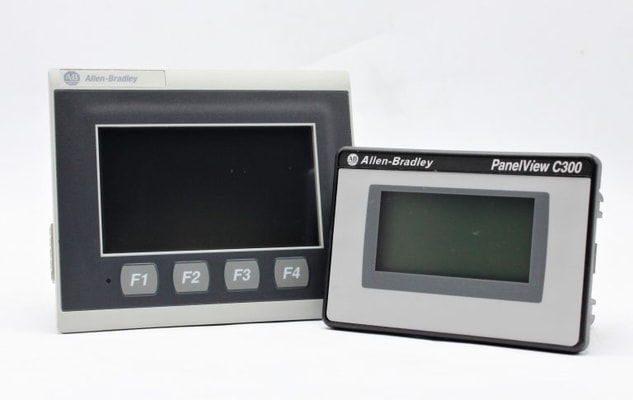
The Allen Bradley Panelview 800 family is the generational replacement for the Panelview Component family. As of July 2018, the Panelview Component family was discontinued and no longer from sale from the manufacturer, with the Panelview 800 as a functional replacement. For those applications currently using Panelview Component HMI’s, this comparison will help determine which Panelview 800 would be the appropriate replacement. The Panelview Component family debuted in 2010 and was designed for micro and small automation applications. Screen sizes ranged from 2” to 10”, with the 2” having additional function buttons and the 3” and 4” screens having options for additional function buttons. Screens were either monochromatic or up to 256 color RGB. Power requirements for the units was 24VDC and from 3.5W to 18W for the smaller to the largest screens. Connectivity was via Ethernet or serial communications. In general, these were simple, smaller, easy to use screens that utilized Panelview...
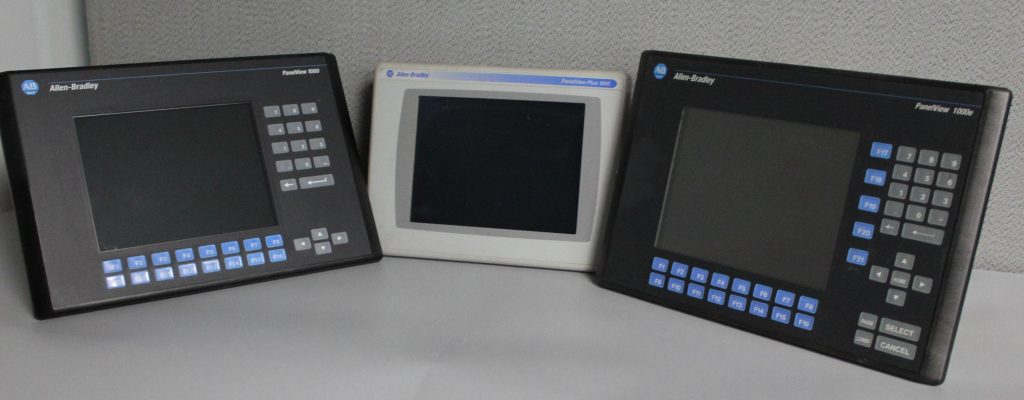
FAMILY: PanelView Standard PanelView Plus 6/ 7 PanelView Enhanced TERMINAL: PanelView 1000 PanelView Plus 7 1000E Catalog Number: 2711 2711P 2711E Through the years Rockwell has manufactured many different lines of PanelView HMI products. One of the most popular products was the PanelView Standard line of products which includes the PanelView 1000 , launched in 1998. The PanelView 1000, which replaced the PV 900 was available in both grayscale (orange) and color with both Keypad and Touch Input options. The PV 1000 (grayscale) utilized a 10.4” Electro Luminescent display with VGA resolution while the Color model had a similarly sized color VGA active matrix TFT display. Communications options depend on part number configuration but included the full range of protocols and interfaces (DH+, Remote I/O, DeviceNet, ControlNet and Ethernet/IP.) The PanelView Standard line has been discontinued by Rockwell at the end of 2012. Replacement of these HMIs requires engineering to adapt existing...
When it comes to the process automation and advanced system design, PLCs, SCADA, and HMIs play crucial roles. A PLC is a hardware-based device, SCADA is a system that works in conjunction with the PLC. But, an HMI is also a system that works in conjunction with a PLC. Since the SCADA system and an HMI can complete more or less the same functions, it’s crucial that you know the difference between these two. In this article, we’ll talk about each of them and explain their functions. Furthermore, we’ll discuss how they work together in a seamless system that controls different functions. We suggest that you grab a cup of coffee– it’s going to be a long read! SCADA didn’t get its name by luck, it is actually an abbreviation that stands for Supervisory Control and Data Acquisition. As we said earlier, it’s a system that has both software and hardware elements and is usually used for a couple of things: Control of various processes from a remote location or locally Interaction with sensors...