DO Supply is a global automation parts reseller focused on hard-to-find and obsolete industrial automation
products. Based out of Raleigh, NC, we service customers worldwide, providing excellent customer and sales
support, as well as offering our top-of-the-line warranty on all parts sold.
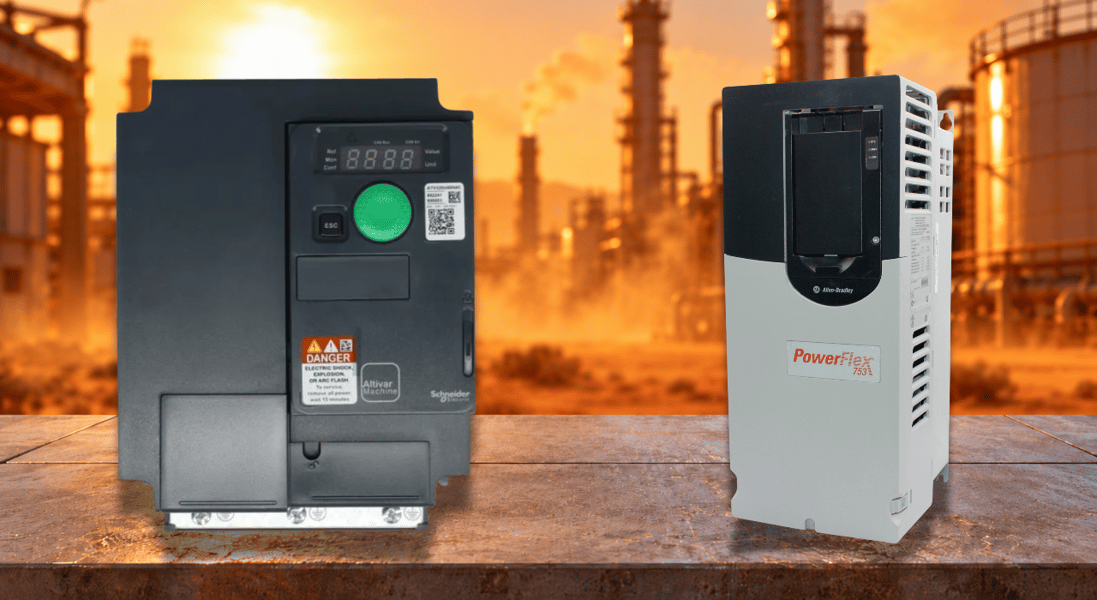
Sizing the right AC drive can be a bit complicated. After all, you’re met with motor nameplates to match, power supply considerations, and environmental parameters. Though for operations in hotter-than-normal temperatures, at high elevations, or even with single-phase power, things get even trickier. These conditions call for derating your AC drive. Derating an AC drive means lowering its maximum continuous current or output capacity below its nameplate rating due to environmental conditions, such as high temperature, elevated altitude, and phase conversion. Today we will walk you through when it’s appropriate to derate your AC drive and why it is beneficial. Derating an AC drive is important to keep the system optimized during operation in extreme conditions. It involves lowering your drive’s current or output in increments, depending on the severity of the condition. This will help protect the drive from overheating and extend its longevity at the sacrifice of performance. This...
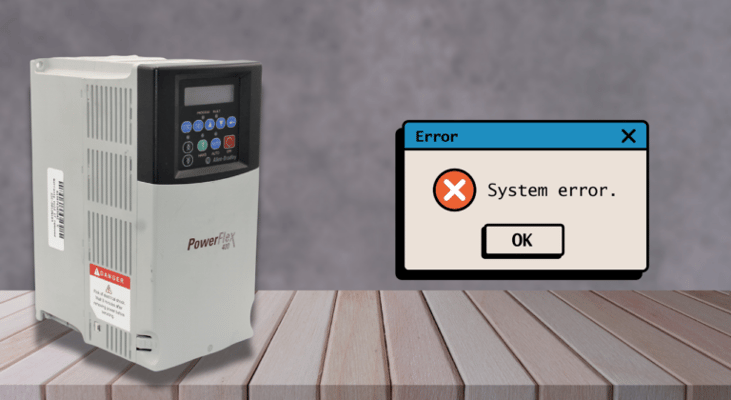
The most time-consuming diagnostic issue in industrial motor control is intermittent drive faults. Production halts, the drive trips, a technician resets it, and it runs for hours before malfunctioning again under similar circumstances. Since the drive is the most visible component and is showing the failure code, it is natural to blame it. Replacing the drive instantly restores production. The issue is that most persistent drive problems can be traced to external factors, such as loose power connections, deteriorated cable insulation, mechanical binding, supply voltage disruptions, or interference from control signals. A mechanical or electrical root cause, rather than a drive malfunction, often causes intermittent drive failure under the same circumstances. Effective drive fault research starts with understanding these external sources and the diagnostic methods that separate them. In industrial installations, loose connections are the second most common cause of drive faults. Heat...
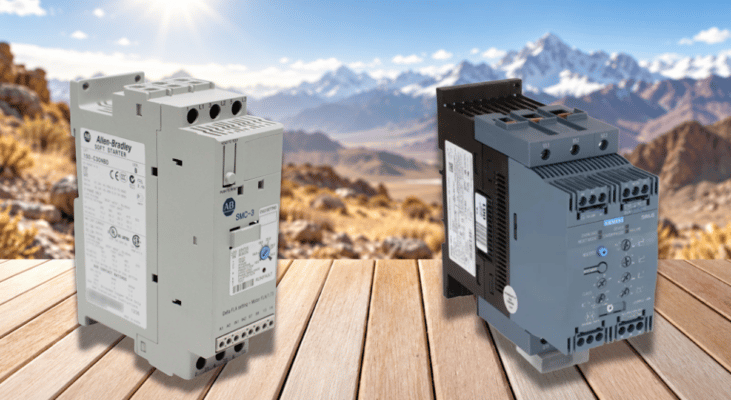
Every soft starter rating is based on a defined set of assumptions about ambient conditions, and those assumptions no longer hold once conditions change and the rated current can no longer be taken at face value. Specifying engineers and maintenance staff need to understand how ambient conditions interact with a soft starter’s thermal and dielectric limits in order to avoid nuisance trips, accelerated part wear, and outright failure. Manufacturer data from ABB, Siemens, Schneider Electric, and Rockwell Automation all point to the same underlying truth: a soft starter’s nameplate rating is a starting point, not a guarantee, once temperature, altitude, humidity, contamination, or vibration depart from standard test conditions. Understanding these factors is essential for correctly sizing and installing a soft starter in real-world operating environments. A soft starter’s current rating is assessed at a reference temperature; typically, this is 40 degrees C. This figure reflects the...
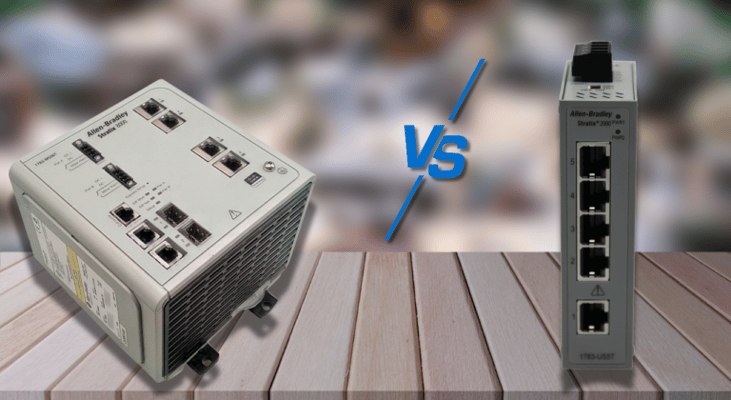
Industrial automation systems rely on industry-grade Ethernet switches to provide reliable communication among Variable Frequency Drives (VFDs), Programmable Logic Controllers (PLCs), remote I/O modules, HMIs (Human-Machine Interfaces), and other networked devices. Selecting the right Ethernet switch is a key consideration when designing, upgrading, or expanding an industrial network. Industrial Ethernet switches are primarily classified as unmanaged or managed. Unmanaged switches require no configuration and generally provide basic plug-and-play connectivity. These switches are used in small, basic networks that do not need redundancy, traffic control, advanced monitoring, or diagnostic capabilities. Conversely, managed Ethernet switches offer control over network functionality, providing greater visibility. They also support diagnostic protocols, including the Simple Network Management Protocol (SNMP). In addition, various managed Ethernet switch models do support access control...
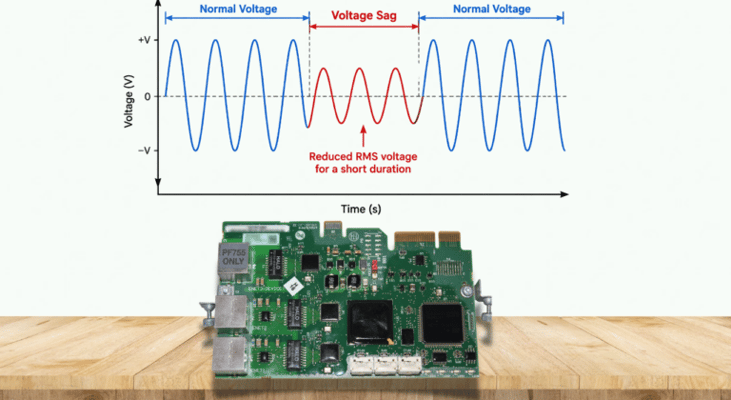
A voltage sag on the incoming AC line may seem like a minor issue with little effect on your drive, but this isn’t always true. Every frequency inverter has a DC bus that briefly absorbs fluctuations, deciding whether the sag causes a trip, an alarm, or lets the drive ride through the event. This article covers each part of that process, drawing on Schneider Electric’s insight into where the DC bus voltage comes from, and explains the internal chain from rectifier to DC bus and its protection, with examples of products offering this capability. A Diagram of Voltage Sag A rectifier converts incoming three-phase AC to DC and charges the capacitors on the DC bus . For a typical diode-rectifier drive, the DC bus is roughly 1.35–1.41 times the RMS line voltage, depending on drive design and operating conditions. So where the input voltage is normally 480 V, the DC bus would read around 677 V. This lines up with figures quoted by Schneider Electric, who state that a 480V system has an...
A failure history log is kept on file by all contemporary variable frequency drives. Every problem the drive has encountered is recorded, together with the precise operating parameters at the time of each trip: output current, DC bus voltage, output frequency, heatsink temperature, and, most of the time, a timestamp that puts each incident in chronological order. For a maintenance engineer in front of a stopped machine, this record is the most comprehensive diagnostic data source. In industrial maintenance, it is also the diagnostic tool that is most often disregarded. For example, the fault history is cleared before it can be read, or the reset button is pressed before data can be recorded. This article covers what drive fault history contains, how to interpret it properly, and why the quickest route from a tripped drive to a permanently fixed defect is to use it methodically. Most drives keep some form of fault history, but the amount of stored information depends on the model. This...
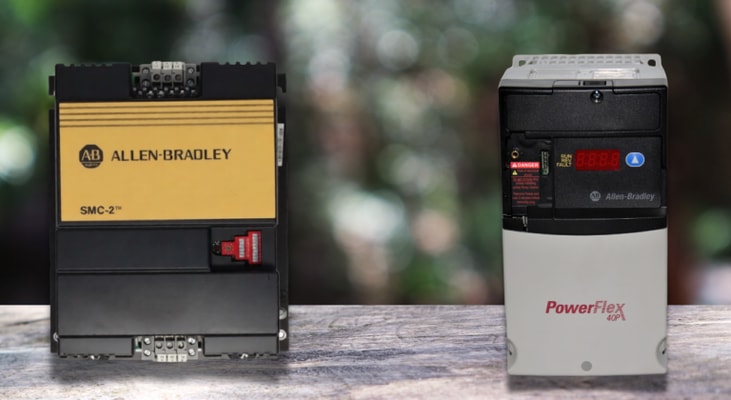
Motor control comes in all different shapes and sizes depending on its use case and feature set. Soft starters, for example, are a fantastic solution when the goal is to bring a motor up to speed gradually without subjecting your equipment to the sudden shock of an across-the-line start. By gradually controlling the power delivered to the motor during startup, they can reduce starting current, limit mechanical shock, and provide a smoother acceleration. However, they aren’t a fit for every motor application. The biggest limitations usually appear after the motor starts. Once acceleration is complete, a soft starter typically supplies the motor at full line conditions, often through a bypass contactor, and provides far less continuous motor control than a variable-frequency drive. There are also applications where a soft starter adds complexity and expense without providing much benefit. Understanding these situations can make the difference between choosing a controller that fits the...
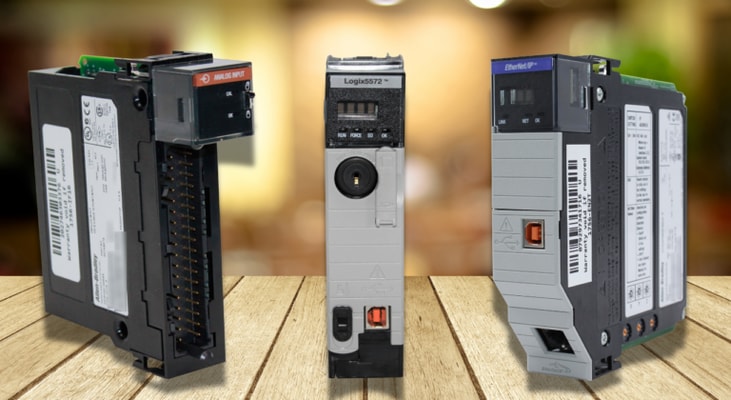
Unplanned downtime is one of the biggest concerns in industrial production. A single control-system failure can stop an entire production line, leading to lost material, idle equipment, missed deadlines, and costly delays. For this reason, high-uptime ControlLogix systems are designed around more than just the controller itself. Controller redundancy, resilient EtherNet/IP networks, redundant power, distributed I/O, and advanced diagnostics can all help keep a system running when something goes wrong. However, simply installing higher-end hardware does not guarantee reliability. The overall architecture still needs to reduce single points of failure and allow the system to recover quickly when a fault occurs. High-uptime control systems should be engineered to withstand single-component hardware failures while maintaining continuous operation — without interrupting data execution or process outputs. The ControlLogix platform accomplishes this through a synchronized, redundant chassis...
Distributed control systems, essential to modern industrial automation, need distinct hardware components to communicate seamlessly across large facility floors. The Programmable Logic Controller (PLC) is at the core of this system. PLCs execute control logic, process sensor and I/O data, command field devices, and exchange information with HMIs, SCADA systems, drives, remote I/O, and higher-level systems. But a PLC’s effectiveness depends on the communication networks that connect it to company databases, input/output (I/O) modules, human-machine interfaces (HMIs), and supervisory control and data acquisition (SCADA) systems. Over the last several decades, simple proprietary serial lines have given way to sophisticated, high-speed Ethernet-based protocols. Determinism, bandwidth, distance, setup complexity, and cybersecurity must all be balanced to choose the best protocol, which is seldom a simple technical task. Automation engineers must understand these trade-offs to build...
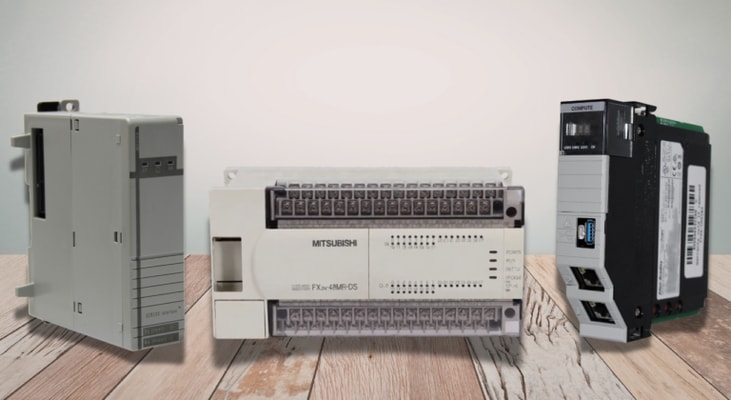
When choosing a PLC, the system’s architecture affects all subsequent engineering work, from how control panels are drawn to the cost of maintaining the system over years of service. Most PLCs fall into one of two competing design philosophies: modular architecture, where the I/O, CPU, and power supply are separate elements on a common backplane, or fixed architecture, where all of these are combined in a single housing. Every major PLC vendor offers product lines that follow both designs, and understanding how each platform is laid out helps an engineer pair architecture to application rather than defaulting to whatever solution is already sitting on the shelf. Comparing the five largest control vendors in Europe, North America, and Asia – Rockwell, Siemens, Schneider Electric, Mitsubishi, and Omron – all of which market modular and fixed models side by side – shows which factors vendors weigh when dividing fixed and modular I/O architectures. The real tradeoffs come down not to...
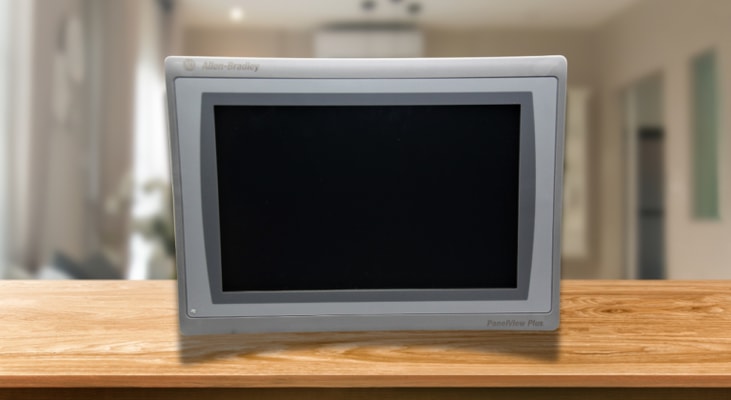
Modern mobile machinery and modular skid systems rely on Human Machine Interface (HMI) devices for real-time visibility, reliability, and durability in rugged operating environments. Rockwell Automation PanelView operator interfaces are designed for machine-level monitoring, control, diagnostics, and visualization. When properly mounted and protected, PanelView terminals can be used on portable industrial equipment, mobile skids, and machine-mounted control stations where operators need local visibility into machine status, alarms, diagnostics, and process conditions. This allows operators to quickly understand machine status and respond to faults and process changes. PanelView Plus 7 Standard terminals are designed for easy programming and integrate with Rockwell Automation architectures. These interfaces dynamically visualize operating information, making them suitable for systems that require quick operation and troubleshooting. The PanelView Plus 7 Standard series is intended for...
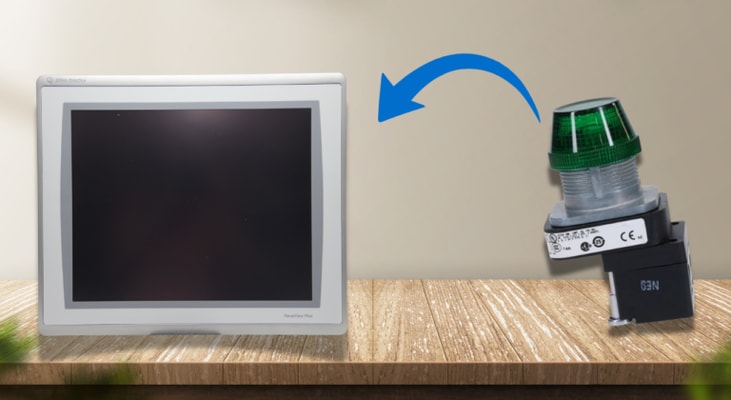
The question of whether to replace the row of pushbuttons and selector switches on the HMI eventually arises on practically every classic machine or control panel. One touchscreen rather than twenty separate devices seems like a straightforward surface-level alternative. The engineering response is far more complex. The way the operator interface is wired, how PLC logic processes inputs, how data is logged, and how alerts are displayed are some of the key changes. Everything else that comes into contact with the hardwired safety circuit must remain unchanged. The difference between a clean migration and one that results in unexplained PLC logic rewrites, or safety compliance problems mid-commissioning, is to formally distinguish between these two groups before the project begins. Before discussing what changes, it helps to be precise about what a pushbutton panel is doing at the wire level. Each pushbutton, start, stop, jog, and mode select wires a physical contact directly to a PLC...
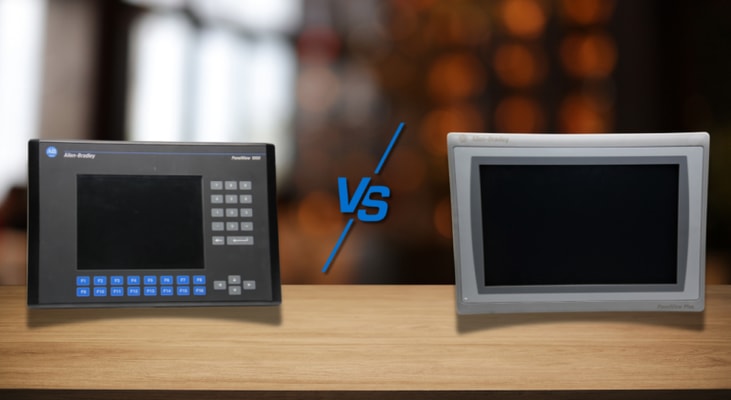
Choosing the right PanelView HMI is no easy task; it’s not just about the screen size or the communication protocol. A major choice is whether a PanelView terminal will be equipped with a keypad, a touchscreen, or both. PanelView models with a keypad enable a variety of functions under harsh operating conditions that touchscreen interfaces cannot. By understanding the true costs and benefits of these input methods, engineers, operators, and maintenance personnel can select the most appropriate PanelView solution for their application. Modern PanelView families vary widely in the input options available. PanelView 5310 and 5510 terminals use touchscreen input, while PanelView 800 and legacy PanelView Plus 6 models include keypad, touchscreen, or keypad/touchscreen options depending on the model. PanelView Plus 7 Standard terminals are primarily touchscreen-based. The choice of interface affects the operator’s efficiency, navigation speed, maintenance requirements, system reliability...
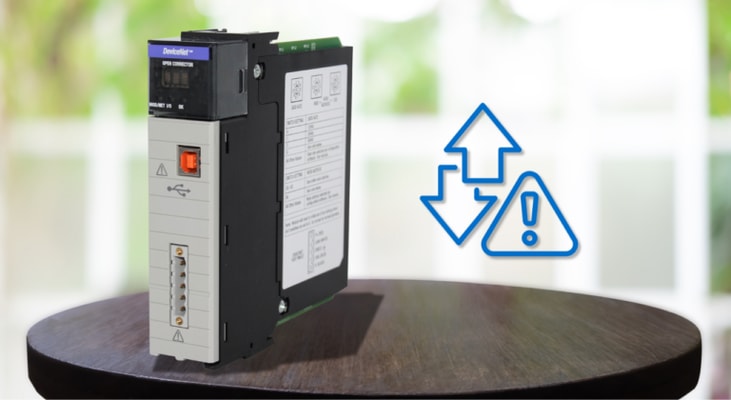
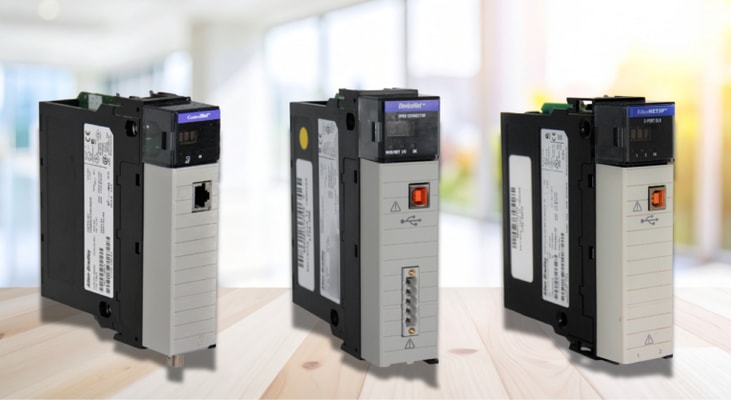
ControlLogix communication delays are often not the fault of a single component. In most field situations, the culprit is not a broken device but a design misalignment among the controller’s capacity, the choice of communication module, and the network built around it. A ControlLogix system is modular, and delays often trace back to a specific design decision: too many nodes on the I/O bus, the use of an antiquated bridge module, or a backplane routing configuration stretched beyond its performance envelope. Getting a strong grip on these mechanics and moving away from thinking of delay as just a generic “network problem” is what will distinguish a permanent fix from a temporary workaround. Every ControlLogix controller has an upper limit on the number of nodes and connections it can support, and exceeding that limit is one cause of communication lag. A node is any device added to the I/O configuration, and pushing a network beyond that count can cause delays that no amount of...
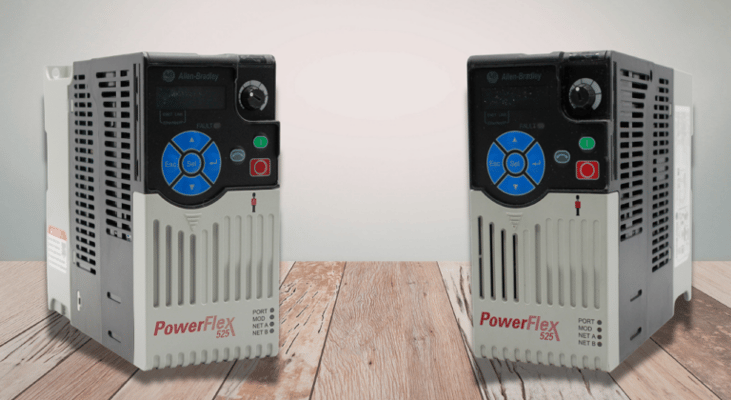
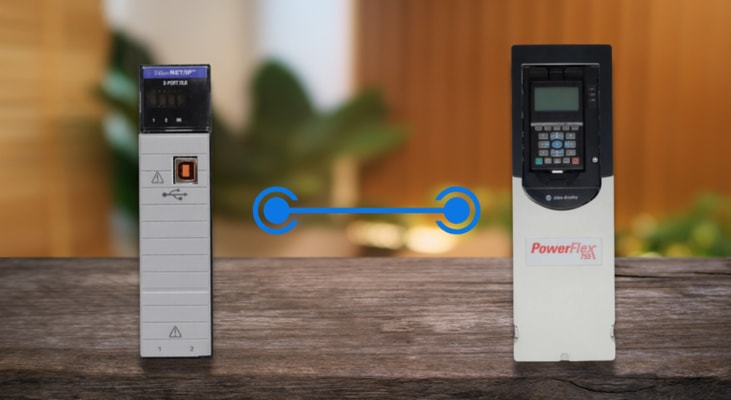
Variable frequency drives and programmable controllers have evolved from loosely connected hardware communicating via hardwired I/O to tightly integrated systems that share tag-based data, diagnostic information, and motion commands over a single industrial Ethernet network. The main point of this architecture in Rockwell Automation environments is the ControlLogix platform, and its integration with the PowerFlex drive family defines how modern Allen-Bradley-based control systems handle motor control from simple pump speed regulation to coordinated multi-axis positioning. This article covers the full integration architecture across hardware, communication protocols, Auto-Device Replacement, CIP Motion, and diagnostic practices. Order PowerFlex 755 Drives Here The PowerFlex drive portfolio spans several product lines, each with distinct integration characteristics when paired with ControlLogix. The PowerFlex 525 (catalog 25B series) is a compact drive rated from 0.5 to 30 HP and...
Industrial automation systems depend on PLCs exchanging data reliably and on time. When communication delays enter that chain, whether between PLCs and an HMI, between controllers on a network, or between PLCs and field devices, the consequences extend well beyond a sluggish screen update. In process-critical environments, even a few milliseconds of unexpected latency can cascade into equipment damage, unsafe states, or production loss. Delays in PLCs communication originate from multiple layers of the system. At the physical layer, cable quality, termination integrity, and media type set the baseline. At the network layer, excessive node counts, improper topology, and bandwidth saturation introduce queuing delays. At the application layer, message scheduling, packet fragmentation, and polling intervals determine how frequently data is actually refreshed. Order CompactLogix PLCs Today In EtherNet/IP-based systems, the dominant protocol on Allen-Bradley ControlLogix and CompactLogix...