PanelView in Packaging Lines: Where Touchscreens Save the Most Time
Packaging lines operate based on schedule adherence, cycle duration, transition time, error recovery duration, and shift transition time. Each second an operator spends navigating a poorly designed interface, searching for an alarm, or manually entering recipe values is a second the line fails to produce at maximum output. The PanelView series has been the leading HMI platform on packaging lines, and its built-in compatibility with the Logix ecosystem makes it well suited to the needs of modern packaging: rapid operations, frequent product transitions, strict fault-response requirements, and real-time production data collection without separate historian infrastructure.
Why Packaging Lines Demand More from an HMI?
Packaging lines have distinctly different requirements for the operator interface than process plants or discrete assembly cells. A line operating at 1,200 units per minute, executing complete product changeovers several times each shift, and staffed by operators with different experience levels requires an HMI that is swift, precise, and reliable no matter who uses it. PanelView 5510 terminals meet the demand for rapid visualization with adjustable screen refresh rates of up to 100 ms, allowing status updates on a quick-moving filling or sealing machine to appear on the operator display before the opportunity for intervention has elapsed. Standard HMIs with 500 ms update intervals cannot accurately monitor the condition of a high-speed packaging machine for effective operator reaction.
The PanelView Family: Matching the Terminal to the Station
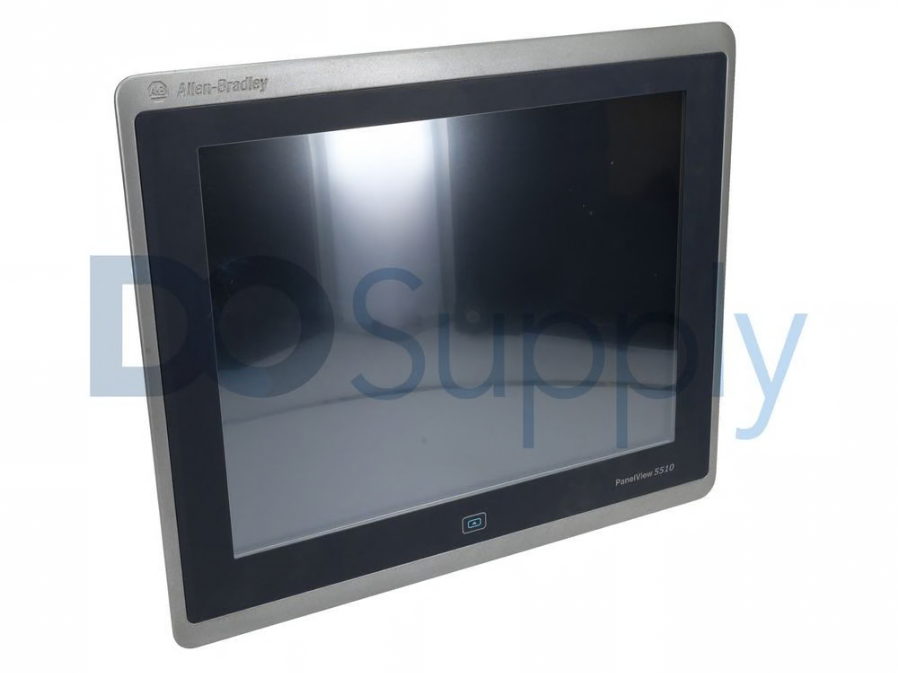
Each station on a packaging line does not need to have identical display sizes or functionalities. The PanelView 800, featuring displays ranging from 4 to 10 inches, manages infeed conveyors, case erectors, and straightforward station-level interfaces where essential visualization and limited parameter input are all that is needed. The PanelView Plus 7 Standard manages mid-complexity workstations, labeling machines, checkweighers, and date coders that require alarm management and recipe visualization, along with real-time status updates. The PanelView 5510 features projected capacitive touchscreens up to 21.5 inches, managing primary machine control panels, filling machines, form-fill-seal systems, and cartoners, ensuring a complete operational overview is accessible at a glance, with touch targets designed for gloved-hand operation in food settings.
Changeover Time: The Largest Recoverable Loss
PanelView Plus HMI panels provide user-friendly operator interfaces for real-time monitoring and recipe management, decreasing changeover time by 40%, from 30 minutes to 18 minutes per SKU in a recorded beverage line deployment. This outcome is common rather than unusual when PanelView recipe management takes the place of manual parameter input. In the absence of recipe management, an operator needs to access every specific parameter on every machine, input the updated value, and confirm the outcome, a process that multiplies across adjustments in filling volume, seal temperature, conveyor speed, and rejection threshold. A well-set-up PanelView recipe screen simplifies a complete changeover to just selecting the product code, verifying the download, and hitting run.
Recipe Management Architecture on PanelView
The PanelView recipe management architecture includes one screen that shows all adjustable parameters for the active product, a recipe selection control that accesses a database stored in the ControlLogix controller or the PanelView’s local storage, and a confirmation process that uploads all values in a single operator action. Recipe management reduces parameter entry, minimizes setup errors, simplifies reorder processes, improves consistency across runs, and lowers operator training needs. Producers operating various SKUs on a single machine gain the most advantage. The essential design guideline is that all recipe parameters for a full product change should be displayed on a single screen; using multiple screens brings back the time penalty that recipe management aimed to remove.
Alarm Management: Faster Fault Recovery
On a fast packaging line, fault-recovery speed directly affects how much product is lost during an unexpected halt. A filling machine halting due to a low-level sensor error at 1,200 units per minute loses 20 units per second in fault recovery time. The PanelView alarm management interface presents fault description, location, operator instructions, and acknowledgment controls in one unified display, significantly decreasing the time from fault occurrence to operator action when compared to older systems that spread fault information across various pilot lights and distinct fault code displays.
Tag Consolidation: Preventing Slow Screen Updates
A common issue with PanelView performance on packaging lines is sluggish screen updates caused by disorganized HMI tag addressing within the controller memory map. Every time the PanelView identifies an HMI tag, it sends a message, utilizing both network bandwidth and controller time. Dispersed addressing throughout the PLC memory map necessitates numerous separate data requests, greatly extending communication scan time. Merging all PanelView-related tags into continuous arrays or User Defined Types within the ControlLogix program minimizes numerous individual requests to a few block reads, returning screen refresh to the set update interval. This configuration adjustment requires no hardware modifications and instantly improves display responsiveness.
Capacitive Touchscreens and Gloved-Hand Operation
The PanelView 5510’s projected capacitive touchscreen technology addresses a persistent operational challenge in food and beverage packaging: the need to remove gloves to reliably use resistive touchscreens. Capacitive touchscreen technology is available on PanelView 5510 models ranging from 7-inch to 22-inch wide-screen, sensing the electrostatic field variation of a gloved finger without the physical pressure resistive screens require. In packaging lines where workers use nitrile or latex gloves during their shifts, fewer glove removals per shift translate into quantifiable time savings that add up over a highly interactive primary filling machine control panel compared to previous resistive PanelView terminal models.
Production Data Capture and OEE Display
PanelView terminals on packaging lines can also capture production data and display OEE metrics without a separate historian or MES connection at the machine. A PanelView display configured with production counters, shift target vs. actual comparisons, and real-time OEE calculations gives operators the performance context they need to prioritize fault recovery and keeps supervisors informed of production status without waiting for end-of-shift reports. The PanelView 5000 series retrieves these values straight from current ControlLogix tags, needing no extra controller programming.
Remote Access Through Built-in VNC
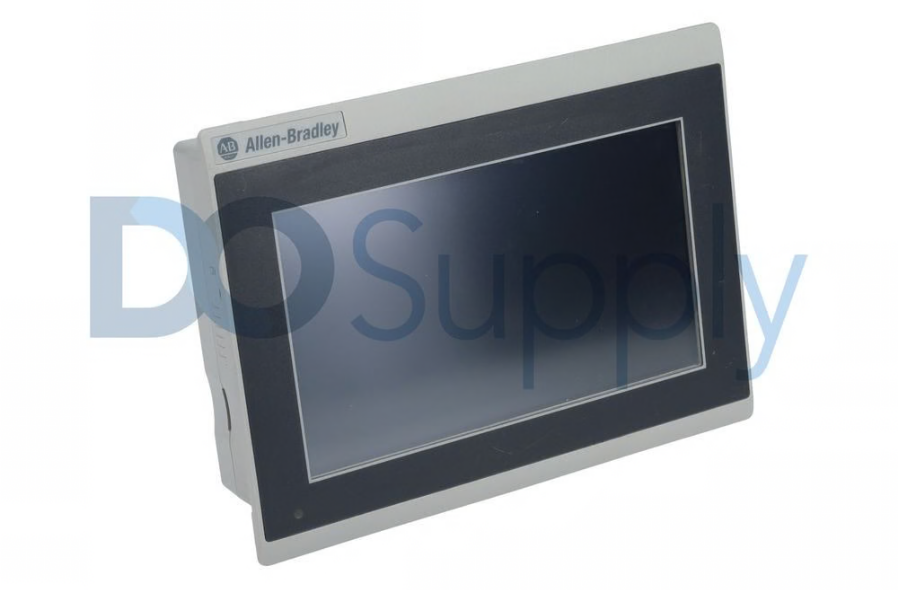
The integrated VNC server in PanelView 5510 and PanelView 5310 terminals lets authorized network workstations remotely view the active HMI display, allowing maintenance engineers to monitor the machine’s status without being on-site at the terminal. In packaging lines where the main control panel is in a secured area or is difficult to reach from the maintenance access point, VNC access removes the need to enter the secured zone to view fault information. By default, the VNC connection is read-only, so remote viewers cannot send commands, maintaining the physical operator interface as the exclusive command input during standard production operations.
Common Configuration Mistakes That Cost Time
Multiple PanelView setup issues consistently reduce the HMI’s time-saving capability on packaging lines. Keeping screen update rates at their default settings, instead of adjusting them to the right application interval, causes avoidable display delays. Not consolidating HMI tags into adjacent controller memory blocks creates communication overhead that reduces overall screen-update efficiency. Creating changeover screens that require several navigation steps, instead of displaying all recipe parameters on a single screen, reinstates the changeover time penalty the recipe system aimed to remove. Showing unprocessed PLC fault codes instead of user-friendly alarm descriptions prolongs fault recovery time, as operators must refer to documentation before taking corrective action. All of these are choices in configuration, not restrictions of hardware.
Final Thoughts
In conclusion, the PanelView touchscreen optimizes time on packaging lines in three key scenarios: during product changeovers where recipe management simplifies multi-parameter entries to one operator action; during fault recovery where unified alarm displays with operator guidance minimize diagnosis time; and during high-speed production where 100 ms screen refresh rates and direct Logix tag communication ensure the operator display is precisely synchronized with machine state. A 40% reduction in changeover time and a 30% enhancement in OEE are documented, repeatable results of effectively utilized PanelView applications on packaging lines; these are not extraordinary outcomes, but rather what a properly configured and maintained PanelView installation consistently achieves.
Set on purchasing a PanelView? Check out our guide on PanelView standards vs. PanelView Plus to help you make an informed decision. Once you’re ready, hop on over to our main site and pick that PanelView out! If you’re still unsure which is the best fit, give our customer service team a call. We will be more than happy to help you choose the right model, all backed by our two-year warranty.
DO Supply Inc. makes no representations as to the completeness, validity, correctness, suitability, or accuracy of any information on this website and will not be liable for any delays, omissions, or errors in this information or any losses, injuries, or damages arising from its display or use. All the information on this website is provided on an "as-is" basis. It is the reader's responsibility to verify their own facts.