PanelView Standard vs PanelView Plus: What You Actually Gain
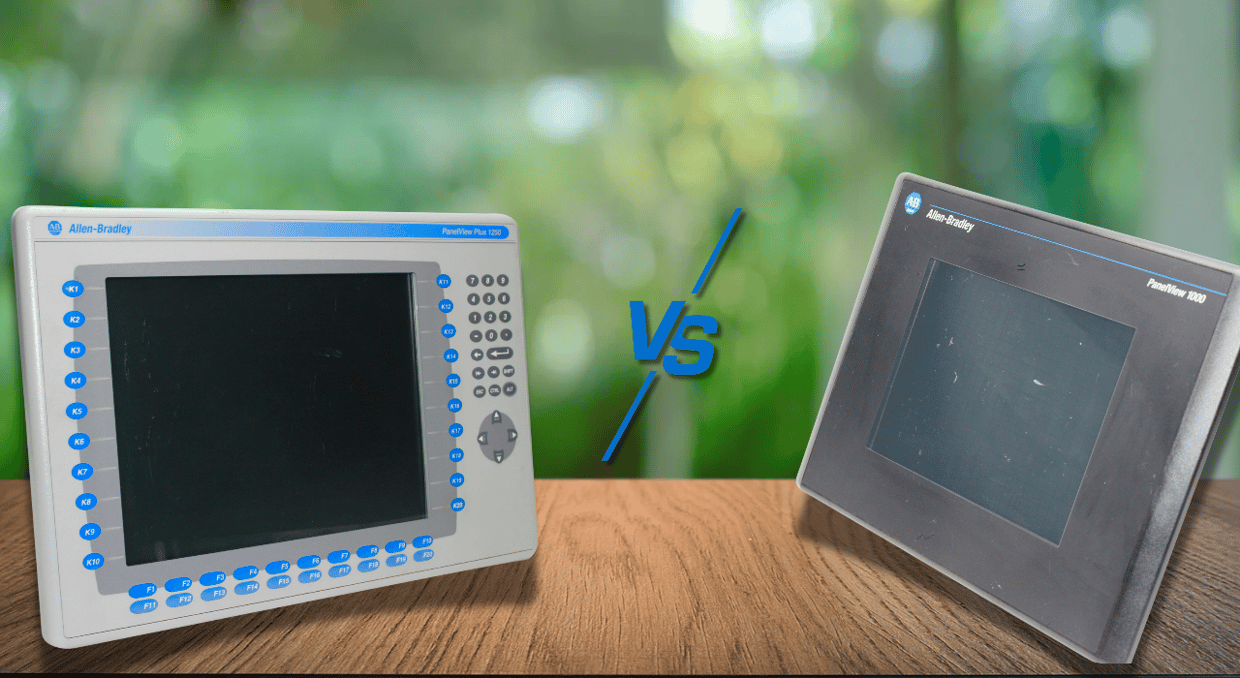
When an industrial Human–Machine Interface (HMI) reaches the end of its service life, replacing it involves more than swapping a new HMI screen into the existing panel cut-out. The HMI application is intricately linked to communication networks, machine diagnostics, alarms, operator controls, and PLCs. Therefore, selecting an HMI replacement is not simply a hardware upgrade; it’s an engineering decision that requires verifying compatibility with the existing PLC network and supported communication protocols, evaluating mechanical fit and electrical specifications, migrating the HMI application, and testing operator controls.
These selection considerations are particularly relevant when migrating from a legacy PanelView Standard terminal to the PanelView Plus series. The migration process primarily involves converting the application, reviewing unsupported features, resizing HMI displays, updating communication pathways, and functional testing. Both Allen-Bradley HMI terminals provide machine-level operator interfaces, but through different application environments. The PanelView Plus family offers more advanced application capabilities and extensive graphics, with some models providing remote-access features. However, available communication interfaces and supported protocols vary by terminal model and generation.
Understanding PanelView Standard
Allen-Bradley PanelView Standard terminals are designed to provide operators with direct access to PLC-controlled machines and processes. Depending on the HMI application, operators can use these terminals to enter setpoints, issue commands like start and stop, monitor equipment status, and manage alarms. Typical applications include packaging machines, pump systems, and other applications where sophisticated data functions are unnecessary — just basic visualization requirements. The PanelView Standard terminals were highly regarded for their user-friendly design, intuitive interface, and reliable operation. However, the widespread migration of industrial controller networks to Ethernet-based architectures and growing data-access requirements quickly exposed these legacy terminals’ compatibility and application limitations.
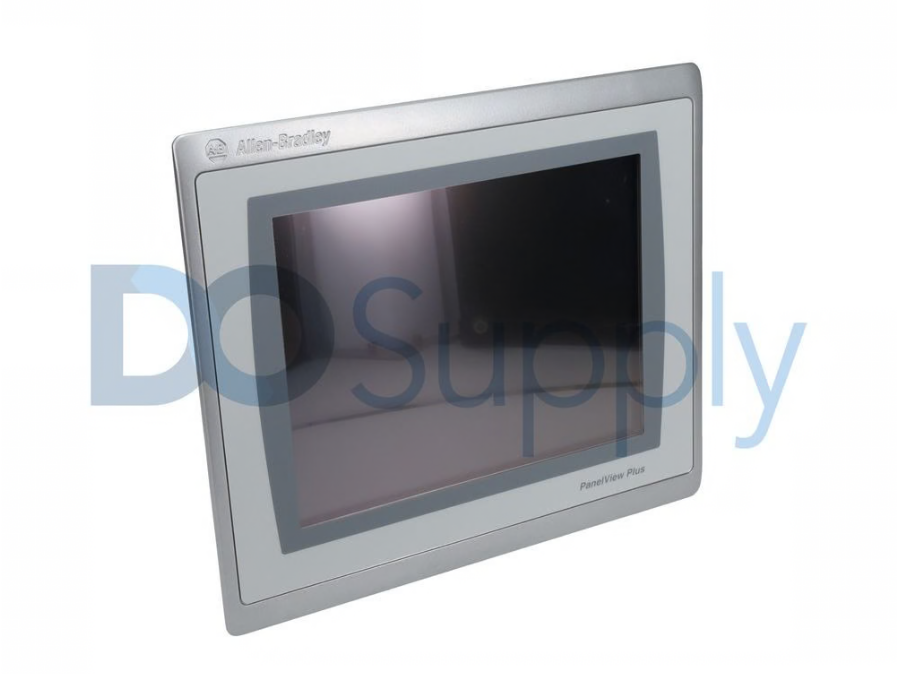
PanelView Standard HMI applications support basic process graphics, numeric displays, data entry, and digital pushbuttons. These features are perfectly adequate for industrial machines with modest operator-interface requirements and limited operational parameters. However, these terminals create significant bottlenecks during system expansion, for example, when implementing extensive alarm management or complex diagnostics. The primary concern is often a HMI platform’s ability to accommodate changing system requirements, rather than immediate hardware failure or its ability to support existing operations. The limited hardware resources, communication compatibility, and application capabilities of PanelView Standard terminals can constrain system flexibility and scalability.
What PanelView Plus Introduces
Depending on the selected model, PanelView Plus terminals offer scalable hardware capabilities, including high-speed Ethernet connectivity, remote desktop access, and expandable storage. While these advanced features may not be required in every project, they ensure that the resulting HMI design is driven by process requirements rather than hardware limitations.
Ethernet Connectivity
In most modern industrial systems, industrial Ethernet networks connect motor drives, controllers, HMIs, and other automation devices. PanelView Plus 7 Standard terminals communicate with supported Allen-Bradley controllers over Ethernet, facilitating integration into a wide range of compatible Rockwell Automation systems. Nevertheless, HMI migration still requires reviewing the existing communications protocol, network configuration, and controller compatibility. For example, if the legacy PanelView Standard terminal uses serial communication, migrating to a PanelView Plus 7 Standard would require a compatible Ethernet connection or a suitable communication gateway or interface. The extent of network changes depends on the existing architecture; a complete redesign is not always necessary.
Visualization and Display Improvements
Migrating to PanelView Plus can provide higher-resolution displays and more input options, screen sizes, and aspect ratios, depending on the terminal model. Higher resolution allows more detail, but the benefit depends on the HMI application’s design. A larger HMI screen alone also does not improve usability. When migrating an application to a different resolution or aspect ratio, be sure to review the screen layouts and adjust them as needed to maintain clear navigation, readability, and usable touch targets.
During an upgrade, resolution differences can create unexpected issues. When a certain application is improperly resized, it can only occupy a part of the new screen. Objects may appear incorrectly positioned, too large, or too small. Rather than simply reproducing the old interface, engineers should treat the upgrades as an opportunity to improve critical displays. Important process readings should have enough visual emphasis for rapid recognition, while the navigation buttons should follow a consistent layout. The main objective is to present information in a way that enhances operation, not to use every available pixel.
An effective PanelView HMI should distinguish between troubleshooting information and routine machine control information. Operators need frequently accessed information, such as key process values or production status, on the main production screen, while detailed information appears on secondary screens. A dedicated motor diagnostic display presents actual speed or fault status. During normal operation, the technician is not overloaded with engineering information because the maintenance team can access the required troubleshooting data.
Application Capacity and Organization
PanelView Plus application capabilities are critical for complex industrial machinery. Instead of crowded screens, modern production equipment needs separate interfaces for features like recipes, diagnostics, and alarms. Putting many functions on only a few displays can create clutter.
Operators can move smoothly between machines without relearning where controls are; consistent navigation shortens the learning curve. An advanced PanelView application indicates a stop in equipment, identifies the faults, and guides the operator toward the affected section. This enhanced visibility is not a substitute for engineering analysis or proper PLC diagnostics, but it quickly identifies the starting point of a fault. Equipment availability can be boosted by a modest reduction in troubleshooting time in high-demand production settings.
Operational Benefits of Migrating to the PanelView Plus Platform
Enhanced compatibility with Ethernet-based automation systems is one of the significant benefits of upgrading to PanelView Plus. Ethernet networks link variable frequency drives, operator terminals, and PLCs in modern industrial facilities. PanelView Plus terminals are well suited for modern Rockwell Automation configurations since they are designed to function within these networked settings. Operational data exchange between the controllers and the HMI is simplified by Ethernet communication in contrast to the older systems that rely on legacy communication methods. Reliable communication depends not just on installing the equipment, but on proper network engineering.
Improved Remote Diagnostics
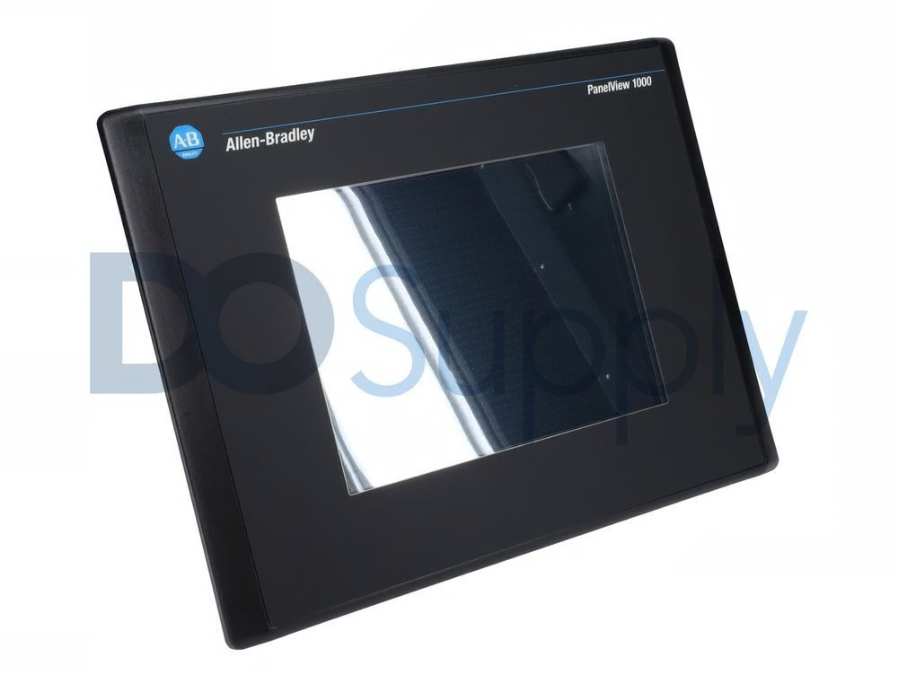
Plant operations can also be enhanced by remote monitoring capability. With these technologies, authorized personnel do not need to travel to the physical environment; they can access the HMI interface remotely. For instance, if a fault is detected in a distant section of a facility, technicians can first identify the operating condition or review alarms remotely before traveling to the equipment. This minimizes unnecessary trips around the plant and shortens the response time without eliminating the need for physical maintenance.
More Flexible Application Design
When developing HMI applications, PanelView Plus offers operators greater flexibility. Many industrial applications include functions such as alarms, machine setup, and production monitoring. As operators need access to more information and machines become more sophisticated, this added design capacity becomes especially useful. Greater design freedom should not result in unnecessary complexity. Each HMI display should not only have information but should serve a distinct operational function. Place advanced troubleshooting details on dedicated maintenance screens, while keeping critical information easily accessible. A well-organized interface allows operators to make decisions quickly without distractions from unnecessary visual elements.
Easier Data Backup and Recovery
Key considerations when upgrading an HMI platform include backup and recovery. The PanelView offers SD cards and removable USB media for moving and storing application files. Maintenance teams utilize these options to recover from equipment failure, replace terminals, and transfer applications. If a replacement unit cannot access the correct configuration and application, a failed HMI can extend production interruptions. Maintenance teams should keep clear records of communication settings and application files needed for restoration. This includes any supporting information required to return the system to operation.
Improved Alarm and Diagnostic Management
The ability to troubleshoot within the HMI and develop more organized alarm functions is another practical gain. An appropriately designed PanelView Plus application enables operators to detect abnormal conditions and determine which area needs attention by presenting alarms in a structured manner. Instead of relying solely on basic messages or status lamps, operators can categorize alarms by fault condition or machine section. Maintenance teams use diagnostic screens to gather additional information necessary to detect the cause of an issue. Alarm messages should be presented at the appropriate time and relevant to the current situation.
Greater Support for Future System Expansion
Migrating to the PanelView Plus platform also provides a stronger foundation for future automation upgrades. Throughout their entire service life, industrial automation systems are continually modified. An industrial facility may modify production processes or expand monitoring capabilities. When these changes are introduced, the current HMI platform offers greater flexibility. Rather than limiting the design to the current equipment in service, engineers should consider potential future upgrades to network structures and applications. Implementing all available features at the start is not necessary; instead, structure the system with enough flexibility to accommodate future requirements without a complete HMI replacement.
If you are still left unsure on which PanelView might be best for your system, give our customer support team at DO Supply a call! We can help you find the right terminal to go with your existing or future system. We also sell optional parts and accessories to go with them for a complete package. On top of that, we are a fantastic source of PLCs, drives, and motors. So stop by today and discover the superior way to shop for automation equipment.
DO Supply Inc. makes no representations as to the completeness, validity, correctness, suitability, or accuracy of any information on this website and will not be liable for any delays, omissions, or errors in this information or any losses, injuries, or damages arising from its display or use. All the information on this website is provided on an "as-is" basis. It is the reader's responsibility to verify their own facts.