CPU vs Processor Performance: How it Impacts Automation Speed and Logic Execution
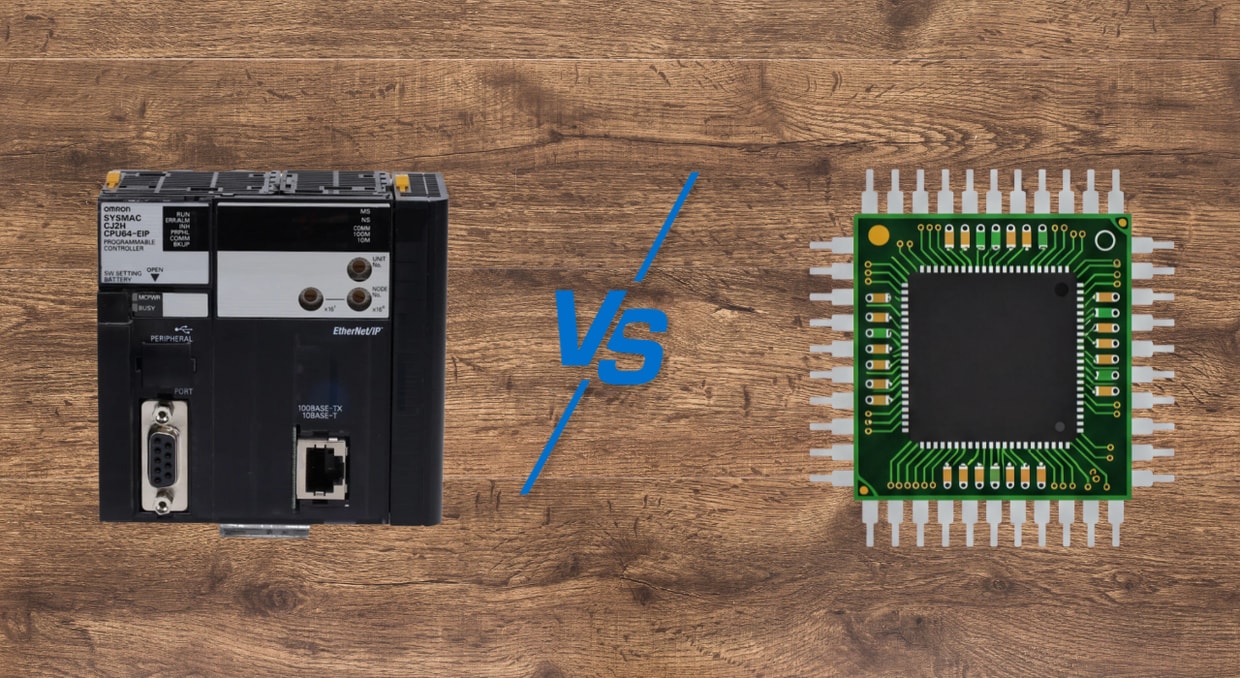
The words CPU and Processor are among the basic terms in modern computing architecture, yet the subtle association between them has been neglected. The accurate definition of the CPU vs. Processor dynamic is not only an academic tool but also a very important one for engineers, system architects, and automation specialists who must make the most of their systems’ performance. This in-depth exploration of the CPU vs Processor will break down the two functions, discuss the performance characteristics that distinguish them, and explain how they directly affect the two pillars of current computing: automation speed and deterministic logic execution.
The CPU: The Central Conductor
The Central Processing Unit (CPU) is clearly the brain of the computer system. It is a dedicated element for the flow of instructions and data up and down the system and is subject to the fetch-decode-execute cycle. Since it is the computer component that fetches and executes instructions, its architecture comprises an Arithmetic Logic Unit (ALU) to perform calculations, a control unit to manage instruction cycles, and registers to store immediate data. In simpler systems, this central position makes the CPU appear to be the same as the word “processor”. Nevertheless, this is a colloquial generalization that fails to reflect a more complicated fact. The most important responsibility of the CPU is to execute sequential, general-purpose actions, including operating system and user commands.
The Processor: The Broader Silicon Ecosystem
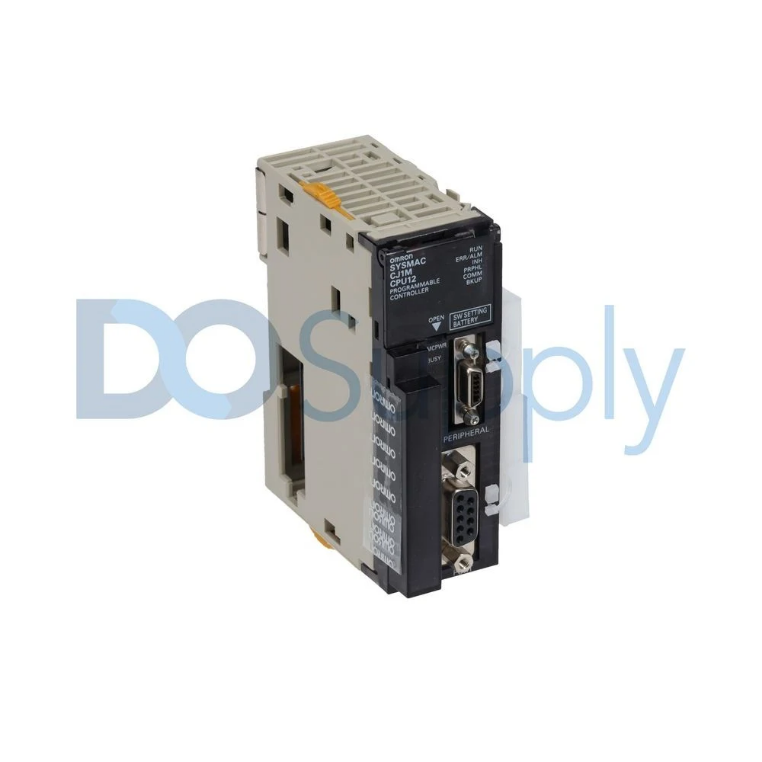
A less restricted category is called a processor. A processor can be defined as a physical silicon-based entity that deciphers and executes code. Such a definition involves both the CPU and any other special silicon intended for processing. As a single-core processor, it tends to be a CPU. Nevertheless, the current-day multicore processor is a cohesive hardware chip that is equipped with more than one autonomous CPU (core). In addition, some dedicated processing units are part of the processor family, such as the Graphics Processing Unit (GPU) for parallel processing of visual data and the Digital Signal Processor (DSP) for real-time manipulation of analog signal streams. So, during the CPU vs Processor debate, it is stated that the broader term is processor, and within it, there is the central, general-purpose CPU.
CPU vs Processor: A Functional Breakdown
The commonalities and differences between a CPU and other processor types are particularly noticeable given their fundamental functionality, integration, and task-management philosophies.
- Core Functionality: On the CPU vs Processor comparison, the CPU is the main element of general-purpose computation in which the majority of the operating system and application logic executes. Other processors, such as GPUs, are complementary and used to perform specific computationally intensive tasks.
- Integration and Architecture: A computer processor is usually designed to be highly integrated and is used in general-purpose operations, typically having on-chip cache memory and memory controllers. Specialized processors, by contrast, can be integrated differently: a high-end graphics card, e.g., can be equipped with its own, separate, high-speed video memory (VRAM) beyond the system’s main RAM, optimized for high data throughput.
- Task Handling Philosophy: The CPU is a versatile one, with a wide core capability, and it emphasizes the low-latency execution of sequential operations. Its power is in the ability to handle various commands. A GPU, however, is a master of parallel processing, demystified to run the same but straightforward instruction on millions of pieces of data all at the same time, a concept known as Single Instruction, Multiple Data (SIMD).
How CPUs and Processors Execute Commands
The implementation of logic, whether a simple script or a complex automated workflow, is controlled by a basic CPU-driven cycle.
- Fetch: The CPU reads the following command from the main memory of the system.
- Decode: The interface of the CPU interprets the instruction to figure out which action is required.
- Execute: This is the actual calculation or operation required by the instruction by the ALU.
- Write Back: Operability The outcome of the operation is saved in a register or into the memory of the system.
There is nothing like logical execution, which is not part of this cycle. Its speed and efficiency dictate how fast a system can make decisions, assess conditions, and proceed from one step in a rational process to the next. One can never talk about CPU vs. processor performance without starting with optimizing this core cycle.
Performance Metrics in the CPU vs Processor Landscape
There are a few major determinants of performance capabilities in any CPU vs Processor analysis, and these directly affect automation and logic speed.
- Clock Speed: This is calculated in Gigahertz (GHz). This is the number of cycles that a CPU is capable of performing in a second. An increased clock speed directly correlates with the increased speed in the execution of the fetch-decode-execute cycle on sequential tasks, to single-threaded automation scripts and application logic speed up.
- Cores: This is one of the crucial points of the current CPU vs Processor paradigm. A multicore processor has multiple CPUs integrated into a single chip. This enables a system to perform actual multitasking, meaning it can generate multiple streams of instructions simultaneously. In the case of automation, this implies that various automated activities can run concurrently on different cores without competing for resources, significantly enhancing overall throughput.
- Cache Memory: This is the very fast memory pool that is very small in size, and it is on the processor die. It caches frequently used data to save the time spent fetching data from main memory. A larger cache will enable the CPU to process hot data more effectively, reducing idle time, and also increase the repetition of complex logical processes typical of automated operations.
- Architecture: The efficiency of a CPU or processor is determined by the design underlying the CPU or processor. Recent designs usually combine the Von Neumann and Harvard architectures to alleviate bottlenecks, such as separate instruction and data caches. Higher architecture can perform more instructions per clock cycle (IPC), a vital metric in many cases, more than merely clock speed.
Impact on Automation Speed and Logic Execution
The CPU vs Processor decision has a profound and direct impact on the performance of automated systems.
Automation Speed
The rate of automation is not merely about doing one thing faster; it is about doing many things at the same time. This is where the multicore processor comes in the CPU vs Processor scenario. A multicore processor can run many threads of automation simultaneously. To be specific, one core may be involved in database data extraction, another in data processing, and a third in network communication. This workload distribution minimizes queueing and bottlenecks, which drastically increases the end-to-end automation rate compared to a single-core CPU being strangled by context switching.
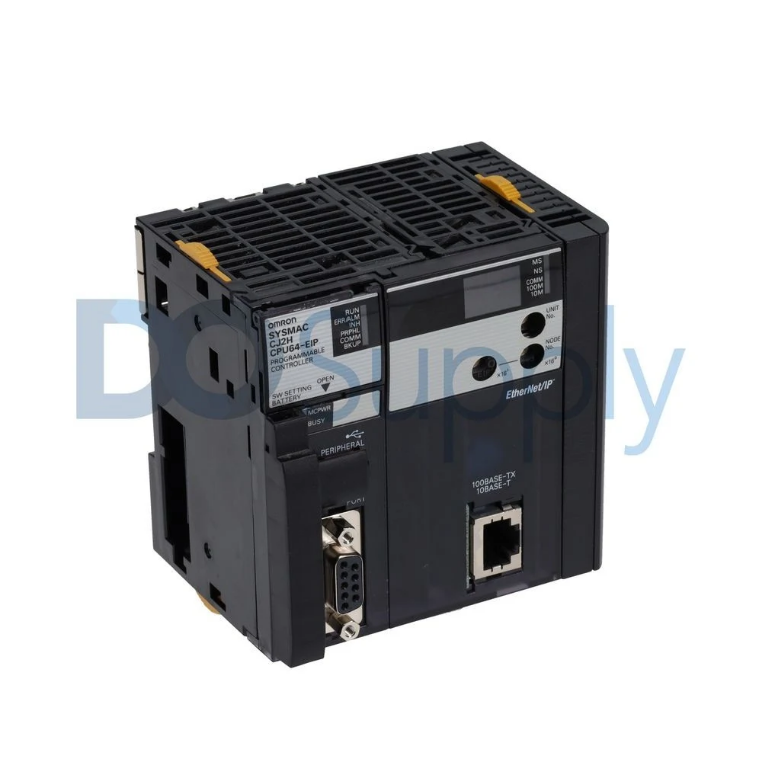
Moreover, given certain automation processes, such as image processing in quality control or data set reconstruction, outsourcing to a specialized processor, such as a graphics card, can provide orders-of-magnitude performance gains. The CPU vs Processor option, in this case, is a strategic move: CPU coordinates the automation workflow as a whole, while subtasks that can be performed in parallel and at scale should be delegated to the more specialized and capable GPU.
Logic Execution
Sequential CPU performance is critical for executing business logic, conditional statements (if/else), and more complex calculations. The performance of logical processing is measured by how fast the CPU runs at its clock speed, the size of its cache memory, and its architectural efficiency. The processor will have a high clock rate and a large, intelligent cache that will enable continuous, fast, and efficient retrieval, decoding, and execution of logical instructions, ensuring the automated decision-making process occurs in the shortest possible time. Such low latency is important to real-time systems, high-frequency trading algorithms, and industrial control systems, where a delay of a millisecond can be critical. In this domain of the CPU vs. Processor debate, the general-purpose CPU has remained the master of sophisticated and sequential logic.
Conclusion
A complex ecosystem of computational specialization is identified by navigating the CPU vs Processor landscape. There is no replacement for the CPU, and its purpose is changing. Still, it is the essential central conductor, with complex, serial thinking to perform, and with the whole mechanism to coordinate. The more general group of processors, such as multicore processors, as well as more specialized processors, such as graphical processing units, has provided the parallel processing horsepower required in modern high-performance automation.
This is why maximizing automation speed and logic execution has nothing to do with the winner of the CPU vs. Processor debate. It is understandable to know their symbiotic relationship. An experienced multicore CPU will mean that logical flows have minimal latency and that a variety of tasks can be operated simultaneously. At the same time, the appropriate use of specialized processors to handle the correct workloads unlocks unheard-of data throughput. With the appropriate placement of processing power for the appropriate task, engineers will be able to construct systems that are not only fast but also smart and efficient in power utilization, while fully capitalizing on the complexity of the modern CPU vs Processor ecosystem.
We hope that this cleared things up! We do sell CPUs on our site from different brands, such as Omron and Allen Bradley, come by and see for yourself. If other automation equipment is what you’re after, then we have you covered! Drives, motors, accessories, you name it, we have it. Give us a call today and see what we can do for you! Thank you for reading!
DO Supply Inc. makes no representations as to the completeness, validity, correctness, suitability, or accuracy of any information on this website and will not be liable for any delays, omissions, or errors in this information or any losses, injuries, or damages arising from its display or use. All the information on this website is provided on an "as-is" basis. It is the reader's responsibility to verify their own facts.