PanelView Plus 6 vs Plus 7: Is It Worth Upgrading?
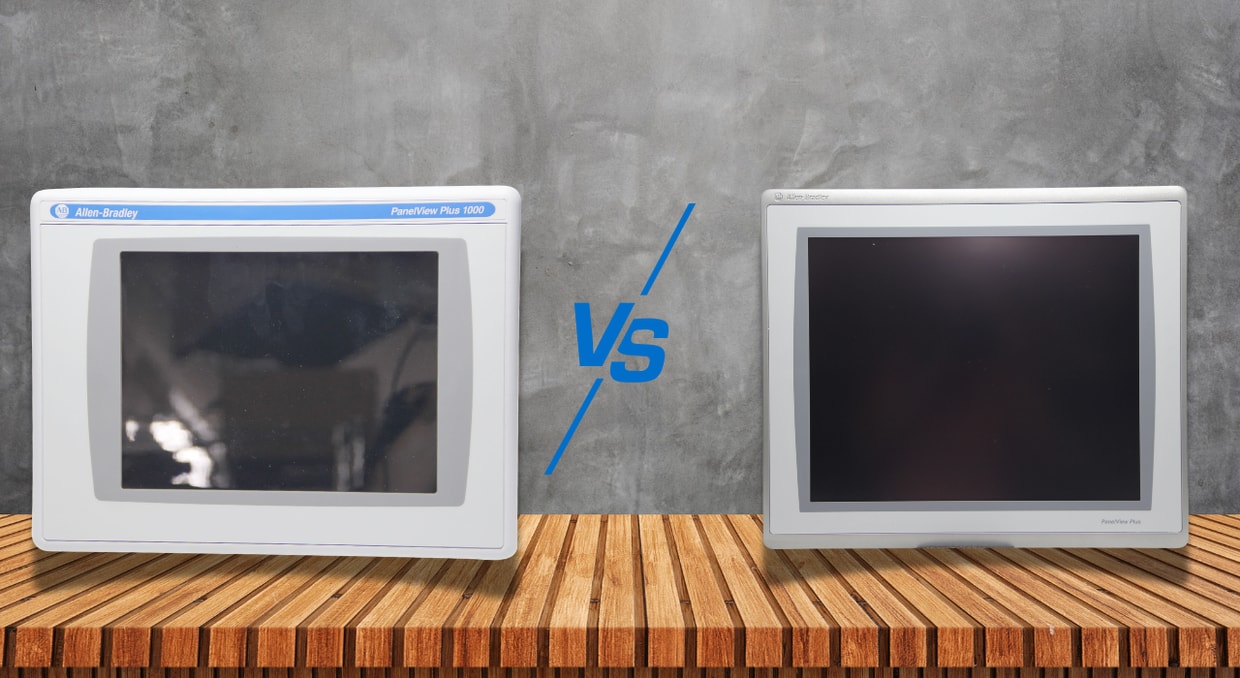
Upgrading your hardware always feels like a special occasion, especially if it’s for something you handle every day. After all, who doesn’t like faster hardware, more refined software, and a more responsive user interface? The reality becomes a little more complicated when the equipment in question is tied directly to production. In industrial automation, replacing hardware is rarely as simple as unplugging one terminal and mounting another in its place.
This hesitation is part of the reason you will still see the PanelView Plus 6 in so many facilities, even with the newer PanelView Plus 7 series on the market. This boils down to compatibility concerns, retrofit cost, downtime windows, network architecture, and operator familiarity. In some situations, moving to a Plus 7 terminal can modernize an entire machine interface. In others, it can create more work than value.
Before we get into comparing specifications and features, it helps to understand where these terminals are typically used and why many facilities still rely on the PanelView Plus 6 platform today.
Different PanelViews for Different Environments
One of the biggest factors that come into play when deciding whether to upgrade to a PanelView Plus 7 display doesn’t have to do with the display resolution or processing power, but rather with the type of system the terminal will be installed into. A brand-new production line and a fifteen-year-old machine sitting on a factory floor have very different expectations when it comes to upgrades.
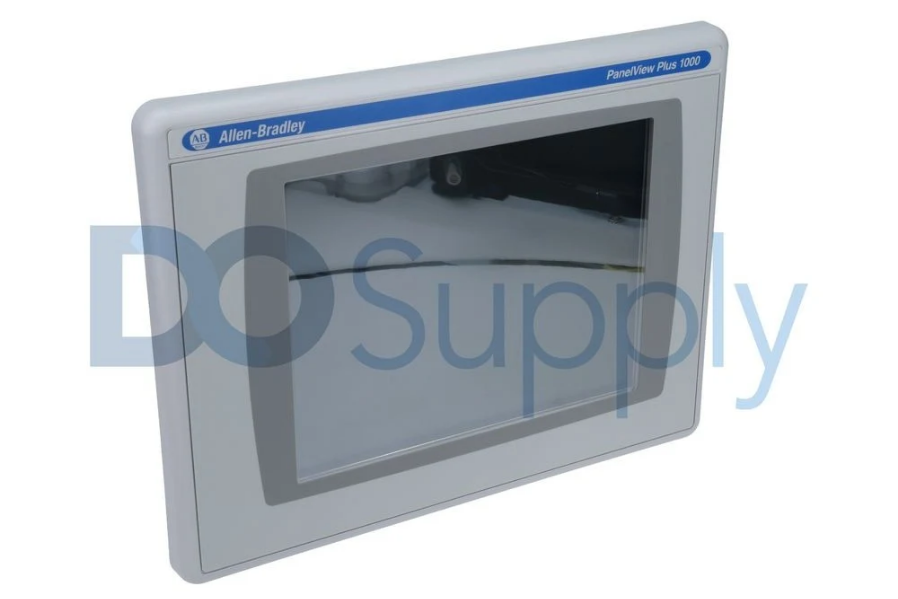
The PanelView Plus 6 is still widely used in facilities where familiarity, proven uptime, and compatibility matter more than having the newest hardware. Many of these systems have already been running for years with little issue, which makes operators and maintenance teams hesitant to introduce unnecessary changes.
In these environments, facilities are often trying to avoid:
- Long downtime windows
- Control system redesigns
- Operator retraining
- Communication compatibility issues
- Re-validating existing production equipment
Downtime can be extremely costly for a facility and can result not only from the time it takes to change the terminal, but also from outdated terminals and terminal screens. If you’d like to learn more, we have an article going over downtime here!
Another key point to keep in mind for context is that the PanelView Plus 6 was released during a time when multiple PLC platforms, legacy communication methods, and newer Ethernet/IP equipment were all operating within the same plant. Because of this, they support multiple communication interfaces(some available via add-on module), such as:
- EtherNet/IP
- DH+ (Data Highway Plus)
- DH-485
- RS-232
- ControlNet
- USB
This helps the terminal connect to a mixed system facility more easily.
Where the PanelView Plus 7 Makes Sense
The PanelView Plus 7 series is usually found in newer machine designs or modernization projects where the surrounding infrastructure already supports a more modern network architecture. Compared to the Plus 6 line, the Plus 7 terminals introduced improvements such as:
- Higher resolution display options
- Wider screen formats
- Increased memory and storage capacity
- More powerful hardware configurations
- Expanded support for modern Ethernet/IP topologies
This makes the PanelView Plus 7 a better choice for OEMs building around newer Logix-based systems. It will give the user higher-resolution displays that comfortably fit more machine information on the screen, while the additional memory and processing power translate into a smoother user experience that supports larger, more graphics-heavy applications. That modernized architecture does come with a tradeoff, however, as the Plus 7 series centers heavily around Ethernet and USB connectivity.
Because of this, moving to the PanelView Plus 7 might pose challenges for communicating with already implemented hardware if that hardware is not upgraded as well. Allen-Bradley even specifically states that the PanelView Plus 7 Standard terminals are designed for ControlLogix 5570 and CompactLogix 5370 systems.
What You Gain From Upgrading
While the PanelView Plus 6 remains an incredibly useful piece of automation equipment, the PanelView Plus 7 series introduced several meaningful improvements that are easier to appreciate in modern applications. Many of these improvements aren’t cosmetic either and are aimed directly at improving usability, application performance, and standardization for newer control systems. One thing to keep track of is that there are both the Plus 7 standard and the Plus 7 performance.
Display and Resolution Improvements
One of the first differences an operator moving to a PanelView Plus 7 terminal is the display itself, naturally. It delivers higher resolutions, wider screen formats, and improved use of screen space, better suited to modern HMI applications.
| Size (inches) | Plus 6 | Plus 7 Standard | Plus 7 Performance |
| 3.5 | 320 x 240 QVGA | NA | NA |
| 4.3 | NA | 480 x 272 WQVGA | NA |
| 5.7 | 320 x 240 VGA | 640 x 480 VGA | NA |
| 6.5 | 640 x 480 VGA | 640 x 480 VGA | 640 x 480 VGA |
| 9 | NA | 800 x 480 WVGA | 800 x 480 WVGA |
| 10.4 | 640 x 480 VGA | 800 x 600 SVGA | 800 x 600 VGA |
| 12.1 | 800 x 600 SVGA | 1280 x 800 WXGA | 1280 x 800 WXGA |
| 15 | 1024 x 768 XGA | 1024 x 768 XGA | 1024 x 768 XGA |
| 19 | NA | NA | 1280 x 1024 SXGA |
The jump in screen resolution is only part of the improvement, though. The Plus 7 line also introduced wider aspect ratios across several models, allowing operators to view more alarms, diagnostics, trends, and machine information simultaneously without constantly switching between screens or adding to information overload. A wider, higher-resolution display gives engineers significantly more flexibility when organizing that information.
More Memory, Storage, and Processing Power
Moving on to hardware, this is where we mostly see the biggest overall performance leap in memory capacity, storage space, and overall responsiveness. This is due to significantly more RAM, higher processing speeds, and much larger storage capacities.
The larger PanelView Plus 6 terminals already shipped with fairly capable hardware for their time, including:
- 1 GHz x86 processors
- 512 MB RAM
- 512 MB internal storage
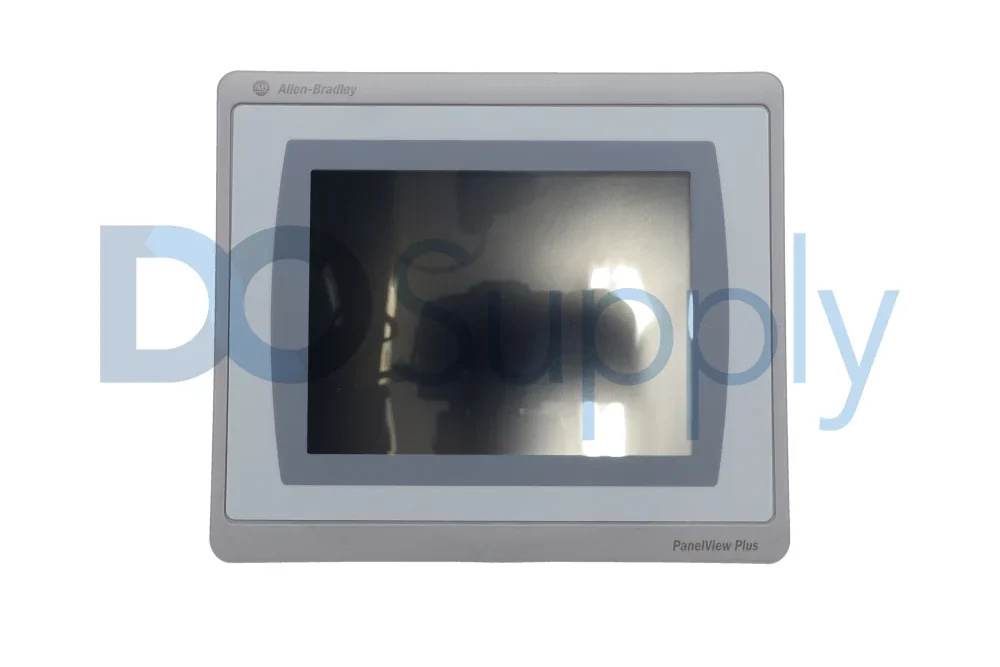
For many applications, this was more than enough to handle machine status displays, alarms, diagnostics, and moderate HMI projects without issue. Smaller Plus 6 terminals, such as the 400 and 600 models, reduced some of these specifications, but they still provided enough performance for most operator interface tasks commonly seen during that period.
The PanelView Plus 7 Performance line significantly expanded on this. Depending on the model and revision, newer Plus 7 Performance terminals have been introduced:
- Up to 4 GB RAM
- Approximately 20 GB of storage
- Larger application storage allocations
- Improved handling of graphics-heavy runtime applications
While these numbers may not initially sound critical for an HMI terminal, they can make a noticeable difference in larger or more demanding applications. Modern HMIs are expected to display far more than simple start and stop buttons. Many systems now include:
- Real-time alarm history
- Production trending
- Maintenance diagnostics
- Embedded PDFs and documentation
- Large navigation structures
- More complex animated graphics
One thing to consider as well is that with age, hardware will begin to slow down, be more prone to errors and restarts, and feel more sluggish when being used. The downtime article we mentioned earlier also goes into this and explains how slow hardware can lead to wasted money.
Modernized Networking and System Architecture
Another major shift between the PanelView Plus 6 and the PanelView Plus 7 comes from Rockwell’s approach to networking. While the Plus 6 series was designed during a period where facilities commonly operated mixed communication architectures, the Plus 7 line moved much more aggressively toward standardized Ethernet/IP-based systems. Though this modernization approach isn’t bad. What you get, depending on the model, with the PanelView Plus 7 are:
- Single or dual Ethernet ports
- Device Level Ring (DLR) support
- Linear network topology support
- Star network topology support
- Easier network standardization
- Reduced dependency on legacy communication hardware
- Better integration into managed industrial Ethernet systems
- Simpler expansion of newer Logix-based equipment
This becomes valuable to factories planning to consolidate older communication methods into a single Ethernet-based solution. After all, maintaining multiple industrial communication protocols across a plant can quickly become difficult from both a maintenance and troubleshooting perspective.
At the same time, this modernization also creates one of the largest barriers to upgrading older systems. Facilities still operating PLC-5, SLC 500, or older ControlNet and DH+ infrastructure may find that migrating to a Plus 7 terminal requires additional communication hardware, controller upgrades, or broader network redesigns.
Should You Upgrade?
At the end of the day, the most important decision about whether to move from a PanelView Plus 6 to a PanelView Plus 7 terminal is whether the surrounding system will benefit from the change. While the Plus 7 line introduces meaningful improvements in hardware capability, networking architecture, and display options, those advantages are not always enough to justify the cost and downtime associated with a full migration.
For facilities already operating on modern Ethernet/IP systems with newer Logix controllers or OEMs wanting a better-looking screen, the upgrade is easier to justify. The additional memory, improved displays, wider screen layouts, and modernized networking support can make newer HMI applications feel cleaner and more responsive.
- Upgrading tends to make the most sense when:
- Building new OEM equipment
- Modernizing an existing production line
- Standardizing around Ethernet/IP infrastructure
- Running larger graphics-heavy HMI projects
- Expanding diagnostics, trends, and alarm functionality
At the same time, many facilities will discover that their existing PanelView Plus 6 terminals are still perfectly capable of handling the workload expected from them. In these situations, staying with the Plus 6 platform may still make sense, especially when trying to avoid:
- Large retrofit costs
- Communication compatibility issues
- Extensive validation testing
- Operator retraining
- Control system redesigns
- Long downtime windows
The main takeaway from this is that the PanelView Plus 7 is not simply a better version of the Plus 6. They are two different platforms designed around different generations of industrial infrastructure. In newer Ethernet/IP-focused facilities, the Plus 7 is often the stronger long-term option. In older or mixed-generation systems, however, the PanelView Plus 6 can remain the more practical and cost-effective choice.
Sourcing upgrade or spare parts doesn’t have to be stressful. If your mind is set on keeping the PanelView Plus 6, or you have decided to upgrade to the Plus 7, consider us your one-stop shop for automation equipment. We carry both of these PanelView models, along with supporting hardware and Logix controllers to pair with them. All of which are tested in-house and backed by our two-year warranty. So give us a call today or visit us at DOSupply.com!
DO Supply Inc. makes no representations as to the completeness, validity, correctness, suitability, or accuracy of any information on this website and will not be liable for any delays, omissions, or errors in this information or any losses, injuries, or damages arising from its display or use. All the information on this website is provided on an "as-is" basis. It is the reader's responsibility to verify their own facts.