Drive Fault History: The Most Valuable Troubleshooting Tool Nobody Uses
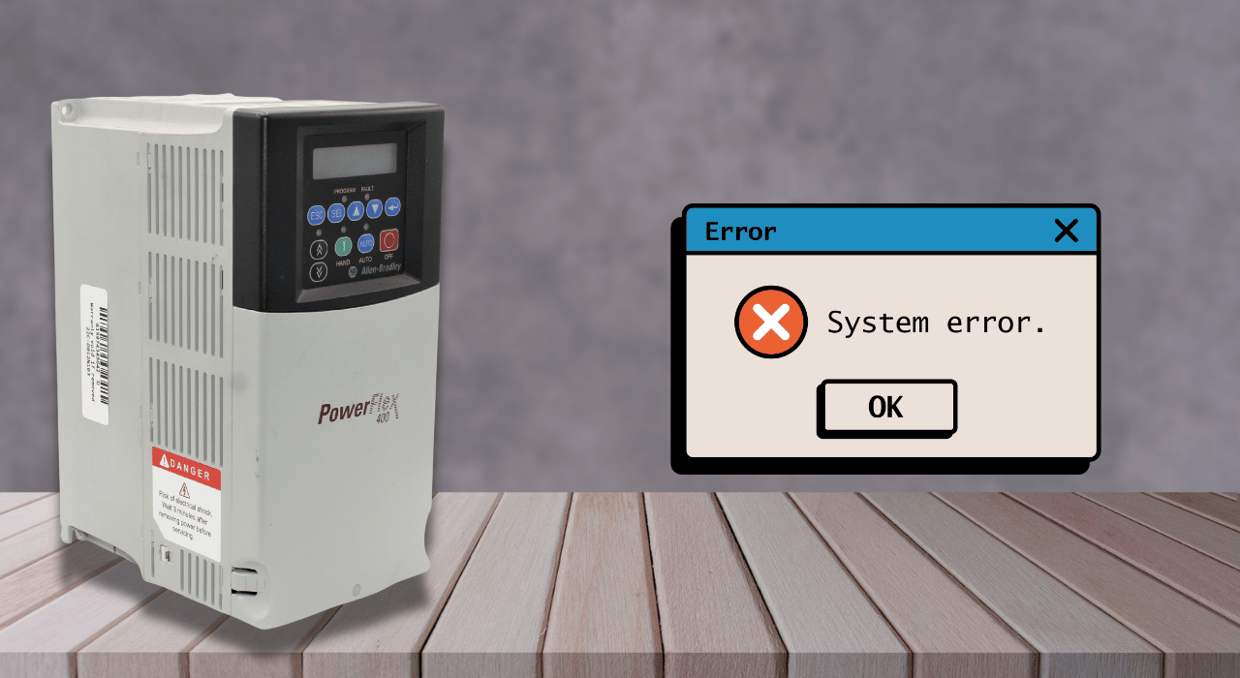
A failure history log is kept on file by all contemporary variable frequency drives. Every problem the drive has encountered is recorded, together with the precise operating parameters at the time of each trip: output current, DC bus voltage, output frequency, heatsink temperature, and, most of the time, a timestamp that puts each incident in chronological order. For a maintenance engineer in front of a stopped machine, this record is the most comprehensive diagnostic data source. In industrial maintenance, it is also the diagnostic tool that is most often disregarded. For example, the fault history is cleared before it can be read, or the reset button is pressed before data can be recorded. This article covers what drive fault history contains, how to interpret it properly, and why the quickest route from a tripped drive to a permanently fixed defect is to use it methodically.
The Reset Button Is Destroying Your Evidence
Most drives keep some form of fault history, but the amount of stored information depends on the model. This can include the fault code, motor current, DC bus voltage, output frequency, temperature, operating time, or other conditions surrounding the trip. The problem isn’t necessarily that pressing reset deletes this history; on many drives, previous faults remain stored after a reset or even a power cycle. The bigger issue is that once the machine is restarted, the operating conditions that caused the fault may disappear. By the time a technician arrives with test equipment, the motor may be stopped, the load may have changed, the enclosure may have cooled down, or the process may no longer be operating under the conditions that caused the trip. At that point, the fault code still shows what the drive detected, but not necessarily why it happened. Before resetting the drive, review and record whatever diagnostic information is available. That operating data can provide the context needed to separate a one-time trip from a recurring system problem and gives troubleshooting somewhere useful to start.
What the Fault History Actually Contains
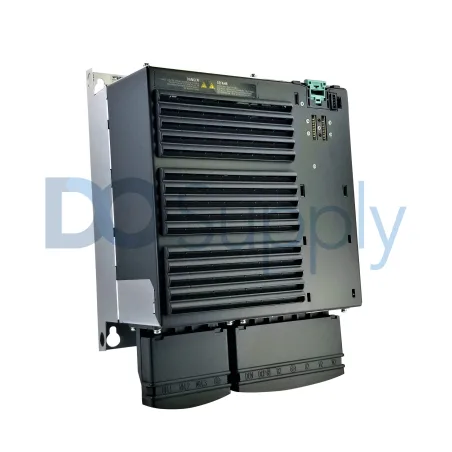
With timestamps and operational circumstances for each trip, most modern drives record the past three to twenty faults. After all, one overcurrent excursion might be a fleeting occurrence. Three overcurrent excursions under the same operating conditions indicate a systemic issue. The fault code and sub-code, output current at trip as a percentage of drive-rated current, DC bus voltage at trip, output frequency at trip, heatsink temperature, and digital input states at the precise time of failure are often recorded at each fault occurrence. The sub-code alone completely alters the diagnostic route for ABB drives, where OC1 denotes overcurrent during acceleration and OC2 denotes overcurrent at constant speed. Control logic problems that hardware examination would never reveal often show up in digital input states. Together, these variables provide a narrative the fault code alone cannot convey. Each value represents a correlation point against something in the facility’s operating environment.
The Fault Code Is Not the Diagnosis
Treating the problem code as the diagnosis is the most costly error in drive troubleshooting. Rarely is the drive itself the problem when it trips due to overcurrent. The drive is stating that the measured current exceeded a threshold. The reason can be an undersized drive, a control mode mismatch, an acceleration ramp too aggressive for the load inertia, a short circuit on the output, mechanical binding in the driven equipment, or a deteriorated motor winding. A one-day repair call becomes a six-month recurring issue when the drive is replaced because it tripped on overcurrent while the trouble code identifies the symptom and the failure history data identifies the condition. On a drive that operated flawlessly for eleven months, an overcurrent fault at 180% of the rated current at 48 Hz during constant-speed operation indicates a mechanical or motor-winding issue. Every acceleration from zero points to an aggressive ramp time or a control-mode mismatch, with the same fault at 220%. Fault history provides a narrative the code cannot; therefore, the fault code is the same, but the diagnostic pathways are opposite.
Pattern Recognition Across Multiple Events
The most potent feature of fault history is not what it tells you about a single incident, but what the trend across many occurrences conveys. A transitory event is a fault that manifests only once, under an anomalous operating condition slightly over the trip threshold. When a failure occurs eight times in a 72-hour period, consistently at the same output frequency, load level, and shift, it indicates a systematic issue with a distinct trigger. Program a skip frequency band if every problem occurs between 32 and 35 Hz, as this indicates the drive is operating at a mechanical resonance frequency. Another example is checking an enclosure’s ventilation if every issue occurs during the day shift but never during the night shift, because the ambient temperature differential may cause thermal derating. Data is necessary for pattern identification, and you must examine the fault history before clearing it. Regardless of how many times the issue has happened in the past, every fault inquiry starts at zero without the collected history of multiple instances.
Accessing the Fault History on Common Drive Platforms
It takes less than two minutes to view the fault history, which most modern drives integrate into the front-panel menu. The Allen-Bradley PowerFlex 525 drive maintains a buffer of up to ten previous faults, accessible via keypad navigation. Similarly, the PowerFlex 755 and 753 allow you to view fault history when connected through Ethernet/IP or via the LCD keypad under Diagnostics. ABB drives also provide failure codes, warnings, and event histories with timestamps through the keypad or local HMI. The Siemens SINAMICS G120 records up to eight faults along with a complete parameter snapshot at each incident, accessible through the BOP-2 panel. Meanwhile, the Yaskawa GA800 monitors and records the output current, DC bus voltage, and input terminal condition at the time of a trip within its U2 monitor parameters.
Correlating Timestamps with External Events
A fault timestamp serves as a cross-reference tool in addition to being a data point. Every other time-stamped event in the plant, including the SCADA alarm log, shift change records, maintenance work orders, utility power quality meter logs, and production batch records, should be associated with the timestamp when a drive failure occurs. When you analyze the drive separately, this connection exposes factors that are otherwise undetectable.
For example, every Tuesday afternoon, a capacitor bank switching event on that feeder correlates with a drive faulting on overvoltage at the same time. A PLC program that takes just long enough to re-establish its EtherNet/IP connection to exceed the drive’s communication timeout parameter correlates with a drive faulting on communication loss at the same elapsed run time after each power restoration. Every operating value in the fault history represents a correlation point against the plant’s operational environment, and cross-referencing routinely yields reasons that electrical testing of the drive alone would not have discovered.
Distinguishing Drive Failure from System Failure
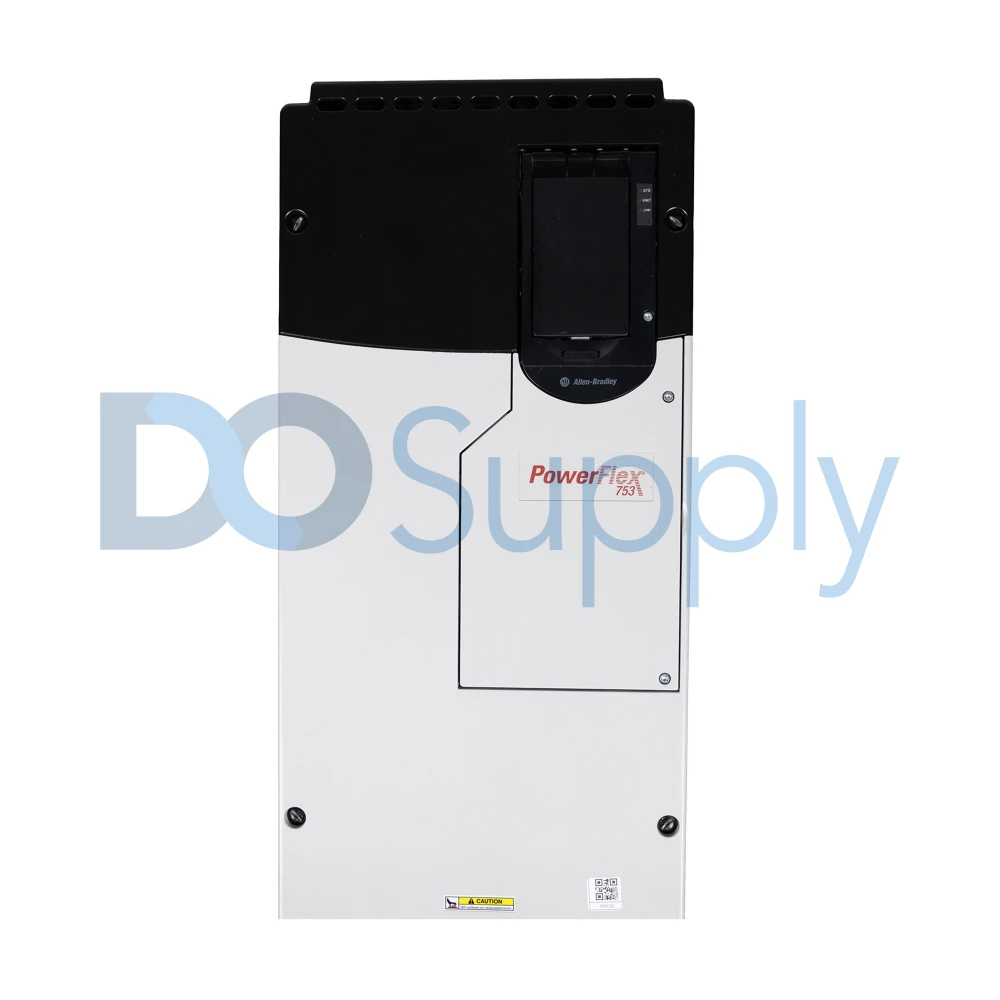
Replacing a drive that hasn’t failed is the most expensive diagnostic mistake in drive maintenance. The drive has a failure code on its display and a specified replacement method, making it the most visible and easiest part of the system to replace. The power section is the main suspect when a drive faults on overcurrent at 280% of rated current with output frequency at zero and DC bus voltage at nominal. When a drive malfunctions at 115% of its rated current at 47 Hz and the heatsink temperature is far below the thermal threshold, the drive is in good condition, and the issue is with the load, motor, or connection. The fault history provides this difference instantly; if you replace the drive without reading it, you eliminate the only evidence that may have prevented needless replacement.
Fault History in Preventive Maintenance
Even when the drive is operating without obvious issues, evaluate its fault history periodically as part of the preventive maintenance program, not only when a drive trips. If a drive has three warning-level occurrences in the last 30 days, all indicating rising heatsink temperatures, inspect the cooling fan, filters, enclosure airflow, ambient conditions, and load. Review each drive’s problem history quarterly to create an early warning system that costs nothing but the time it takes to study the logs. This evaluation includes drive component life-estimate data that quantifies remaining service life for capacitors, fans, and IGBTs based on actual use history for drives with predictive maintenance capabilities like the PowerFlex 755T or ABB ACS880.
Final Thoughts
In conclusion, most modern drives integrate fault history through the keypad, HMI, software, or network interface; it takes less than two minutes to read and provides more diagnostic data than any external measurement taken after the issue is fixed. The obstacle to its use is behavioral, not technological. The drive is changed before the history is removed, the drive is restarted before the available diagnostic data is reviewed or recorded, and the facility’s most important troubleshooting tool is still disregarded. By implementing a pre-reset procedure, planning quarterly fault log reviews, and centralizing fault data across the facility, that neglected resource becomes a methodical reliability program that minimizes downtime, eliminates needless replacements, and uncovers issues that a single investigation would never find. However, sometimes a drive is simply on its way out, and the faults are its way of telling you.
If your drive is giving you issues or needs to be replaced, contact us at DO Supply to find a spare or to schedule a repair service for your malfunctioning drive. All our products and services come with a two-year warranty for added peace of mind. Stop by our online store or call our customer service team today to find the right replacement orget your drive working again!
DO Supply Inc. makes no representations as to the completeness, validity, correctness, suitability, or accuracy of any information on this website and will not be liable for any delays, omissions, or errors in this information or any losses, injuries, or damages arising from its display or use. All the information on this website is provided on an "as-is" basis. It is the reader's responsibility to verify their own facts.