How HMI Screen Design Affects Machine Downtime
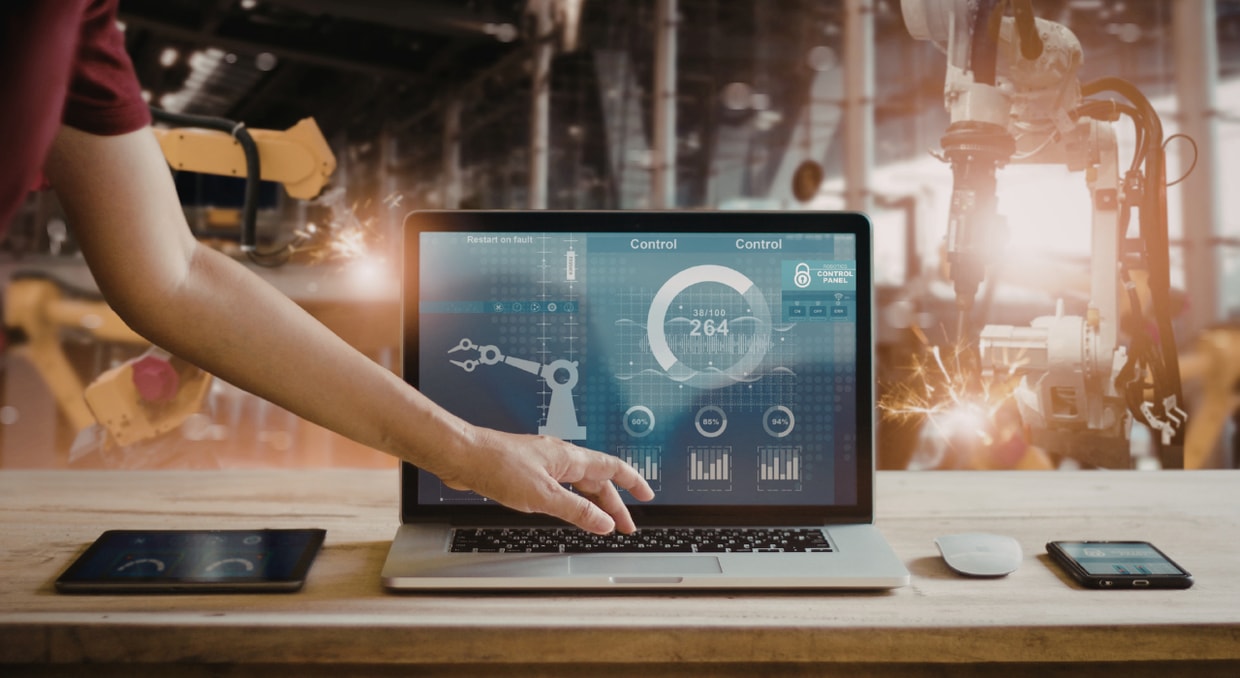
Downtime on the shop floor isn’t just about stopping the line—it’s a domino effect. One machine stalls, and suddenly you’re dealing with wasted materials, crews standing around, surprise expenses for repairs, and systems that slowly degrade until something finally snaps. When factories lack real-time monitoring, reliable logs, or a robust network of sensors, a lot stays hidden. Usually, people don’t even realize there’s a problem until they’re scrambling to fix a full-blown breakdown. That’s where modern Human-Machine Interfaces (HMIs) come into play. These systems spot problems early, streamline how people and machines interact, and help cut unplanned downtime in a big way.
Beyond the Display Terminal
The days when HMIs were just simple screens are over. Today’s HMIs pack in way more power—they tap into the Industrial Internet of Things (IIoT), handle all kinds of communication protocols, sync up with SQL databases, and push out real-time data using RESTful APIs. So these aren’t just fancy displays; they’re the connection point between what’s happening on the plant floor (OT) and everything running on the enterprise side (IT). With this level of integration, companies can actually see across their entire system, change how they handle maintenance, and run smoother, smarter workflows overall. If you would like to learn how HMIs, PLCs, and CPUs work together, we have an article here for you!
Making Old Machines Smarter with Predictive Maintenance
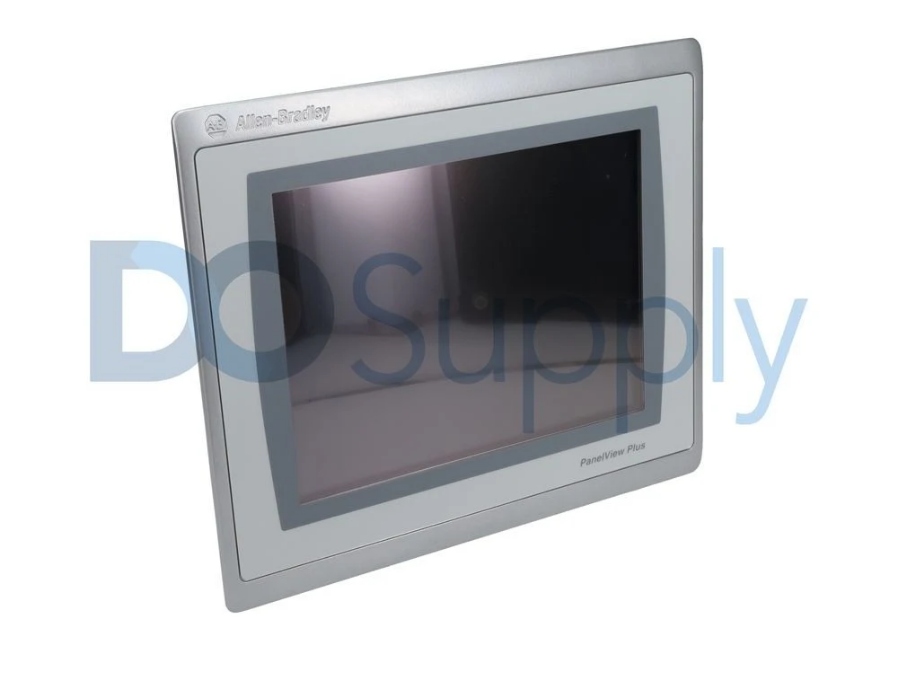
You don’t have to buy brand-new equipment to get predictive maintenance. You can take older machines and upgrade them with external sensors—things like vibration analyzers, temperature sensors, and acoustic monitors. When parts start to wear out (bearings, for example), their vibration signals actually change in ways you can measure. Hook these sensors up to an HMI panel, and it’ll collect everything, sending that data right to a central analytics system. Now, you get early warnings—enough time to fix things before a breakdown stops production dead in its tracks. You avoid the drama of emergency repairs, last-minute part orders, and messed-up schedules.
Designing Smarter HMIs for Operators
If you mess up an HMI’s design, operators pay the price—sometimes with their health, sometimes with real accidents. Make the interface too busy and cluttered, and people get lost. Go too simple, and they tune out of advanced features that could help the process. The best HMIs land somewhere in the middle. They focus on what operators need most—clear visuals, helpful diagrams, high-quality images, and schematics where they make sense.
Think about where operators actually work: loud, dusty, maybe even dangerously hot or cold. Regulatory groups such as OSHA and the European Agency for Safety and Health at Work provide guidelines for placing and sizing these HMIs. On top of that, ergonomic and psychological research has actually shaped modern HMI design. These best practices don’t just look good on paper—they genuinely improve operator safety and health.
Avoiding Brute-Force Design
You can spot brute-force HMI design a mile away. It’s usually just a copy-paste of technical schematics, control logic, or straight-up data dumps. Nobody’s really thinking about the people who have to use it. This kind of approach forgets about basic ergonomic and cognitive principles, so the result is a mess—too much complexity, too much for operators to handle. Good HMI design actually takes some thought. You have to analyze how the information is organized and where controls are placed, ensuring everything aligns with how people think and process information. If you use a control diagram as the skeleton for navigation or just cram screens full of raw data, you’re ignoring the limits of human attention and memory.
Hierarchical Navigation Structures
If you build hierarchical navigation, you make life a lot easier for your users. Start with a clear home screen that gives a big-picture overview—machine status, urgent alerts, maybe even notification badges like the ones you see on your phone. Then, break it down. Second-level screens should zoom in on specific functions, ditching anything extra so people can get their tasks done fast. For startup procedures, give operators dedicated screens that walk them through safety checks, cutting down mistakes. On deeper screens, you can offer serious tools—stuff like tuning control loops, analyzing throughput trends, or reviewing alarms—so experienced folks can dig into advanced settings when they need to.
Getting Operators Involved
Engineers who don’t really know the process often build HMIs that require way too much training. The best designs come out of talking to people who actually work with these systems every day. If you involve plant workers during the design phase, you get insights you can’t fake—from real-world experience to how they organize information mentally and navigate screens on the fly. Prototyping helps, too. Engineers put together trial interfaces, then tweak them based on honest feedback. This hands-on approach uncovers patterns in how users process information, organize elements, and remember navigation paths—stuff you’d never find in a technical spec.
Screen Simplification and Graphical Presentation
Complicated HMI screens can lead to accidents both on plant floors and out at remote sites. The best way to tackle this? Keep screens simple. Only show what’s necessary for operators to do their jobs. Don’t clutter the interface with detailed drawings of machinery—stick to what matters. This sort of minimalist design keeps things safer and makes everything run smoother.
Dealing with raw spreadsheet data is a headache. It slows people down and makes decisions harder. Good HMI software handles that for you: it turns endless tables and numbers into clear graphs and charts on easy-to-read dashboards. That way, analysis takes less time and decisions happen quicker. Modern HMI systems go even further by connecting with IIoT sensor networks. They pull in real-time data from monitoring points and give you a graphical view—so you can see exactly how machines are doing compared to where they should be. And when you can spot trends, operators can jump in early and fix issues before they get bigger.
Specialized Maintenance Interfaces
Maintenance screens are another big deal. If your HMI doesn’t have built-in maintenance interfaces, everything gets harder—from routine checks to emergency repairs. The fix is pretty straightforward: design dedicated maintenance screens that operators can get to easily from the main navigation. These interfaces let you run machines safely in maintenance mode, so it’s easier to test things or work with hazardous parts without risking accidents. All in all, specialized maintenance screens make troubleshooting easier, speed up repairs, and help keep downtime to a minimum.
Alarm System Design
When HMIs bombard operators with annoying, unclear, or nonstop alarms, people tend to just ignore them—or shut them off entirely. It gets even worse if the software lets new alarms cover up old ones because that hides vital information. The best alarm systems only go off when operators need to act right away. That way, there’s no extra mental juggling about what’s urgent. Using colors and numbered priority badges keeps the most important alarms front-and-center on every screen. If something doesn’t need a fast on-site fix, you can have internet-connected HMIs send emails to maintenance or management, so operators aren’t overloaded. At the same time, the right people are still notified.
Visual Information Processing and Cognitive Load
Here’s how our brains work: we quickly scan a screen for anything weird—color changes, values out of range—in less than half a second. That’s preattentive processing. After that, we dig in and really focus, but that takes more brainpower. Good HMI design taps into this, making real problems show up instantly anywhere on the screen, even out of the corner of your eye. Normal stuff fades into the background unless you want to check it out.
People can only handle so much info at once. If a screen piles on too much data, tons of flashing graphics, or overlaps trend charts, operators start to struggle. High-performance HMIs fix this by dialing back the visuals—muted graphics, simple color schemes, and focusing on exceptions.
Measurable Performance Metrics
You can track how well your HMI is working with some solid numbers. First, there’s recognition time: how fast operators spot abnormal conditions. The best setups aim for under three seconds for critical alarms. Diagnosis time checks how quickly people can explain what’s happening—well-designed overview screens should let operators form a clear idea within thirty seconds for routine upsets. First-time success means getting the right response without digging through endless menus. When facilities hit these numbers, they see fewer unexpected slowdowns and close calls on safety.
Standards-Based Design Frameworks
Industry standards such as ISA-101, NUREG-0700, and ISO 11064 outline clear rules for designing effective HMIs. ISA-101 digs into the details: it talks about making screens consistent, keeping navigation simple, showing alarms clearly, and boosting operator awareness. That means operators can get a quick, accurate snapshot of what’s happening—even when things get stressful. These aren’t just theories; plants that use these standards see fewer mistakes and more reliable operations.
Screen Zoning and Information Hierarchy
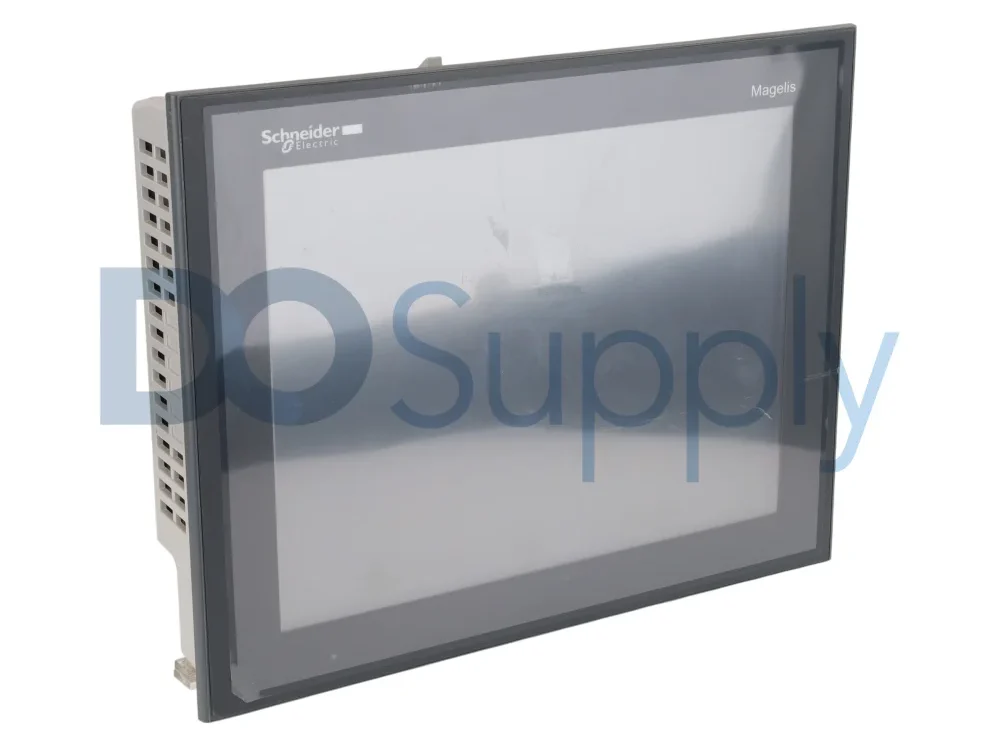
With ISA-101, you don’t just throw info on the screen and hope for the best. Critical numbers—pressures, levels, flows, trips, anything that’s live and urgent—sit right where a person’s eyes naturally go first, usually up top and in the center. That’s not random; eye-tracking research backs it up. Less urgent data sits nearby, so it doesn’t distract, and navigation stays in fixed spots along the edges so operators can find their way around, even in a crisis.
Not all data is equally important, and the screen should show that. Information that keeps the plant safe gets the spotlight: bigger text, stronger visuals, the best real estate. Details that help with efficiency or fine-tuning don’t need to shout and can sit quietly in the background. Stuff you rarely need stays hidden until you need it—one click away, not on the main overview.
Alarm Visibility and Typography Standards
Alarms get special, always-visible places on the screen. They shouldn’t cover anything up or float around, getting in the way. If there’s a critical trip or an emergency, it has to be front and center, never hidden by pop-ups. Controls for alarm navigation and acknowledgment always sit in the same spot, so even when adrenaline’s high, operators can react without hunting around.
Good HMI design uses color on purpose—not as decoration. Red means emergency, yellow signals something’s not right, green is normal, and blue gives general advice. Since about eight percent of men can’t see red and green clearly, screens need to double up on cues—shapes, labels, or where things sit—so nobody misses a critical signal.
Readability comes before style. Simple, clean fonts make sure values are easy to read, even from across the control room, and urgent things pop out: bigger, bolder, and impossible to miss. Standard icons follow ISA or ISO rules, so pumps and valves always look the same, day or night, no matter who’s at the controls.
Navigation Architecture and Style Guides
Menus need to match how the plant actually operates, not just how the PLC racks are set up. That way, people can find what they need based on their real work. Breadcrumb trails are handy when things get hectic—especially for quick troubleshooting—so people always know where they are. If you’re dealing with critical actions, like shutting something down or overriding a safety system, those options should stay right up front and easy to reach, not hidden behind a maze of clicks.
And for the long haul, you can’t just slap together some style guides and leave it at that. You need strict guidelines for screen layouts, colors, alarm priorities, fonts, icons, and banner behavior. Think of these guides as engineering standards—not just a nice look—so everything stays clear and consistent for everyone using the system.
Ready to upgrade your HMI hardware or add monitoring to your existing setup? DO Supply carries a full range of industrial automation components, from HMI panels and touchscreens to sensors and controllers that tie it all together, all from brands you can trust and hardware tested by our specialists. Looking to sell your old automation equipment or repair your troubled supply? We have you covered there as well! Come check out our inventory or reach out, and we can help you find exactly what you need.
DO Supply Inc. makes no representations as to the completeness, validity, correctness, suitability, or accuracy of any information on this website and will not be liable for any delays, omissions, or errors in this information or any losses, injuries, or damages arising from its display or use. All the information on this website is provided on an "as-is" basis. It is the reader's responsibility to verify their own facts.