PLC Memory Limitations in Modern Applications
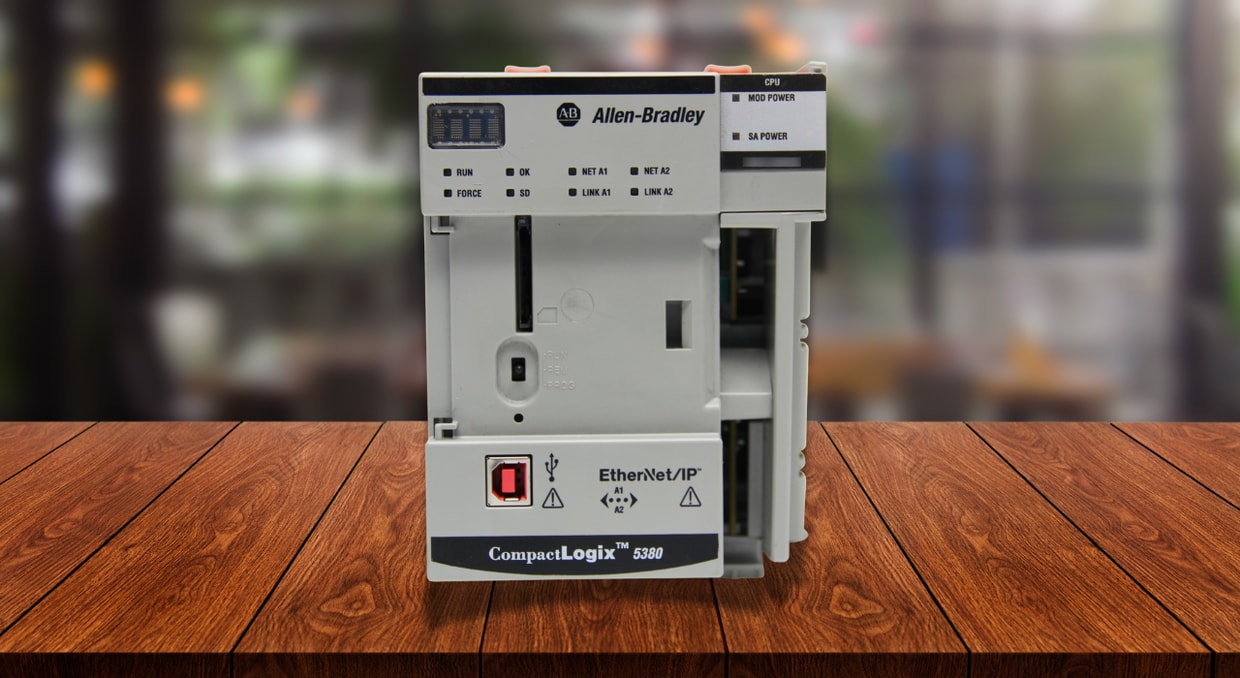
There was a time when PLC memory planning mainly consisted of counting I/O points, estimating the number of instructions, and making sure that the program would fit inside the controller’s memory. This approach worked when a PLC’s primary responsibility was reading switches, controlling outputs, and keeping a machine moving through a relatively simple sequence.
Fast forward to modern facilities, and you will see that PLCs are asked to do a lot more. In addition to running the core program, modern PLCs may coordinate motion, communicate with dozens of devices, and retain maintenance data. Every function that a controller is told to do requires memory, even when it doesn’t add many visible rungs to the program.
Because of this, sizing a PLC for its memory can be an easy oversight. While it may seem to have enough processing power and I/O capacity for an application, it can fall short on program memory, data memory, retentive storage, or even communication resources.
The Different Types of PLC Memory
PLC memory is generally divided into several sections, each serving a different and important purpose. While the exact terminology differs between manufacturers, most controllers use a combination of program, volatile, retentive, and nonvolatile memory.
Program Memory
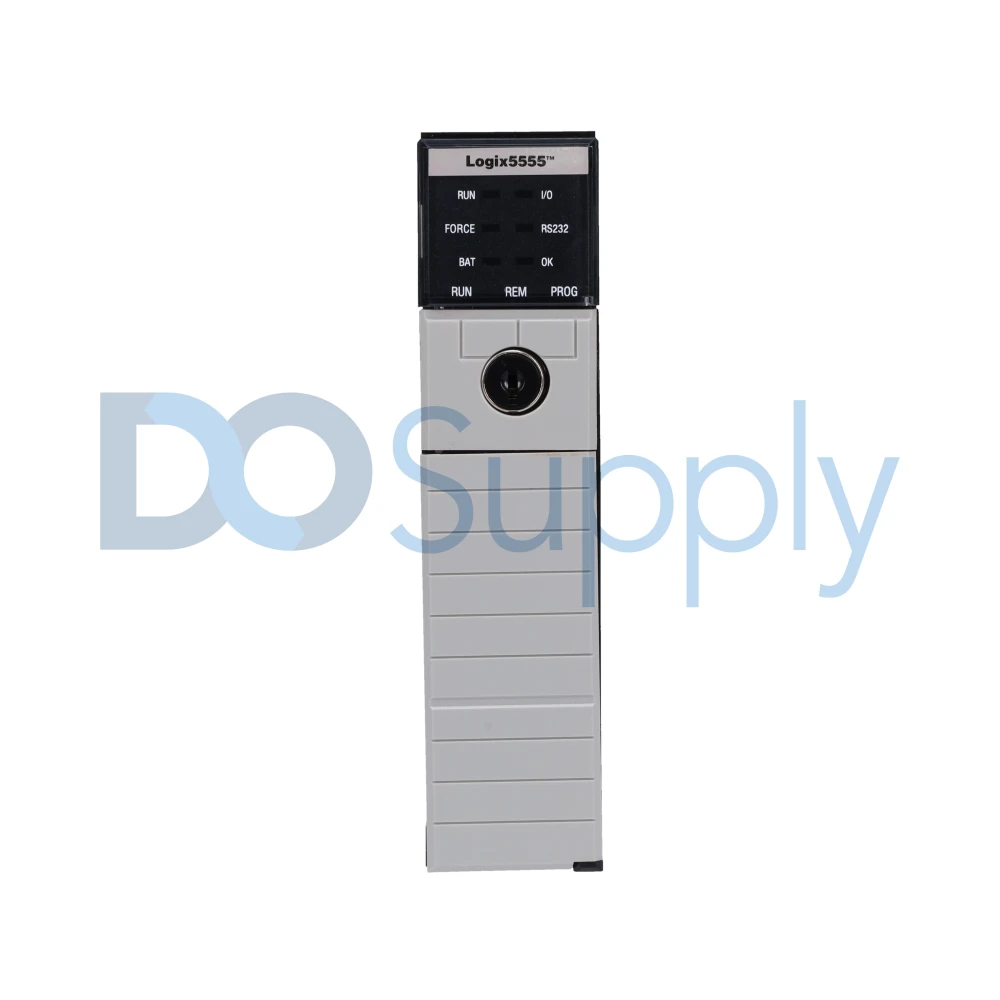
Program memory stores the instructions, routines, and functions that make up the control program. Depending on the controller, portions of this logic may be modified through online edits while the PLC continues operating. This includes:
- Ladder logic
- Sequential function charts
- Function block diagrams
- Sequencing logic
- Communication instructions
- Motion-related routines
The program memory can also be used for power-up instructions as well as handling controller faults, helping to prevent minor failures or shutting down the system safely.
Volatile Memory
Volatile memory primarily uses RAM as the controller’s active working area while the PLC is powered. It supports the frequent reads and writes required during operation, but its contents are generally lost when controller power is removed unless selected data is retained or backed up. For PLCs, it’s used to hold the following values:
- Tag values
- Timer and counter data
- Calculation results
- I/O states
- Arrays
- Communication buffers
Because it handles all these values and is constantly updated during operation, it plays a major role in modern applications that process large volumes of data. Unless specific values are configured for retention, the contents in volatile memory will be lost when power is removed.
Retentive Memory
Retentive memory preserves selected operating values through a power cycle or a restart. It’s good for production totals, machine settings, and other data the controller must remember when powered back on. Retentive memory can also be limited, so it’s wise to use only the necessary values when configuring your PLC.
Nonvolatile Memory
Nonvolatile memory retains data rather than deleting it during power-off, as volatile memory does. Within this category, there are three major subcategories of nonvolatile memory:
- ROM: Read-only memory that is permanent and cannot be erased. This is usually reserved for the operating system and the core code of the PLC.
- EPROM/EEPROM: (Electrically) erasable programmable read-only memory is memory that can be programmed like ROM. EPROM can be erased using ultraviolet light, while EEPROM can be erased and rewritten electrically.
- Flash memory: A common form of nonvolatile storage used for controller applications, firmware, backups, and stored data. Flash is typically erased and rewritten in blocks rather than modified like ordinary RAM.
Some PLCs use built-in flash storage, while others support removable SD or memory cards.
How PLC Memory is Used in Modern Applications
Back when PLC controllers were built for simple machinery, most of the memory was used by the control program, data, timers, counters, etc. Modern applications tend to place a much heavier demand on the controller, depending on the job size.
Every new program array, equipment module, recipe, alarm record, or motion profile will consume memory. Some of these features add very little visible logic, which makes their impact easy to underestimate when selecting a controller.
Memory is also not stagnant. It tends to grow with the life of the machine. Sometimes new devices are added, or production data is expanded.
What Consumes the Most Memory in Modern PLC Applications
When it comes to how a PLC allocates memory, it’s important to recognize that different parts of a PLC’s application use memory at different rates. Usually, it’s the data handling, rather than the control logic, that uses the most memory.
Arrays, Production Data, and Recipes
For non-programmers/coders out there, an array is a data structure that holds values in a fixed-sized sequence of elements. Each element of the array is accessed through an index to refer to or change it, allowing for efficient retrieval and modification. In a PLC, arrays are commonly used to store recipe values, production records, alarm states, part-tracking data, or groups of device parameters.
The problem is that arrays can get large if not done efficiently. This memory demand is not always obvious from the visible program. The selected data also matters as an array of 32-bit values requires more space than an equally sized array of Boolean values.
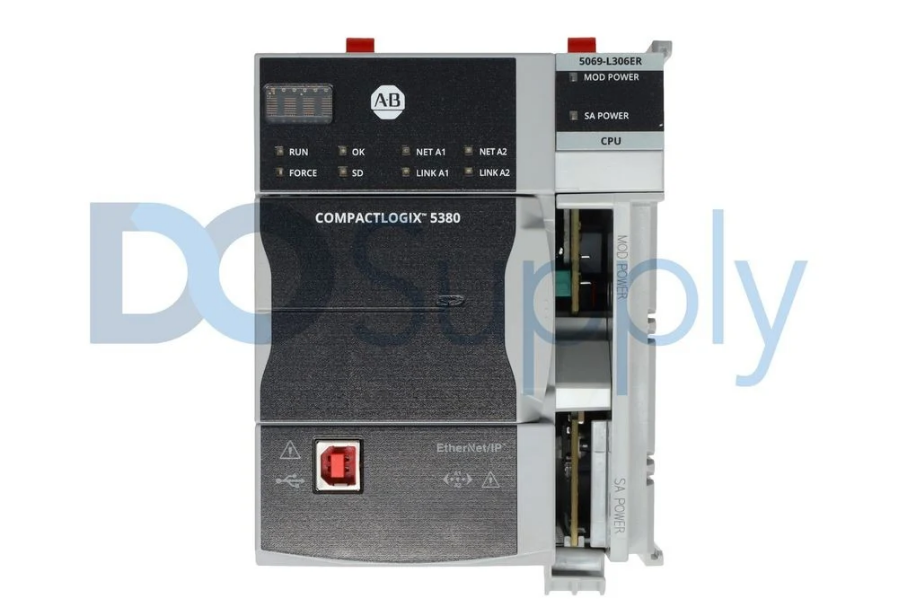
For modern systems, these arrays can hold the following:
- Recipes
- Batch records
- Production totals
- Quality measurements
- Part tracking information
These applications may use relatively little control logic while holding thousands of values in the controller.
Tags and Data Structures
Named tags make PLC programs much easier to read and maintain, but they also require memory to do so. This becomes more noticeable when programmers use large arrays, user-defined data types, or equipment structures that group commands, status values, alarms, timers, and diagnostics into a single object.
So, while a single structure may not use much memory on its own, it can quickly add up when duplicated across dozens of motors, valves, etc.
Communication Data
Modern PLCs regularly communicate with drives, remote I/O, HMIs, robots, etc., exchanging information all the time. Each of these connections might require tags, message instructions, buffers, or diagnostic information.
While a single device may have a small effect, a heavily connected system with multiple devices can dedicate a significant amount of memory to communication. Controllers may place limits on the number of supported I/O devices, network connections, produced and consumed tags, or active message instructions. As a result, a PLC can reach its communication capacity even when some user memory remains available.
Motion and Advanced Control
Motion applications often require more than basic start and stop commands. There are axis configurations, position data, cam profiles, and tuning parameters that can increase the application’s memory usage. The process side also suffers from similar demands with large numbers of control loops, historical values, calculation routines, and reusable control structures.
Alarms and Diagnostics
With smarter, more connected hardware, we expect our PLCs to provide detailed fault information rather than shut down and flash a red light. This information all requires storage, and examples are:
- Alarm descriptions
- Fault codes
- Time stamps
- Maintenance counters
- Diagnostic histories
These features are valuable for troubleshooting and reducing downtime, but they should still be planned carefully. Storing every possible event inside the PLC can consume memory that may be better reserved for control and future expansion.
What Happens When a PLC Approaches Its Memory Limit?
When a processor reaches a high memory allocation percentage, it doesn’t automatically mean that a PLC will slow down because the memory fills, as memory utilization and processor workload are not the same measurement. Rockwell even states that having a Logix controller memory in the red area doesn’t create a program-failure risk and that scan time significantly increases when logic is added, not because the existing memory allocation is high.
It may be intuitive to think that your PC slows down once its RAM is at max capacity. Most PLCs do not compensate for insufficient working memory by moving active program data to a slower storage drive. Instead, the application must fit within the controller’s available runtime memory.
Because of this, memory utilization alone does not necessarily slow the execution of logic already loaded into the controller. Performance is more directly affected by the amount and complexity of the logic, data processing, communications, and motion functions being executed. Once the available memory is exhausted, the controller is more likely to reject additional tags, program changes, or downloads than to continue operating through slower overflow storage.
Still, it is good practice to leave a bit of memory headroom for future program expansions.
Final Thoughts
While PLC memory may not get as much attention as processing speed, I/O capacity, or communication support, it is still an important factor to consider. A controller that barely fits the original application may leave little room for troubleshooting, production changes, or future expansion. While removable storage can help with backups and file storage, it generally does not replace working memory needed to execute the active program.
For the best results, review how the manufacturer divides program, data, retentive, and nonvolatile memory, estimate the needs of the full application, and leave enough unused capacity for the machine to grow.
If you have run into a lack of memory space for your applications with your current controllers, there are always solutions. We at DO Supply buy used hardware and stock powerful PLC controllers fitted with enough memory space for your current and future operations. We are also an excellent source of PLC accessories, automation peripherals, motion control, and more. Contact our team today to see what we can DO for you!
DO Supply Inc. makes no representations as to the completeness, validity, correctness, suitability, or accuracy of any information on this website and will not be liable for any delays, omissions, or errors in this information or any losses, injuries, or damages arising from its display or use. All the information on this website is provided on an "as-is" basis. It is the reader's responsibility to verify their own facts.