Common SMC Dialog Plus Mistakes and How to Avoid Them
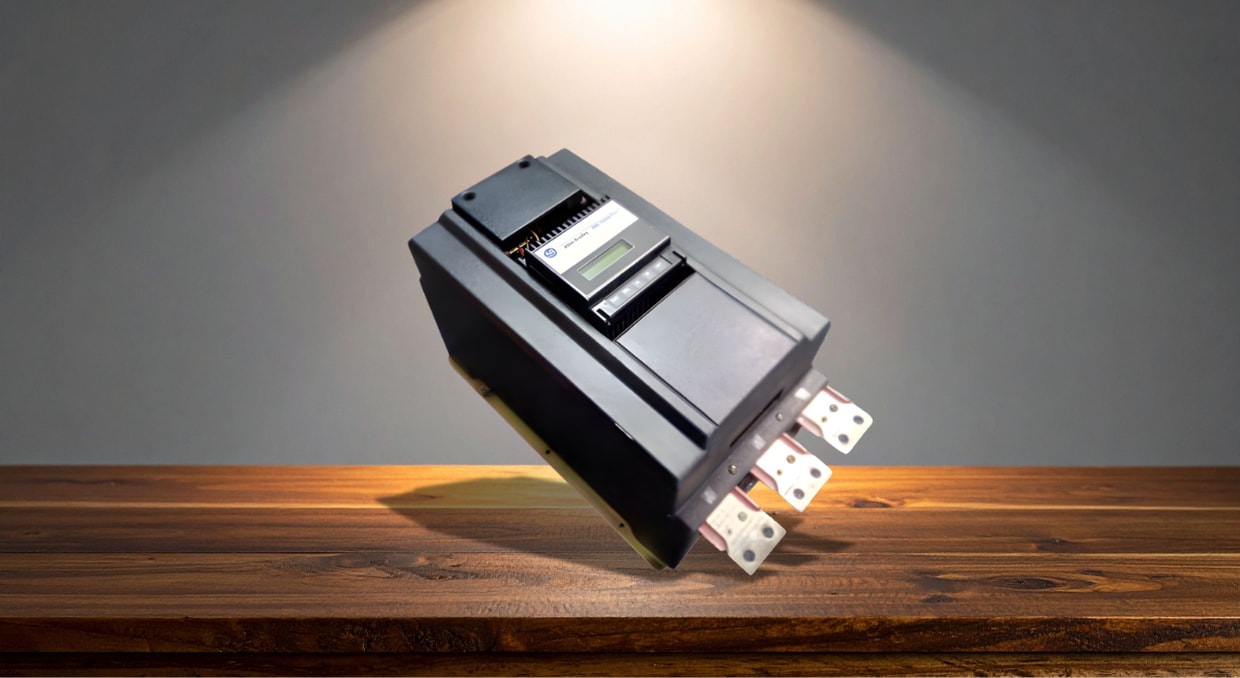
The SMC Dialog Plus soft starter is a reliable solution for motor control, but improper configuration or oversight can compromise performance and equipment safety. This article outlines eight common mistakes users make—from incorrect motor FLA settings and misconfigured start modes to overlooked communication parameters and fault code monitoring. Each error is explained in detail, along with actionable guidance to prevent them. Whether you’re commissioning, operating, or maintaining the SMC Dialog Plus, understanding and addressing these mistakes will help you enhance system reliability, extend motor life, and maintain safe, efficient operations in industrial environments. Some of the common mistakes are listed below, along with how you can avoid them from occurring.
Incorrect Motor FLA Setting
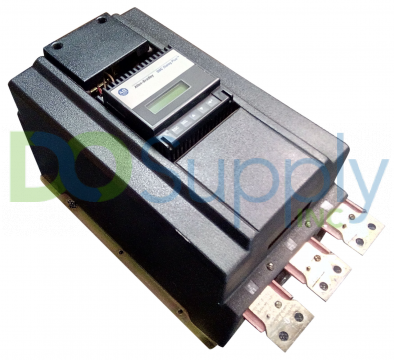
One of the most common errors customers make when configuring the SMC Dialog Plus starter is to set the Full Load Amperes (FLA) number incorrectly. This value is essential for the protection of motors. Under typical load, the starter may trip too soon if the FLA is set too low. It cannot recognize overload situations if set too high, which might cause the motor to overheat and eventually break. This setting must appropriately represent the motor’s real rating because it is directly linked to the overload protection.
To find the right FLA value, always consult the motor nameplate. If necessary, double-check with the motor datasheet. Don’t use default settings mindlessly. Use a clamp meter to verify current measurements during commissioning. To guarantee that settings stay correct during firmware upgrades or hardware modifications, incorporate FLA verification into your startup process and routine maintenance program.
Misconfigured Start/Stop Modes
The SMC Dialog Plus offers Soft Start, Current Limit Start, Full Voltage Start, and additional beginning modes. Selecting the incorrect one can significantly affect motor function. When a high-inertia load is used with the Soft Start mode, the torque may be insufficient, leading to prolonged start times or failure to start. Similarly, a Full Voltage Start may cause mechanical stress and harm sensitive mechanical systems. Operators frequently depend on default setups and ignore load factors, which might result in equipment problems or low efficiency.
Consider the type of load (fan, pump, or conveyor) before choosing a start mode. Experiment with several modes during commissioning to see which one operates the most steadily. Train staff on the ramifications of each mode and save documentation for future use. Always verify the starting behavior under actual load circumstances before switching modes.
Bypass Contactor Not Connected or Delayed
After the motor achieves maximum speed, the SMC Dialog Plus uses a bypass contactor to lessen heat accumulation in the SCRs. If the bypass contactor is disconnected, improperly adjusted, or delayed, the SCRs continue to conduct current during run mode, which significantly raises internal heat. This results in heat stress, reducing component life and might cause the starter to fail too soon. Continuous SCR conduction can occur when users think bypass functionality is automated without correctly wiring or activating it.
Consult the wiring diagram to ensure the bypass contactor is wired correctly. Perform commissioning tests to ensure everything is operating correctly. Monitor the status using the keypad or remote I/O. If you see continuous SCR conduction, examine the relay wiring and bypass delay settings. To prevent overheating and drive failure, incorporate checks for bypass functioning into normal maintenance procedures and replace damaged contactors as soon as possible.
Failure to Program Correct Overload Class
The overload class determines the SMC Dialog Plus’s response time to motor overload situations. Classes 10, 20, and 30 are common overload classes; higher numbers permit longer times between trips. Applying the incorrect class may result in inadequate motor protection or nuisance tripping. For instance, employing Class 10 for a high-inertia load may result in frequent and wasteful shutdowns, whereas utilizing Class 30 for a typical load might delay fault response and harm the motor. One common problem is a misinterpretation of the load type.
Examine the characteristics of the driven load; use Class 10 for normal loads and Class 20-30 for high-inertia equipment such as centrifuges or crushers; refer to manufacturer guidelines or motor specifications for recommendations; test startup behavior and make necessary adjustments; record your selection procedure and communicate it to operators; and plan yearly overload setting reviews to make sure they continue to correspond with any operational modifications or motor upgrades.
Improper Wiring of Control Terminals
One typical error that might cause the starter to react incorrectly to orders for start, halt, or fault reset is improper wiring of the SMC Dialog Plus’s control terminals. Reversed polarity, disconnected digital inputs, or shared common references that result in incorrect triggering are among the problems. Unpredictable starting behaviour might result from technicians misinterpreting wiring schematics or skipping verification processes during time-sensitive installs. If voltages are not matched, this might cause delays in commissioning and could harm control components.
Before turning on, make sure all control connections are correct by consulting the official Allen-Bradley wiring schematics. When installing wires, label them, and check circuits using continuity testers. During dry runs, confirm the validity of each control signal (Start, Stop, Reset). Include a consistent terminal verification checklist in your commissioning procedure. Teach installers how to isolate and ground properly. Unless specifically allowed by the design, mixed-voltage control systems should not share commons.
Ignoring Thermal Memory Reset
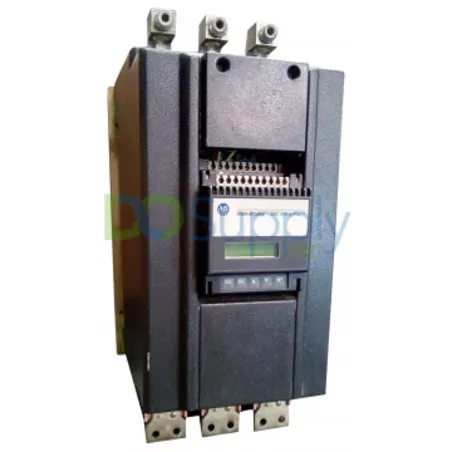
The SMC Dialog Plus maintains a thermal memory that replicates the motor’s cooling period when the motor trips owing to overload. It might not be permitted to restart the motor before it has cooled down enough. Sometimes, technicians mistake this behavior for a defect and manually reset the starter or override it. Bypassing important safety procedures in this way may result in motor failure, insulation failure, or thermal stress. The way the thermal model safeguards equipment is misunderstood.
Inform technicians and operators about the starter’s thermal memory feature. Before trying a restart, use the interface to see what percentage of the motor is cooling. This safety feature should never be overridden or circumvented unless absolutely required and safe. If thermal tripping happens frequently, reassess the load, overload settings, or motor condition. Incorporate knowledge of thermal memory into SOPs for maintenance and training. As the motor manufacturer directs, modify the cooling time settings as necessary.
Lack of Communication Parameter Setup
DeviceNet, EtherNet/IP, and other network protocols are supported by the SMC Dialog Plus. Proper configuration of connection parameters including baud rate, node address, and parity is required. Users frequently mismatch baud rates or forget to modify the default node numbers, which causes communications with the PLC or SCADA system to fail. System automation may be disrupted if communication breaks down because control commands and diagnostics might be missed. This is particularly troublesome in multi-device networks where timing problems or address clashes occur.
Prior to network integration, assign distinct node addresses and confirm that all parameters align with your network’s architecture. In your controller project, always make changes to the device profile. For clarity, use wire labels and record all settings. Before launching, test the communication fidelity. To guarantee ongoing compatibility, periodically check network settings during firmware updates or hardware modifications.
Not Monitoring or Logging Fault Codes
On the SMC Dialog Plus, operators frequently remove error codes without checking or recording them. Although this could momentarily restart the motor, it removes the chance to identify the underlying source of the issue. Frequent malfunctions could be a sign of a growing problem, such as an inappropriate voltage, shorted contactor, or overworked motor, but without a fault history, these go unreported until a catastrophic failure happens. Additionally, trend analysis and preventative maintenance planning are hampered by a lack of fault logging.
It’s good practice to always check and record fault codes before clearing them. You can use the integrated display or any attached program to examine the defect history log. Investigate recurring or comparable issues and enter codes in a maintenance log. Employees should also be trained to identify fault patterns and their common causes. For simpler long-term tracking, alarms and fault records should be included in SCADA or PLC systems. Another good habit is including fault tracking in routine maintenance and troubleshooting procedures.
Final Thoughts
In conclusion, understanding and avoiding common mistakes with the Allen-Bradley SMC Dialog Plus soft starter is essential for maintaining safe, reliable, and efficient motor control. From incorrect FLA settings and start mode selection to neglected communication configurations and unlogged fault codes, each oversight can lead to unnecessary downtime, equipment damage, or operational inefficiencies. By taking a proactive approach—verifying wiring, properly programming overload classes, monitoring bypass operation, and utilizing diagnostic tools—technicians and engineers can ensure optimal performance. Regular training, documentation, and maintenance practices will further support long-term system health and enhance productivity across industrial applications using the SMC Dialog Plus soft starter. Once all the technical bugs are squashed, feel free to check out our article on how to get the most out of your SMC Dialog Plus controller here.
If your SMC Dialog Plus starters are still giving you issues, we at DO Supply offer a repair service to bring your controllers, drives, and other automation equipment back to good health, all backed by our two-year warranty for added peace of mind. We also carry replacements and upgrades if you would like to move on from the SMC line. Stop by today to see our never ending catalog of equipment, or give us a call if you have something more specific in mind!
DO Supply Inc. makes no representations as to the completeness, validity, correctness, suitability, or accuracy of any information on this website and will not be liable for any delays, omissions, or errors in this information or any losses, injuries, or damages arising from its display or use. All the information on this website is provided on an "as-is" basis. It is the reader's responsibility to verify their own facts.