Can You Leave a Spare Drive on the Shelf for Too Long?
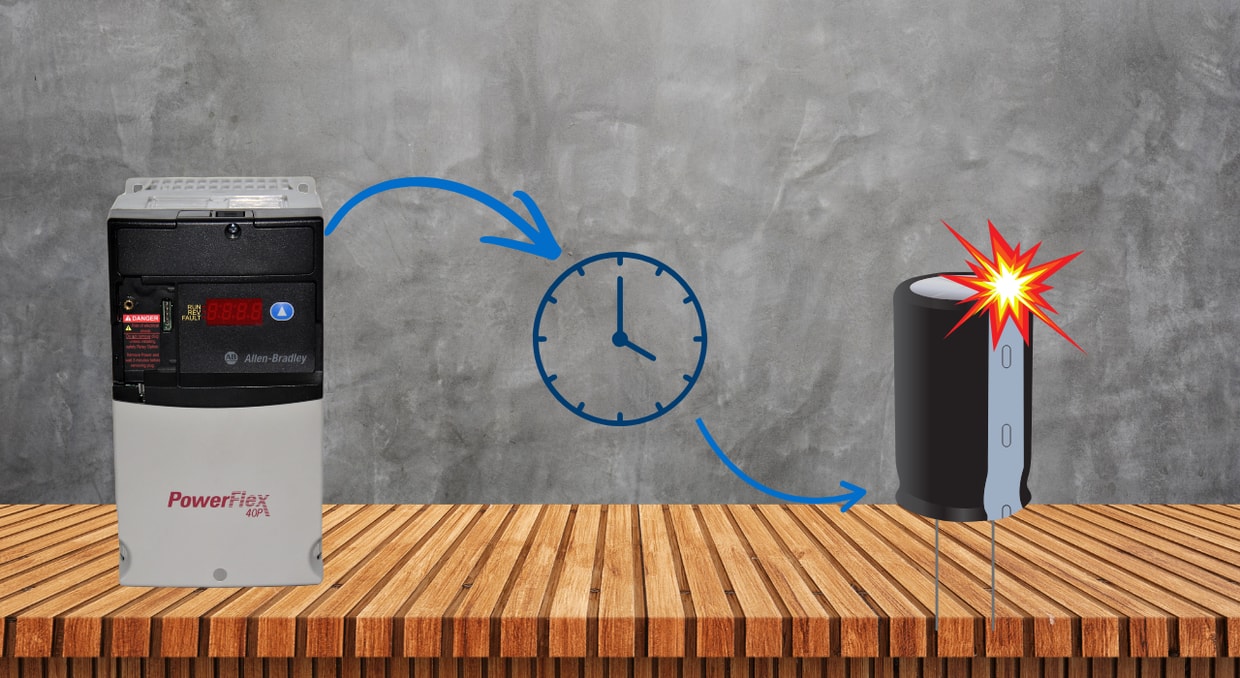
For many facilities, uptime is a priority when selecting which equipment to deploy in their line. Because of this, redundancy modules and spares are kept so that high-priority equipment and processes can be repaired with minimal downtime. As you can imagine, this is an effective technique when properly executed.
Sometimes these processes are designed so well that they simply chug along for years and years without having to dust off the replacement in the supply cabinet. Drives that have been obtained for replacement now sit on the shelf waiting for the baton to be passed, and it can be years before it does, and plugging them in might just bring more issues.
The Hidden Expiration Date
When it comes to storing drives, there is no official expiration date printed on the part, but guidelines for the amount of time a drive can sit without power. This time frame varies across manufacturers: Rockwell’s PowerFlex guidelines specify 2 years, while ABB and Eaton specify 1 year. This is because the electrolytic capacitors built in begin to deteriorate. The internal chemistry changes over time, and the oxide insulation layer begins to break down. When this happens, capacitors can leak current, overheat rapidly, and blow. That “pop” you can hear when a drive that’s sat in storage too long is finally powered on is the capacitor deciding to release its magic smoke because it hasn’t been reformed before use.
Capacitor Reforming
Thankfully, a drive that has been sitting for a while doesn’t need to be tossed into the trash. In many cases, the DC bus capacitors can be reformed before the drive is placed back into service. Reforming is the process of slowly reapplying voltage to the capacitors so the oxide layer inside can rebuild instead of being shocked back to life all at once.
This process can differ between different drive manufacturers. For example, Rockwell’s instructions for a PowerFlex AC power reformation for drives that are between one and two years old are to apply voltage using the normal method for 60 minutes under no load. For drives that have been stored for 2-3 years without power, use a DC power supply connected to the drive’s DC terminals, then ramp the voltage from 0-100% of the DC bus voltage in 25% steps. You will need to dwell at steps 25%, 50%, and 75% for 30 minutes, and at 100% for 60 minutes. Drivers sitting longer will need to dwell at 120 minutes per step.
This process helps rebuild the oxide on the grooves of the internal aluminum foil within the capacitor to prevent the leakage current that will destroy it.
What Happens If You Skip Reforming?
Skipping the reforming process is a gamble with the odds going less in your favor every month. The drive may still power on and, in some cases, even appear to run normally at first. However, this false sense of security is what makes this issue tricky. A stored drive does not always fail when the second voltage is applied. Instead, weakened capacitors may begin leaking more current than they should, heating internally, and stressing the rest of the DC bus.
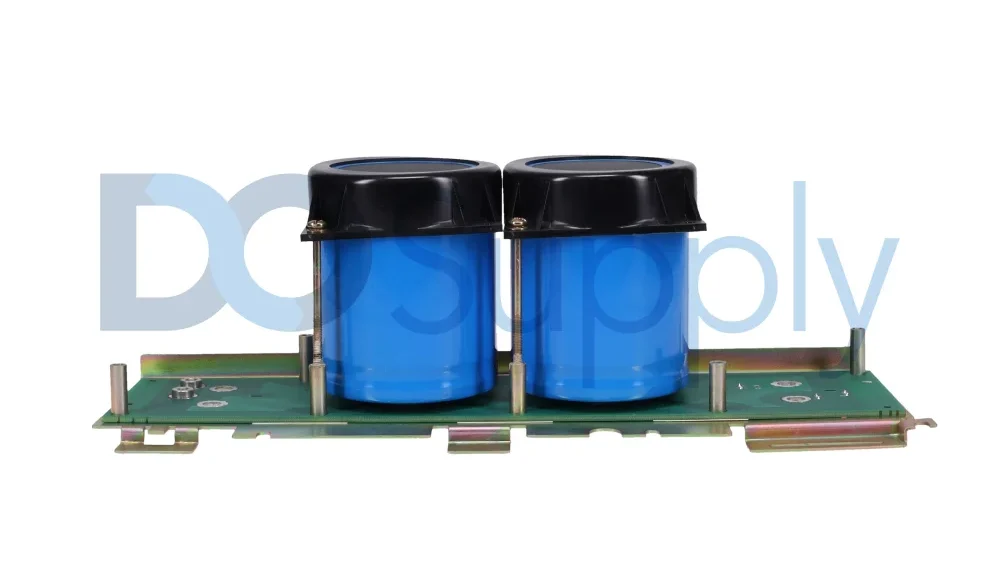
The best-case scenario is that the drive faults during start-up and refuses to run. While it could be annoying, the problem is contained. The worst case is that you hear the dreaded POP of the capacitors, as we mentioned earlier. It’s then that you will need to decide whether it’s worth repairing or scrapping, especially if the capacitors have damaged the surrounding components.
This is why capacitor reforming is the required step to revitalize the drive, rather than a quick “bench test”. Knowing that the drive will work is the entire point of keeping a spare drive in the first place. The drive may be physically on the shelf, but if it cannot be trusted when it is needed, it is not really a ready spare.
Storage Conditions Matter
The length of time a drive has been on the shelf is not the only storage condition that matters. The environment in which the drive is stored also matters for longevity. Thankfully, the storage requirements for VFDs aren’t all too demanding. For example, Eaton has the following requirements for an ideal storage condition:
- Stored between a temperature range of -40F to 158F (-40C to +70C)
- Humidity must not exceed 95% non-condensing
- The drive should be kept free of accumulated dust and debris
- The drive preferably should be in its original packaging
Even if your drive is stored in an office, it’s still a good idea to inspect it thoroughly before putting it to use. Look for bulging or leaking capacitors, corrosion on terminals, dust buildup, cracked plastic, damaged fans, missing covers, loose hardware, or signs that the drive has been exposed to moisture. A spare drive is only useful if it is actually ready when the line goes down.
How to Manage Spare Drives Properly
The best approach to keep spare drives line-ready is to add them to your preventive maintenance routine. That does not mean every spare needs to be powered constantly, but it does mean they should be inspected and checked on a schedule. For many facilities, this could include an annual review of stored drives, verification of storage conditions, and documentation of which units may need capacitor reforming before use.
It is also helpful to label each spare with key information:
- Drive model
- Voltage class
- Horsepower or kilowatt rating
- Compatible equipment
- Date received
- Last inspection date
For those looking to be a bit more thorough, it could help to include startup notes, parameter backups, or a reminder that the drive must be reformatted before installation if it’s been sitting for more than the manufacturer’s recommended interval.
A spare drive should reduce downtime, not add uncertainty. The more organized the spare inventory is, the easier it is for maintenance teams to act quickly when a production line, pump system, fan, conveyor, or compressor goes down.
Final Thoughts
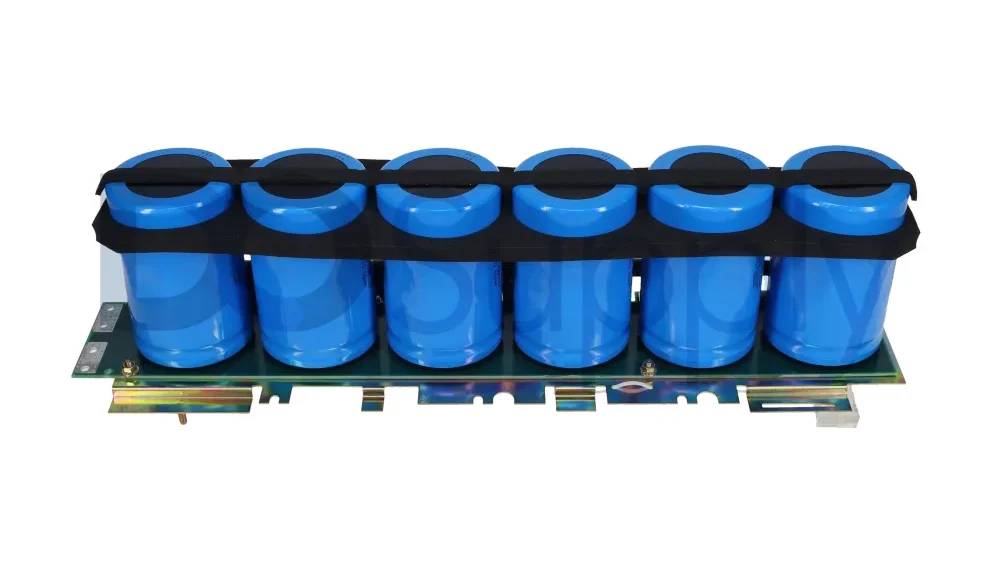
So is it possible to leave a spare drive on the shelf for too long? Absolutely. A VFD doesn’t have a traditional expiration date like a carton of milk would, but its internal components still age while it sits. The biggest concern is usually the electrolytic capacitors in the DC bus, which may need to be reformed after long periods without power.
While this doesn’t mean the drives will become useless after a couple of years, it does mean that a little extra care and attention, along with following the manufacturer’s guidelines, can yield reliable spares ready to swap in at a moment’s notice. Though slamming in a drive sitting on the shelf for years without a capacitor reformation can prove to be an expensive gamble.
If your drive has suffered a capacitor failure or is not working as it should, we at DO Supply offer a repair service to extend the life of your existing equipment, backed by our two-year warranty. We are also a fantastic source of spare drives, motors, equipment, PLCs, and more. Reach out to our team today, and we can help you find just what you need!
DO Supply Inc. makes no representations as to the completeness, validity, correctness, suitability, or accuracy of any information on this website and will not be liable for any delays, omissions, or errors in this information or any losses, injuries, or damages arising from its display or use. All the information on this website is provided on an "as-is" basis. It is the reader's responsibility to verify their own facts.