Connecting HMIs and PLCs: Communication Tips for Stable Operation
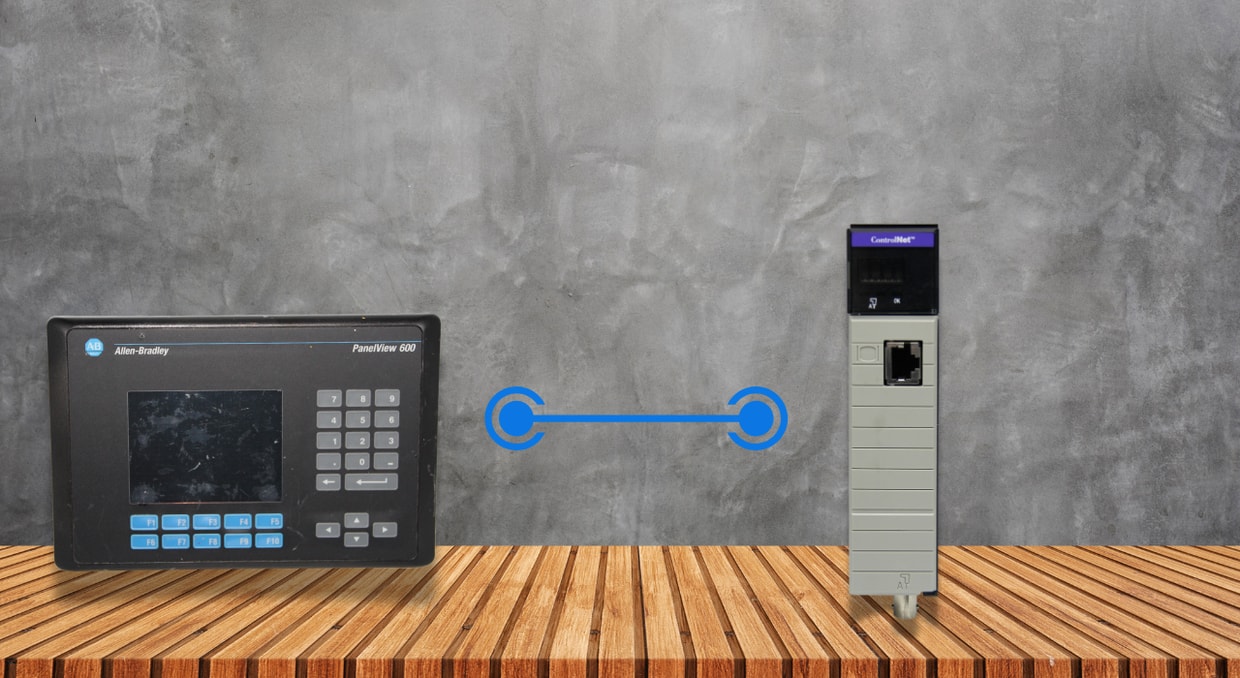
Within industrial automation frameworks, HMIs (Human–Machine Interfaces) serve as the essential link between human operators and the control logic executed by PLCs (Programmable Logic Controllers). Although PLCs handle deterministic, real‑time regulation of equipment and processes, HMIs deliver visual displays, operational command, alarm handling, and system diagnostics.
Reliable and sturdy HMI–PLC communication isn’t a matter of chance. It demands thoughtful network layout design, prudent protocol selection, effective tag handling, fine‑tuned update intervals, and solid error‑management techniques. This piece examines tested communication suggestions and best‑practice guidelines that automation engineers can use to achieve lasting stability when linking HMIs and PLCs in industrial settings.
The Function of HMIs within Automation Systems
HMIs act as the operator‑oriented interface of an automation system. They convert intricate control logic and live process data into user‑friendly graphical displays that operators can readily comprehend and use. The main responsibilities of HMIs are:
- Showing live process information such as temperature, pressure, speed, and status
- Enabling operators to initiate, halt, and modify processes via buttons, sliders, and setpoints
- Providing alerts, patterns, archived records, and system analysis
- Supporting upkeep, troubleshooting, and fault analysis tasks
Unlike PLCs, which are built to run control logic deterministically within fixed scan cycles, HMIs serve as data consumers and interactive user interfaces. They constantly poll PLCs for information and only sometimes send commands back. This core distinction makes efficient and stable communication crucial. Weak HMI communication may compromise overall system performance, overload PLC processors with messages, and choke Ethernet networks with pointless traffic. In extreme circumstances, control logic execution may be delayed, creating dangerous circumstances. Hence, grasping the specific role of HMIs is the initial step toward creating reliable communication systems.
Selecting the Appropriate Communication Protocol
Choosing the right communication protocol is among the key choices when linking HMIs with PLCs. The protocol sets how data is transferred, how often it refreshes, and how robust the link remains under load or fault situations.
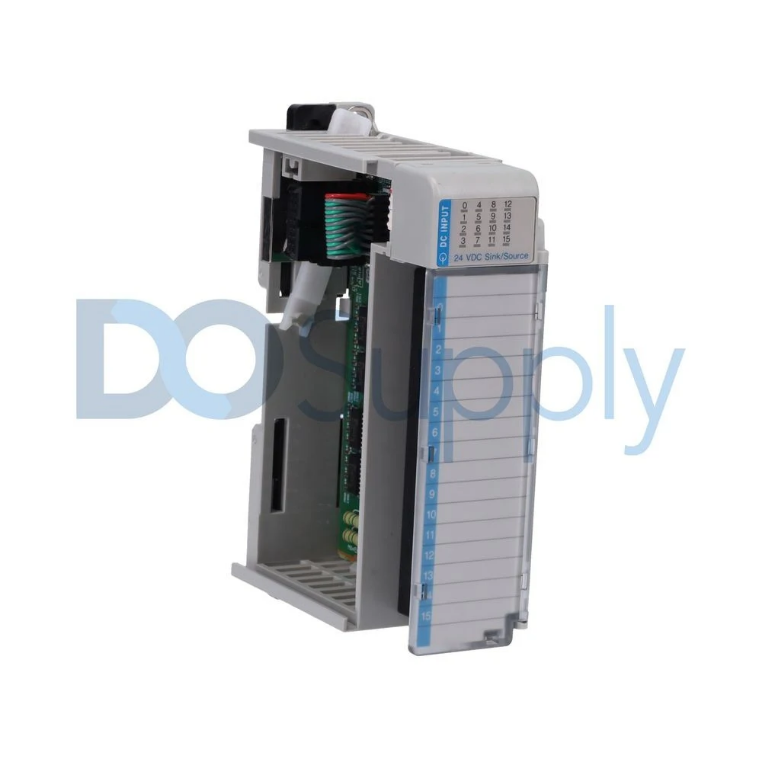
Typical Industrial Protocols Employed by HMIs
Various industrial communication protocols are typically supported by contemporary HMIs:
- EtherNet/IP: Commonly utilized with Allen‑Bradley PLCs, offering both cyclic and explicit messaging for rapid and dependable data transfer
- PROFINET: Widely used in Siemens‑based automation setups, providing fast, deterministic data exchange for real‑time tasks
- Modbus TCP: An uncomplicated, open-standard protocol backed by numerous manufacturers, ideal for fundamental data transfer and integration of older systems
- OPC UA: A vendor‑agnostic, safe, and expandable protocol suited for contemporary, multi‑supplier and IIoT‑driven architectures
Network Architecture Recommended Guidelines
A properly engineered network forms the basis for reliable HMI communication. Even the most well‑configured HMIs and PLCs will struggle when the underlying network is unstable.
Isolate Control and IT Networks
To safeguard time‑sensitive control communications, HMIs and PLCs should be connected to a dedicated industrial control network. That network should be isolated, either logically or physically, from corporate IT traffic using managed switches, VLANs, or industrial firewalls.
Segmentation stops unpredictable traffic, such as email, file transfers, or video streaming, from disrupting HMI–PLC communication. It also bolsters cybersecurity and simplifies troubleshooting.
To ensure reliable HMI operation:
- Deploy managed industrial Ethernet switches that provide diagnostics and redundancy support
- Ensure adequate grounding and cable shielding to lower electrical noise
- Steer clear of extended copper cable runs lacking repeaters or opt for fiber‑optic connections
Preventing Network Congestion
The CPU of the PLC and the network may be overloaded if too many HMIs query the same PLC at short update intervals. OPC servers or data concentrators can be used to organize communication and reduce the need for direct PLC connections in topologies that require several HMIs, SCADA stations, or data historians.
Enhancing Tag Management Across HMIs and PLCs
Inadequate tag design frequently leads to erratic HMI performance and slow system operation. Each tag requested by an HMI utilizes PLC processing capacity and network bandwidth. Instead of pulling hundreds or thousands of separate tags:
- Organize related data into arrays or structured data types
- Apply controller-scoped tags when appropriate
- Eliminate unused, redundant, or outdated tags
Effective tag clustering markedly cuts communication load and enhances system responsiveness.
Prevent Excessive Read and Write Operations
Repeated write requests from HMIs may interfere with PLC scan cycles, leading to erratic behavior. Recommended practices are:
- Employing transient push buttons rather than continuous write commands
- Developing handshake bits or command confirmation logic
- Restricting operator write permissions to only essential control tags
These methods safeguard the integrity of control logic while preserving prompt operator control.
Controlling Refresh Frequencies and Scan Durations
A key element for reliable HMI communication is correctly setting the update rate. Adjust HMI update frequencies to meet process requirements.
Not every piece of process data requires millisecond‑precision updates. Set the refresh rates according to real operational needs:
- Rapidly varying parameters (e.g., motor speed): 250–500 ms
- Operator condition displays: 500–1000 ms
- Past, trend, or analysis data: 1–5 seconds
Too frequent update rates offer minimal practical advantage but considerably raise communication overhead.
PLC Scan Time Effects
Although HMIs operate asynchronously, overly frequent messaging can lengthen PLC scan cycles and raise CPU load. Always check PLC diagnostics to verify that HMI traffic does not disrupt deterministic control execution.
Alert and Incident Management Approaches
Alarm systems are among the most essential features provided by HMIs. Inadequate alarm communication design can jeopardize both safety and usability.
Employ PLC-Driven Alarms Whenever Feasible
Embedding the alarm logic in the PLC guarantees that alarms stay active even when the HMI disconnects. HMIs should primarily serve as alarm viewers and acknowledgment devices rather than as alarm processors.
Stop Alarm Overload
Alarm surges overload operators and communication links. To keep HMIs functioning steadily:
- Rank alarms by severity
- Eliminate false and brief alarms
- Employ alarm delays, deadbands, and shelving
A properly engineered alarm system enhances safety, boosts operator efficiency, and steadies communication.
Maintaining Dependable Data Consistency
When data differs between HMIs and PLCs, operators may become confused and take wrong actions.
Maintain Uniform Data Types
Incompatible data types often cause communication errors. Always make sure:
- Whole numbers and decimal values are matched accurately
- Analog readings are correctly scaled
- Byte order is properly managed for multi-byte data
Confirm Data at the PLC Level
Whenever feasible, check input ranges and limits inside the PLC. This stops HMIs from writing incorrect data and safeguards both the equipment and the staff.
Redundancy and Fault Tolerance Considerations
For mission-critical processes, redundancy is essential to maintain continuous operation.
Backup Network Routes
Using redundant Ethernet rings, dual network interfaces, or parallel communication paths removes single points of failure. Many contemporary HMIs provide redundant PLC connections to ensure high availability.
Smooth Management of Communication Loss
Reliable HMIs should manage communication breakdowns smoothly by:
- Showing explicit message state signals
- Keeping the most recent correct values rather than displaying erroneous data
- Preventing unsafe operator actions during disconnection
These actions avoid misunderstandings and reduce risk when network failures occur.
Recommended Security Practices for HMI–PLC Communication
As industrial systems become more interconnected, cybersecurity directly affects system stability.
User Verification and Permission Management
Restrict HMI permissions according to well-defined user roles:
- Operators: overseeing and basic control
- Engineers: setup and optimization
- Admins: modifications at the system level
Network Protection Strategies
- Install industrial firewalls separating control and enterprise networks
- Turn off unnecessary services and network ports
- Keep HMI firmware and PLC software at the latest versions
Evaluation, Start‑up, and Ongoing Maintenance
Even the most carefully designed communication system needs to be rigorously tested.
Communication Load Evaluation
Model extreme scenarios such as:
- Highest tag loads
- Several HMIs linked at the same time
- Rapid operator interactions
This allows detection of bottlenecks prior to production startup.
Documentation and Expandability
Record IP addressing, protocol settings, and tag structures. Plan for future growth so HMIs can scale without redesigning the communication architecture.
In conclusion, safe, effective, and continuous industrial processes depend on communication between various HMIs and PLCs. Every design decision has immediate implications on system stability, whether it involves selecting the right protocol and network architecture or optimizing tag handling, update frequency, alert management, and security.
Final Thoughts
Balancing communications between PLCs and HMIs does not need to be challenging. Following these helpful tips should help optimize and solidify your communication structure between your PLC and HMI. If you’re reading this to build your own setup, why not visit our site? We have a ton of PLC and HMI options from leading brands. All of our products also ship with a two-year warranty to top it off. Finally, we offer repair services for any automation equipment that needs to be brought back to good health. Give us a call today!
DO Supply Inc. makes no representations as to the completeness, validity, correctness, suitability, or accuracy of any information on this website and will not be liable for any delays, omissions, or errors in this information or any losses, injuries, or damages arising from its display or use. All the information on this website is provided on an "as-is" basis. It is the reader's responsibility to verify their own facts.