PLC Grounding and Shielding Best Practices
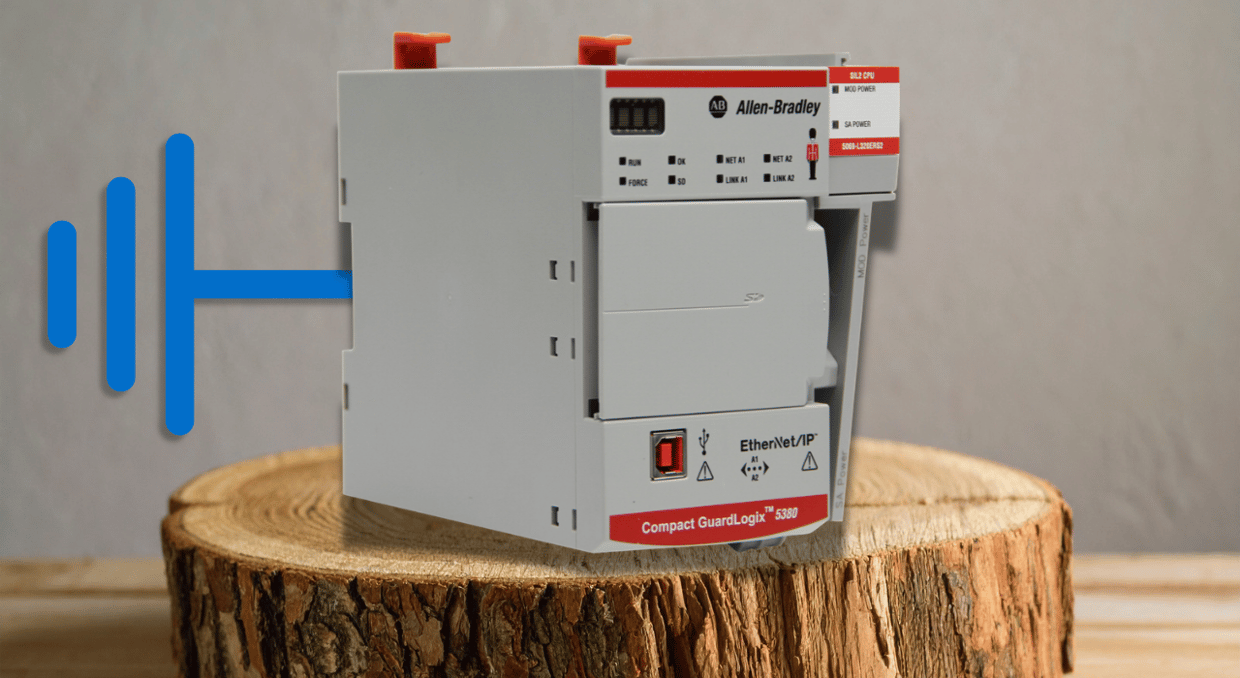
In most factories, PLCs rarely live in an ideal environment. Inside a cabinet, they can be surrounded by contactors, relays, power supplies, AC drives, and other electromagnetic interference (EMI) producing equipment. The problem is that if that EMI reaches sensitive I/O or communication wiring, it can cause a wide range of problems. Because of this, the manufacturer recommends proper grounding and shielding techniques, which are usually in the installation manual that (likely) comes with your PLC.
If you don’t feel like digging the manual out of a drawer or you just want a simplified guide to grounding your equipment, you’re in the right place.
Grounding, Bonding, and Shielding
Before jumping into grounding your PLC, it helps to separate grounding, bonding, and shielding. While they all work together to reduce electrical noise and protect equipment, each serves a different purpose inside a PLC system.
Grounding connects electrical equipment to the facility’s grounding system, providing a common reference point and a path for fault current. Bonding, on the other hand, connects conductive parts such as the PLC chassis, enclosure, backpanel, and ground bus together so they remain at roughly the same electrical potential.
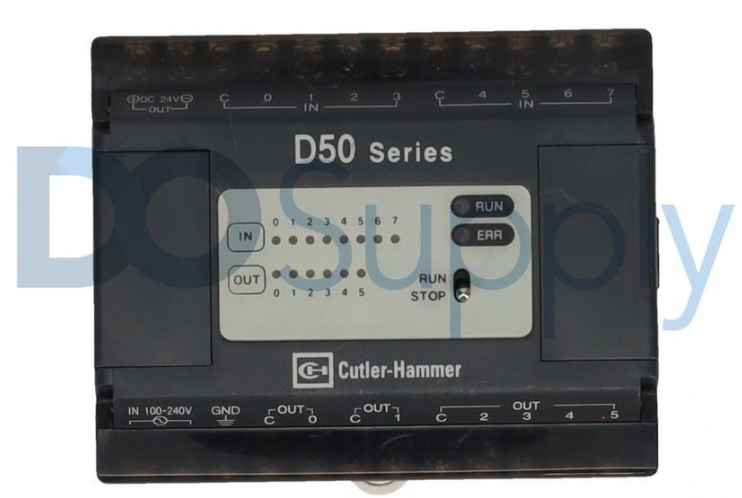
Shielding is a bit different. Rather than providing a fault-current path, cable shields help prevent electromagnetic noise from coupling into sensitive signal and communication conductors. How that shield is terminated can vary by signal type and equipment, which is why the manufacturer’s wiring instructions still matter.
Building a Proper Grounding and Bonding Foundation
A good grounding system starts with ensuring all conductive components have a solid electrical connection. This includes the PLC chassis or rack, enclosure, backpanel, DIN rails, and ground bus. Bonding these components together helps keep them at the same electrical potential while giving unwanted electrical noise a path away from sensitive PLC equipment.
A likely obstacle between a mounting point and your equipment is paint. Mounting a chassis into a painted cabinet may look fine and even very clean, but paint acts as an insulator and can prevent reliable electrical connection. You want direct metal-to-metal contact.
The PLC chassis should also connect directly back to the main grounding point, per the manufacturer’s instructions. For example, Schneider recommends that each Quantum rack have its own ground conductor running back to the main grounding point instead of daisy-chaining the grounds from one rack to another. This makes the grounding system less dependent on every connection staying intact.
How to Handle Cable Shields Correctly
Grounding the cabinet itself is only half of the equation. The other half is shielding sensitive signal and communication wiring to keep outside electrical noise from coupling into the conductors. This is especially important for analog I/O, encoder wiring, and communication cables, where even a small amount of interference can cause problems.
Avoiding Ground Loops
One thing that can make grounding confusing is that two points connected to the ground are not necessarily at the exact same ground potential. In fact, longer conductor runs, large loads, and other equipment throughout the facility can create small voltage differences between grounding points. So if a cable shield or other conductive path is grounded at both ends and a voltage difference exists between them, current can flow through that path in what is called a ground loop. This ground loop can force current through signal commons, cable shields, or communication wiring. Ground loops often show up as unstable analog readings, communication problems, or other intermittent issues that are difficult to track down and can cause processors to fault.
On the flip side, grounding both ends can be the best practice for particularly noisy areas, as it provides the best noise rejection. The technician must ensure both ends are at the same ground potential before doing so.
Specific PLC Requirements
Not all PLCs and manufacturers are alike. For example, Rockwell advises grounding the shield at the end specified for your specific PLC, never connecting a shield to the common side of a logic circuit, and keeping the shield intact through junction boxes whenever possible, stripping back only as much as necessary to make the connection. Communication networks can have their own grounding methods, so the safest approach is to follow the wiring instructions for the specific PLC, I/O module, or network being installed.
Separate Power Wiring from Sensitive Signals
Even with top-notch grounding and shielding, where you route your power cables still matters. Running signal wiring directly beside higher-power cables can easily couple electrical noise into the signal. Because of this, keep analog I/O, communication cables, encoder wiring, and other low-power signals away from motor leads, AC power wiring, and other noisy conductors whenever possible.
A good way to avoid this is to route the signal wiring at a right angle to the power cable rather than running them side by side. Spacing is also good practice, but will depend on the installation. A simple rule of thumb: the noisier the wire, the farther it should be from sensitive PLC signals.
Reduce EMI at the Source
Even with a by-the-book installation, EMI can still cause problems. Sometimes it’s better to prevent it at the source before it has a chance to spread through the cabinet.
Equipment that can cause unwanted EMI includes:
- Contactors
- Relays
- Solenoids
- Motor starters
- AC Drives
- Other inductive loads
It’s a good idea to suppress these transients at the source instead of relying on the rest of the control system to compensate for them.

Surge Suppression
A good way to deal with this noise is not to give your PLCs little earplugs, but to install suppression diodes, snubbers, or another suppression device directly across the inductive load. Schneider Electric calls for a reverse-biased clamping diode across certain DC inductive actuators. Match the suppression device to the relay or contactor being used. Keeping the suppressor close to the source also helps keep the transient from traveling through the rest of the wiring.
Quieting AC Drives
Another EMI problem child is the popular AC drive. Like other power-switching equipment, these deserve the same attention if installed near your PLC. For these pieces of hardware, you can use filters, ferrites, isolation transformers, and other EMC components when the manufacturer calls for them.
Final Thoughts
Proper PLC grounding is all about understanding your system and ensuring the entire installation works together. The chassis, enclosure, ground bus, cable shields, signal wiring, and nearby power equipment all affect how well the system handles electrical noise.
The biggest takeaway is to avoid treating grounding as an afterthought, because a poor bond or poorly terminated shield can undermine an otherwise clean installation. Ideally, keep grounding connections solid, terminate cable shields as the manufacturer intends, and control EMI at the source to keep PLC signals and communication networks stable.
And when in doubt, it is still worth digging out that installation manual. General best practices can get you most of the way there, but exact grounding and shielding methods can vary by PLC family, I/O module, and communication network.
But if grounding and shielding issues are already causing faults or unreliable operation, it may be time to look beyond the wiring. Here at DO Supply, we carry replacement PLCs, I/O modules, communication hardware, and other industrial automation components for a wide range of systems. We also offer repair services for many PLC and control products, with a two-year warranty available on qualifying repairs and replacements. Call us today, and we can help you find what you’re looking for. If you would like to keep learning about PLCs, consider our modular vs. fixed PLC architecture guide.
DO Supply Inc. makes no representations as to the completeness, validity, correctness, suitability, or accuracy of any information on this website and will not be liable for any delays, omissions, or errors in this information or any losses, injuries, or damages arising from its display or use. All the information on this website is provided on an "as-is" basis. It is the reader's responsibility to verify their own facts.