How to Troubleshoot and Maintain Your SMC 2 for Peak Performance
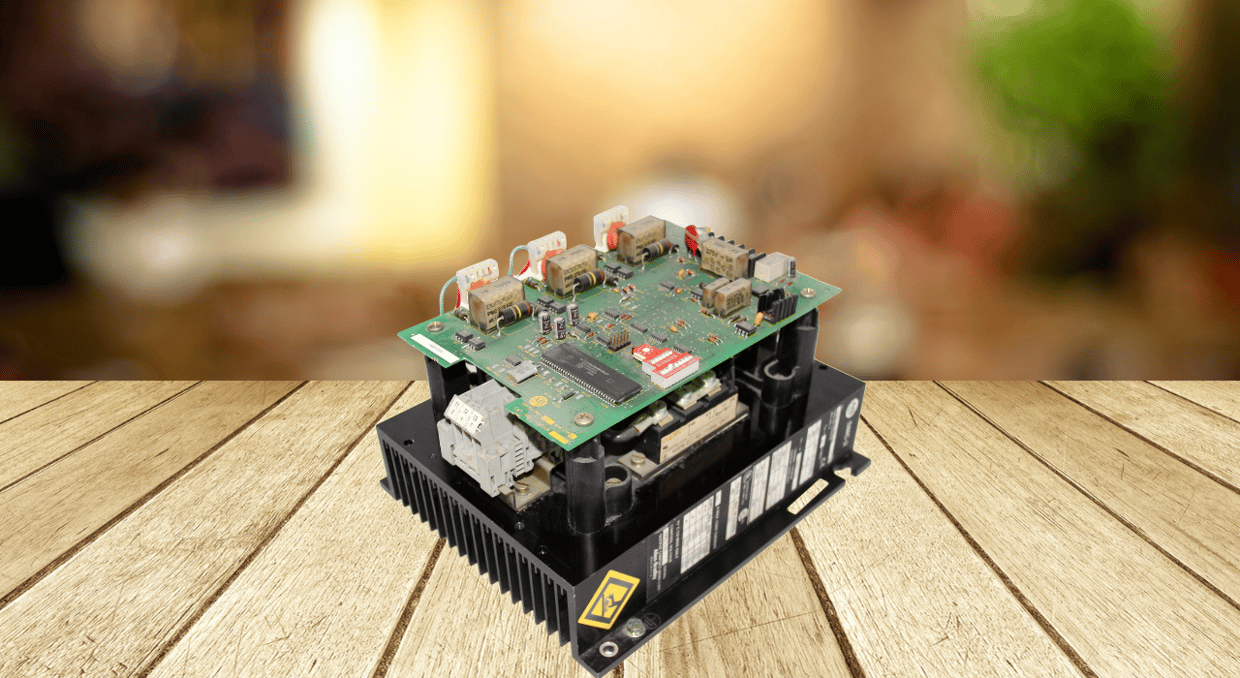
Maintaining and troubleshooting the SMC 2 soft starter is essential for ensuring reliable motor control and maximizing equipment lifespan. This comprehensive guide covers both foundational and advanced diagnostic techniques to help technicians and engineers keep their systems running at peak performance. From interpreting fault codes and verifying configuration settings to analyzing SCR gate signals and evaluating load imbalances, each section provides practical insights and technical depth. Whether you’re performing routine maintenance or addressing complex operational issues, these strategies will help you minimize downtime, enhance safety, and extend the life of your motor control system.
Maintenance and Troubleshooting Activities for SMC 2:
Keep Proper Check on Fault Codes
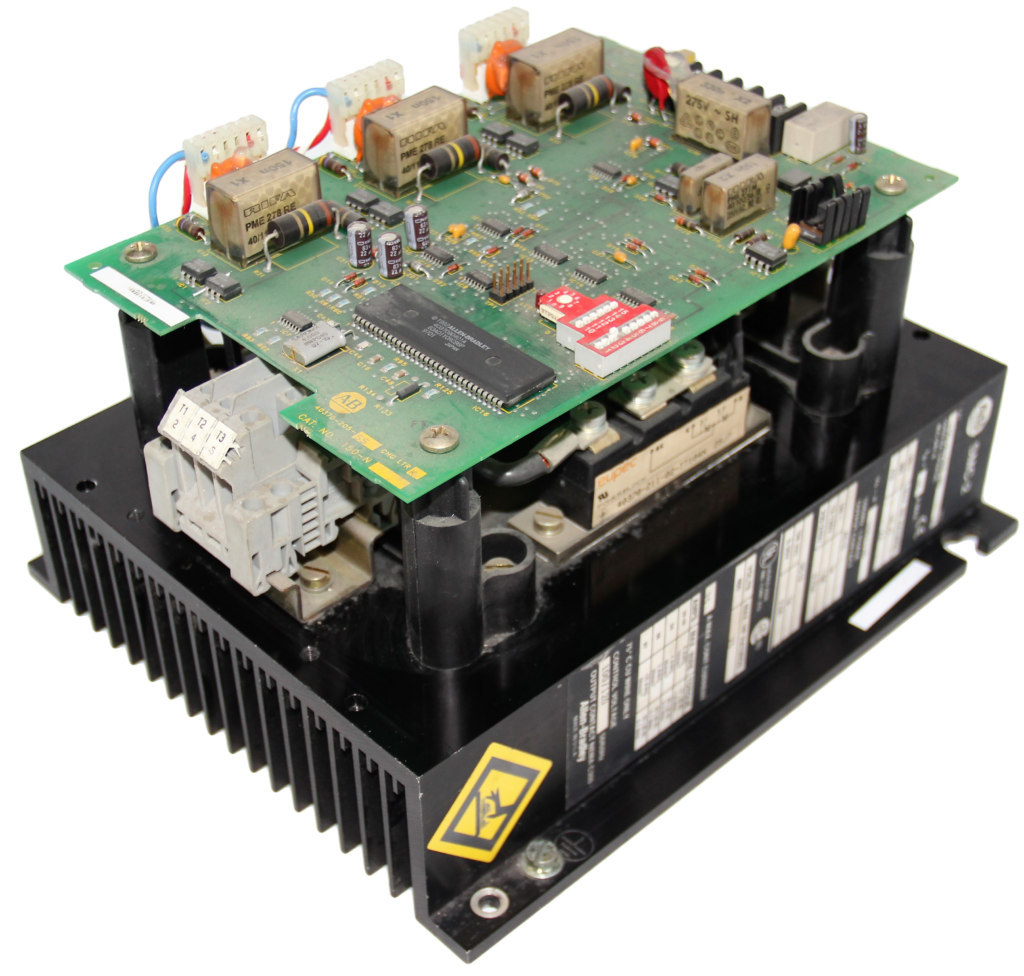
To help technicians quickly diagnose operational issues, the SMC 2 soft starter displays fault codes. These codes are crucial for identifying issues like overload, phase loss, shorted SCRs, and undervoltage. A motor with an overload fault is consuming too much current, which might result from improper settings or mechanical binding. A motor may sustain damage from phase loss, which happens when one of the power phases is absent or erratic. Undervoltage indicates an inadequate supply voltage, but a shorted SCR fault indicates an internal component failure. Peak system performance is maintained, and timely maintenance is ensured by routinely examining and reading these codes.
Inspection of Wiring and Connections
An important component of troubleshooting the SMC-2 soft starter includes the inspection of the connections and wiring. Each power and control wiring component must be properly attached, along with the right size to support the electrical load. Undersized or loose wires can lead to equipment failure, overheating, or voltage dips. Look for overheating signs during examination, such as color change or melted insulation, as they might be indicators of weak connections or high current. The power provided can also be disrupted by corrosion on terminals or connections, which should be cleaned or replaced. Frequent checks increase the soft starter system’s lifespan, ensure safe operation, and help avoid failures.
Verify Configuration Settings
The SMC 2 soft starter’s setup parameters must be verified for optimum performance and motor protection. Start by verifying that any DIP switch settings or programming parameters correspond to the needs of your application. Improper motor behavior, such as hard starts or inability to start, might result from incorrect settings. The motor’s FLA (full load amps), which needs to be precisely adjusted to guarantee adequate overload protection, is one of the most important characteristics. Furthermore, ensure the start and stop profiles—such as coast-to-stop, current limit, or soft start—are set up to work with the motor and load characteristics. Equipment life is increased, and errors are avoided with proper setup.
Verify Control Voltage
For the SMC 2 soft starter to operate dependably, the control voltage must be checked. The control voltage (24V DC or 120V AC) must be constant and within the range the manufacturer specifies. The soft starter may suddenly reset, fail to start, or show error codes if the voltage varies or falls below the necessary threshold. These problems have the potential to harm linked equipment and disrupt operations. During startup and operation, monitor the voltage at the control terminals using a multimeter. Maintaining a clean, reliable power source helps keep the system stable and avoids needless troubleshooting or downtime.
Monitor Start/Stop Frequency
It’s critical to check your SMC 2 soft starter’s start/stop frequency to preserve its longevity and effectiveness. Overly frequent start/stop cycles can cause internal components to experience thermal stress, which can result in overheating and early failure. The heat produced by each start might cause thermal protection or impair performance if the soft starter doesn’t have enough time to cool down in between cycles. To avoid this, assess your application’s duty cycle and modify timers or control logic to reduce pointless starts. Over time, wear can be greatly decreased, and system dependability can be increased by implementing anti-restart delays or streamlining processes.
Use Diagnostic Tools
Using diagnostic tools with your SMC 2 soft starter may greatly improve performance monitoring and troubleshooting. Some versions may be used with third-party programs which enables you to connect to the device and view event logs, parameter snapshots, and operating data in real time. These revelations aid in spotting patterns, recognizing failure early on, and modifying parameters for best results. Diagnostic tools can make fault analysis easier by offering thorough error records and system status reports. Using these tools regularly helps your motor control system make data-driven decisions, minimize downtime, and guarantee proactive maintenance.
Monitor Environmental Conditions
One of the most underrated things in ensuring your SMC 2 soft starter works reliably is to maintain a check on the surrounding environment. You have to ensure that the outside temperature remains within the specific range the manufacturer has listed, which is often between 0°C-50°C. While cold temperatures might impact starter performance, excessive heat might damage internal components. Check the installation area for vibration, dampness, or dust as well. Even slight moisture can cause short circuits, dust can obstruct air pathways and cause overheating, and vibration can break connections or harm internal components.
Replace Worn Components
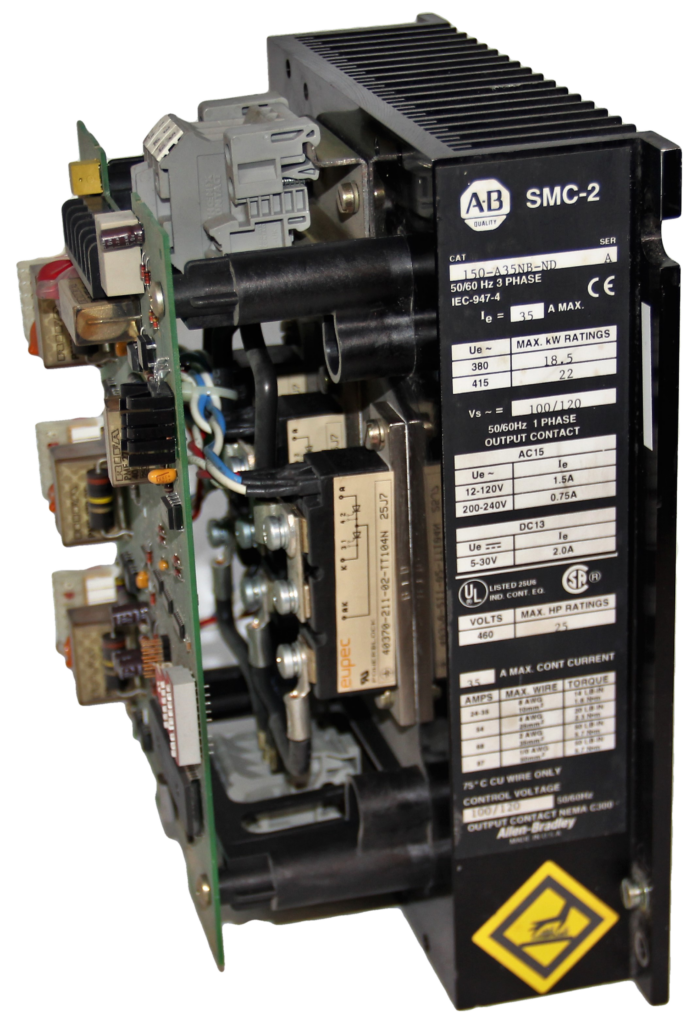
A preventive maintenance measure that helps avoid unplanned failures and prolongs the unit’s life is replacing worn parts in your SMC 2 soft starter. Important elements to keep an eye on are:
Metal oxide varistors, or MOVs, are devices that guard against voltage spikes. They deteriorate and become less effective over time. If they exhibit damage or discoloration, replace them.
Motor voltage regulation relies heavily on silicon-controlled rectifiers, or SCRs. An open or shorted SCR may cause startup problems or defects.
Interface Boards: These manage signals for control and communication. If you observe inconsistent conduct or misunderstandings, replace them.
Analyze the SCR Gate Trigger Signals
An important diagnostic process for making sure the SMC 2 soft starter is operating correctly is analyzing SCR gate trigger signals. You can view the gate pulses that are going towards SCRs using an oscilloscope; these pulses need to be steady in both time and voltage. These pulses need to perfectly match the frequency of the AC line and usually have a voltage range of 5 to 15 volts. Pulses that are irregular, faint, or absent might be a sign of a timing circuit failure, a broken control board, or a malfunctioning gate driver. For dependable SCR conduction and motor performance, the pulse width and synchronization must be appropriate. A digital storage oscilloscope with differential probes is advised for precise and secure measurement. This study assists in identifying minor issues that would not cause alarms but, over time, may result in soft starter failure, overheating, or motor instability. Frequent waveform analysis guarantees proper SCR triggering, preserving system dependability and efficiency.
Evaluate Load Imbalance
Evaluating load imbalance is a crucial diagnostic step for maintaining the health of both the motor and the SMC 2 soft starter. To perform this, a true RMS clamp meter measures the current on all three output phases (L1, L2, L3). A current imbalance greater than 10% depicts issues such as motor winding faults, uneven mechanical loads, or a malfunctioning SCR in the SMC 2. Persistent imbalance can lead to excessive heating, vibration, and premature failure of electrical components.
To further validate the imbalance, use a thermal imaging camera to detect hot spots on the motor or starter. These thermal anomalies often correlate with electrical irregularities and can help pinpoint the exact location of the issue. Addressing load imbalance early not only improves efficiency but also extends the lifespan of your equipment.
Final Thoughts
In conclusion, the SMC 2 soft starter has to be maintained and troubleshooted using a proactive and systematic approach. Every step is essential to preventing failures and guaranteeing long-term system dependability, from checking environmental conditions, monitoring fault codes and settings, and evaluating SCR signals. Incorporating both simple inspections and sophisticated diagnostics into your maintenance regimen will greatly save downtime, improve motor performance, and prolong the life of your equipment. Your motor control system will stay safe, effective, and dependable in any situation if technicians utilize diagnostic tools on a regular basis, repair worn components on time, and pay attention to load balancing.
You can find SMC 2 controllers and parts on our site at DOSupply.com. We offer same-day shipping to ensure your parts arrive on time, and with our two-year warranty, worry-free. We also have an extensive catalogue of drives from trusted brands, such as Allen-Bradley, Eaton, Mitsubishi, and more. Feel free to call or email us, and we will help take your automation solution to the next level. For those who might not have an SMC 2 already, we have a setup guide here to help!
DO Supply Inc. makes no representations as to the completeness, validity, correctness, suitability, or accuracy of any information on this website and will not be liable for any delays, omissions, or errors in this information or any losses, injuries, or damages arising from its display or use. All the information on this website is provided on an "as-is" basis. It is the reader's responsibility to verify their own facts.