How long can I actually run my SLC 500 system?
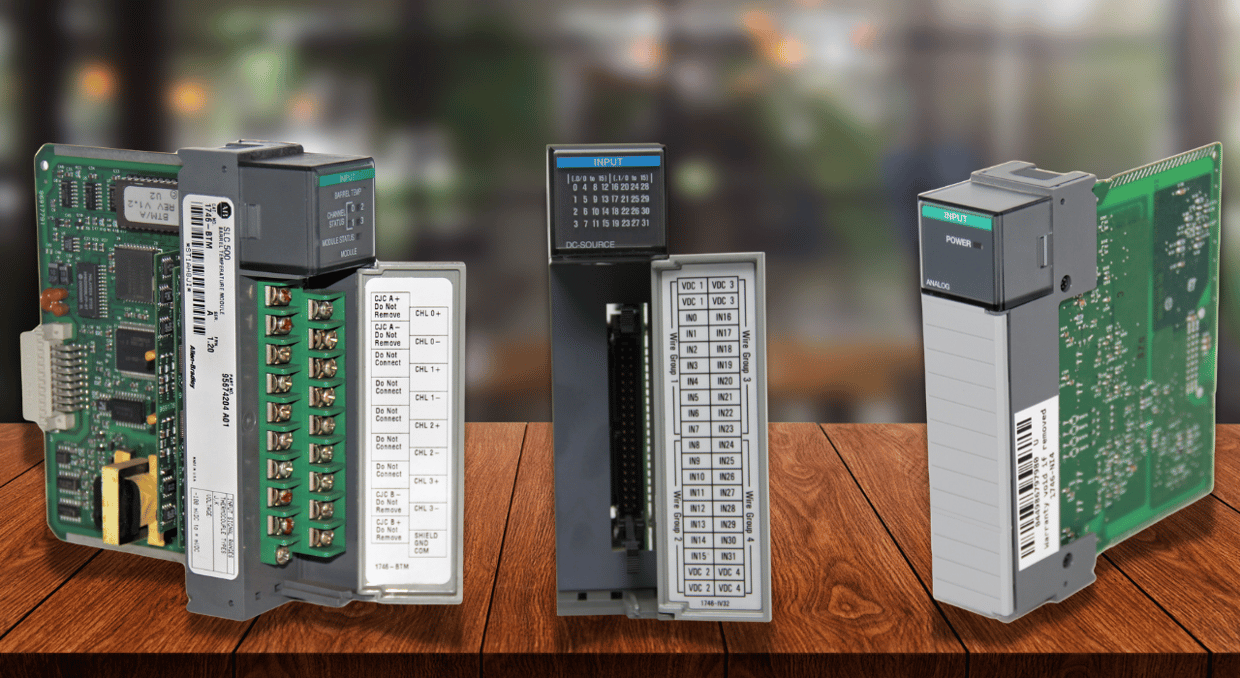
No expiry date is stamped on your SLC 500 chassis, and the hardware doesn’t track cycle tables. A controller that scans correctly today will continue to scan. The question for a maintenance engineer, however, is what happens at two in the morning when the processor, power supply, or output card dies: how long until your line is running again? That number, the time to recover, not its age, defines the maximum amount of time you can responsibly run your old system. What follows will summarize what Rockwell Automation’s own documentation says about that and where it is silent.
Can my discontinued SLC 500 controller still run?
Yes. Discontinuation describes its supply, not its runability. Rockwell’s life cycle migration profile MIGRAT-PP004 defines what the manufacturer means by these cycle steps. At the first stage, Active Mature, the part is fully supported, and a newer family is also available. End of Life is the stage where the discontinuity has been announced, and the item can still be ordered. Once discontinued, the item is no longer produced or supplied, although repair/exchange may still be available. The document also warns that some models may still experience short supply.
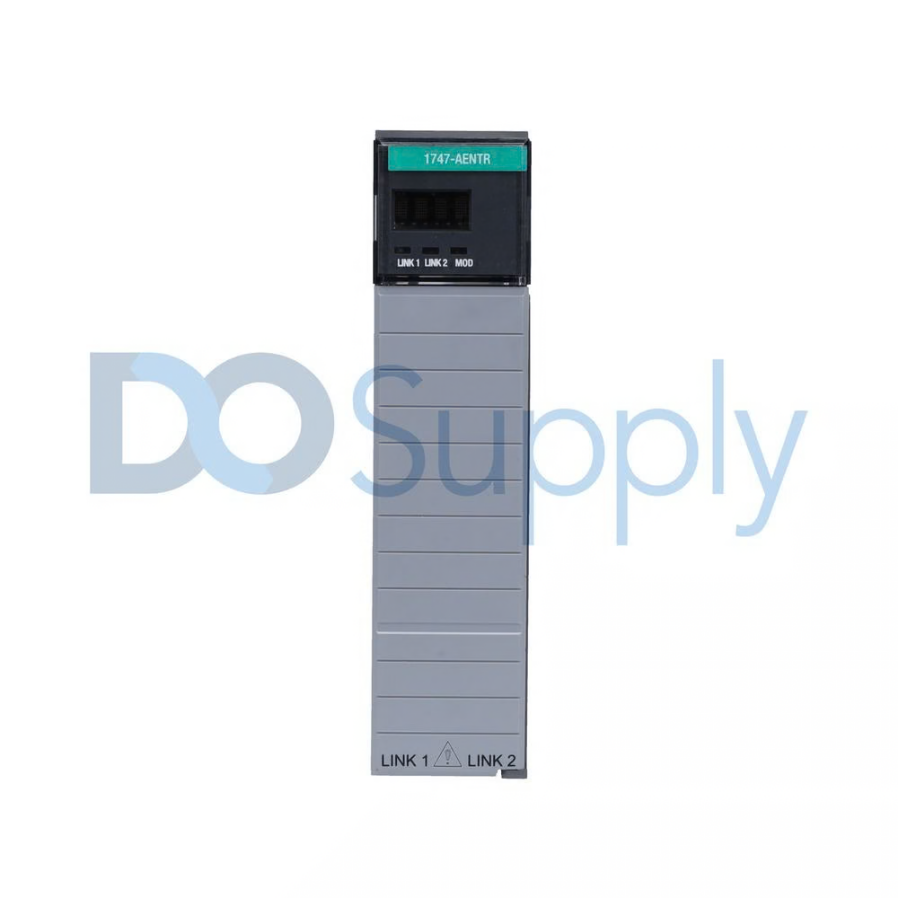
Catalog number decides the status of parts
The SLC 500 controller page on the Allen-Bradley site declares that some bulletin numbers have disappeared. It explicitly names the SLC 5/05 processors 1747-L551, 1747-L552, and 1747-L553. Rockwell also lists the 1746-RT25R replacement terminal block; additionally, they name the SLC 5/01, 5/02, and 5/03 8K controllers as discontinued. The Rockwell-recommended successor is the CompactLogix 5380. Because the current status depends only on the catalog number, look yours up using the Rockwell Product Lifecycle Status.
What component in an SLC 500 system fails first?
The documentation review does not yield a conclusive failure order, and since it’s notes rather than field-failure statistics, no such order should be argued for either. However, the available documentation lists conditions that amplify each failure and includes an item with a clear service interval. For more information on common SLC 500 faults, refer to our guide here.
Memory maintenance and the battery and supercapacitor
Within the SLC 5/03, 5/04, and 5/05 processors, a replaceable lithium battery (1747-BA) maintains RAM if power fails for up to two years and displays low-voltage warnings to keep the BATT indicator on your chassis illuminated. A supercapacitor ensures that all memory content is retained for at least 30 minutes without a battery connection, within its voltage range. If the program stored elsewhere does not auto-load, failure will be noted. Otherwise, simply connect a new power supply at a suitable time. A compatible 1747-M13 Flash EPROM module can provide nonvolatile storage for the controller application, allowing the program to be recovered if the processor loses its RAM contents. Compatibility depends on the processor model and firmware revision.
If the processor lives in an electrically noisy environment, you would want to program the module to auto-load after its initialization when the processor faults or after a power cycle. If the processor suddenly locks itself out, a hard factory reset procedure would make it forget all current running settings and restore its defaults.
Power Supplies and the Power Chassis
The manual warns that exceeding a power supply’s output load may cause it to shut down or fail prematurely. On sites where systems have been running for decades and have accumulated numerous analog cards and a 1747-AIC link coupler, review the worksheet calculation used to establish the load limit. The calculation considers the current drawn across all output lines. For example, if a 1746-P1 supplies 2.0 A at 5 V DC and 0.46 A at 24 V DC, exceeding either limit means you should switch to a 1746-P4 or another suitable part number. The 1746-P4 provides up to 10 A and 2.88 A, respectively, with a maximum rating of 70 W. Inductive loads can draw surges during switching, which may reduce performance or damage the power supply. For improved performance, use an isolation transformer with the correct voltage rating; in Europe, for example, a 230 V transformer may be more suitable than a 115 V one.
The chassis has no wear items, but its environment matters, as it has an operating range of 0 to 60C. Vertical installation is not recommended for thermal reasons, and unfiltered outside air is cited as a source of damage. Another remnant issue is with those series A chassis that were made before November 1992 — they have a resistor between the logic ground and the chassis ground, and if wiring a 1746-P3 DC neutral incorrectly, you can get this burnt out.
I/O modules
Here, the manual ties failures not just to the module’s age but to what is connected. Missing surge suppression on inductive loads can affect the memory (RAM) and can contribute to erratic processor errors and I/O module operation. When inductive loads switch without suppression, relay contacts can fail. RC-network surge suppression damages the triac outputs if load current is 15 mA or less. An output card that has been replaced may have fixed a problem but could be disguising that further along an upstream unsuppressed coil still exists.
Communication interfaces
The problem is the programming path. The compatibility tables show the 1747-UIC USB converter, the 1747-PIC, the 1747-CP3 cable, and 1784-PKTX(D) or 1784-PCMK cards. The 5/05 requires its Ethernet address to be set via BOOTP or RS-232 first. If an old laptop and one adapter are the only way to the processor, then that one piece of faulty electronics is all that is required for chaos to ensue.
When should a plant migrate an SLC 500 system?
Rockwell’s guidance doesn’t give an exact trigger or downtime costs to explain why, because the plant can do these. However, there are considerations to consider, including:
- Spare-parts coverage in areas, including counting all installed discontinued catalog numbers and deciding whether a repair is feasible.
- An SLC 500 to CompactLogix 5380 profile takes place in four sections covering: conversion, processor swap, remote I / O cards swap, and then the motion, drives, sensors, etc.
- The potential for cybersecurity. Rockwell details that the CompactLogix 5380 has advantages such as improved cybersecurity so that any controller change results in detection and logging with encrypted firmware, features that the SLC 500 does not describe. A 5/05 used on the same plant network as the BOOTP/DHCP configuration and the web server can also become part of the problem.
- Consequence of failure for what Rockwell refers to as its Installed Base Evaluation service – which reports on condition on the basis of location, line and machine. That helps identify problems that could become serious.
Can a migration be phased?
Yes, Rockwell designs for it, and it can be run in one go or staggered. Rockwell’s SLC 500 to CompactLogix 5380 profile happens in 4 phases.
- Phase 1: the code conversion involves exporting the onboard data. PanelView standard applications can be imported so long as all of them are logged with names that the new equipment will recognize. If issues arise, run a step-by-step test during a commissioning slot, and revert the changes as needed.
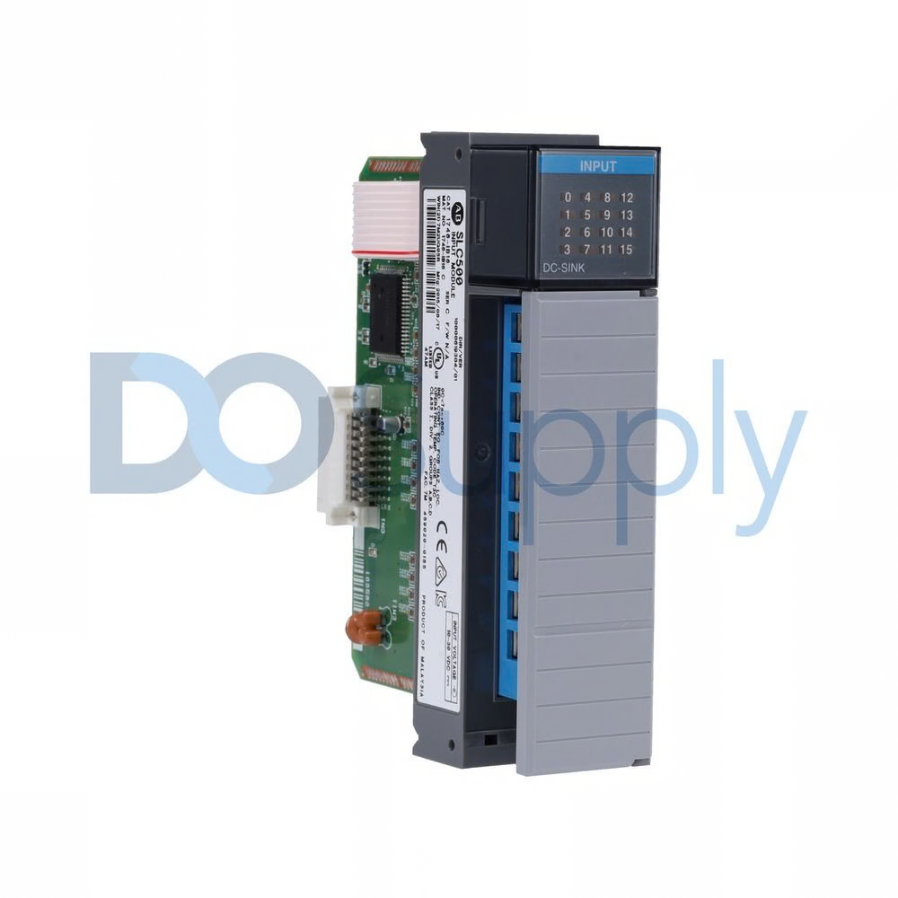
- Phase 2: controller swap. Install the CompactLogix 5380 and replace the SLC processor with a 1747-AENTR. Keep the old Remote I/O network in use and the existing I/O chassis wired and controlled over etherNet/IP. Rockwell says the new application can be tested prior to switchover, with a revert facility available.
- Phase 3: The other hardware can include drives, motion, servos, and motor control centers.
- Phase 4: The final stage in migrating from an SLC controller to a CompactLogix controller is I/O replacement. The 1492 I/O conversion system can move SLC 1746 I/O to Compact 5000-style I/O without removing field wires from the cabinet. The system removes the risk of wiring errors completely, and racks can be swapped out one at a time or all together. Older and newer architectures can run side-by-side for as long as desired, with the cross-reference documentation doubling up as a useful record to aid troubleshooting.
It is also worth remembering that MIGRAT-PP004, quoted above, is dated August 2020, which means it would pay to check for available product before forming a schedule.
Final Thoughts
An SLC 500 can keep running as long as its hardware holds up, so its useful life is limited by how long the plant can accept it before it breaks down. Discontinued only implies that a system can’t be readily bought any longer. You should therefore, where possible, check equipment status by locating the product’s individual catalog listing code and then finding lifecycle information through that portal. A phased migration with a 1747-AENTR and then a 1492-style conversion system keeps your field wiring intact and lets you easily revert if a problem with a replacement system crops up.
Sourcing replacements for an SLC 500 system after it fails can be difficult, and we at DO Supply know this. That’s why our sales team is dedicated to helping you find the right replacement parts, whether it’s an original part or a newer retrofit system. Give us a call today and let us help you keep your SLC 500 system chugging along or replace it with a more modern architecture.
DO Supply Inc. makes no representations as to the completeness, validity, correctness, suitability, or accuracy of any information on this website and will not be liable for any delays, omissions, or errors in this information or any losses, injuries, or damages arising from its display or use. All the information on this website is provided on an "as-is" basis. It is the reader's responsibility to verify their own facts.