PanelView vs. Basic HMIs: When Do You Actually Need More Than Buttons and Lights?
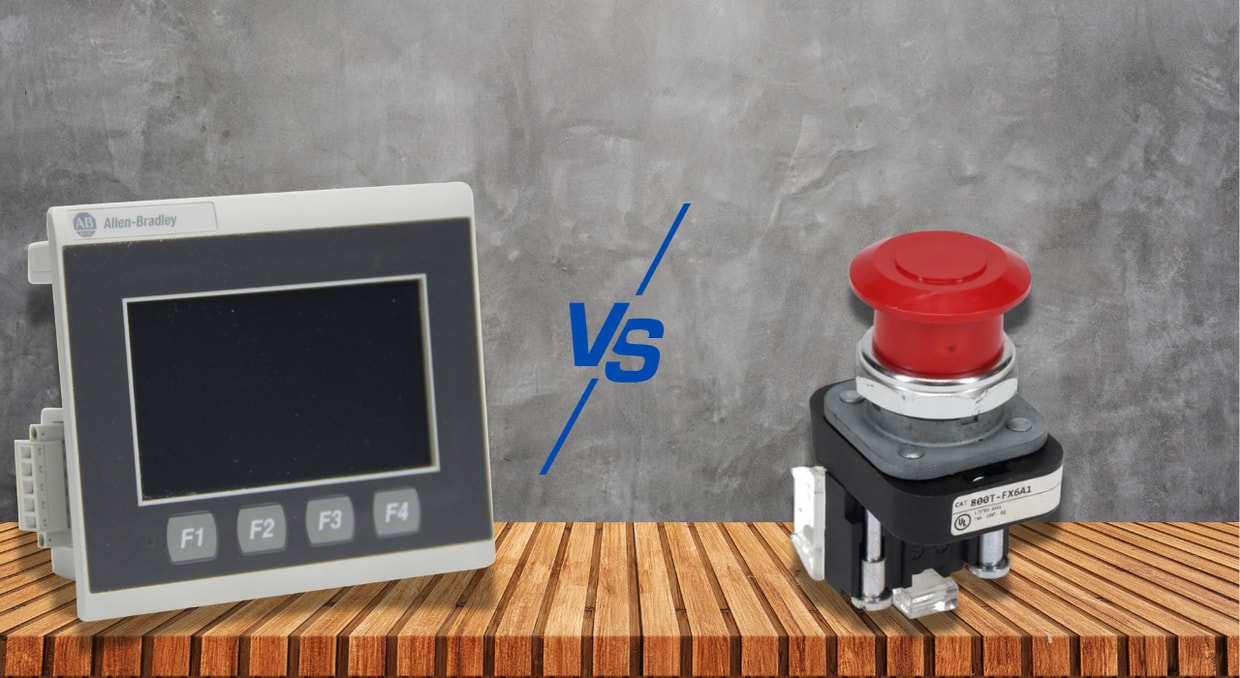
Industrial control panels have relied on discrete pushbuttons, selector switches, and indicator lights for decades, and in many applications, they still get the job done. But as process complexity scales, the demand for real-time visibility, operator guidance, and structured data logging outgrows what a row of pilot lights can deliver. The Allen Bradley PanelView family, spanning PanelView 800, PanelView Plus 7, and PanelView 5500, sits precisely between basic hardwired operator interfaces and full SCADA systems, and understanding where that boundary falls determines whether you are engineering the right solution or over-specifying hardware that adds cost without adding operational value.
Hardware Architecture Comparison
A conventional hardwired operator station is built from 22mm pushbuttons, selector switches, and pilot lights wired directly to PLC digital I/O cards. Each device consumes one I/O point; a panel with 12 push buttons and 10 indicator lights requires 22 discrete I/O points, associated terminal blocks, wire numbers, and physical panel real estate. The PLC executes all logic; the operator panel is a purely electrical interface that changes and reflects bit states, nothing more.
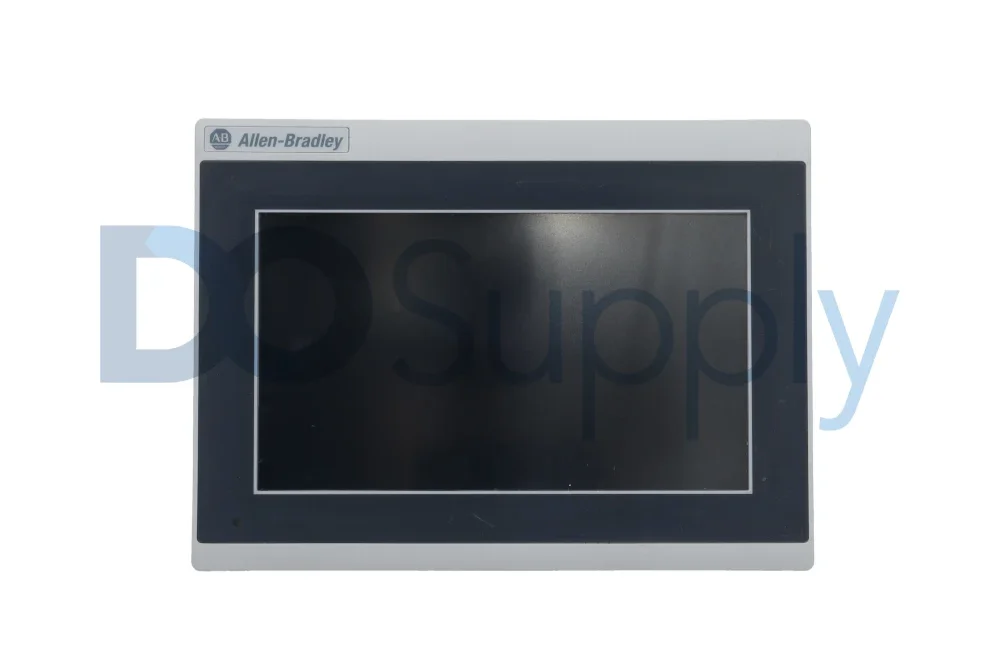
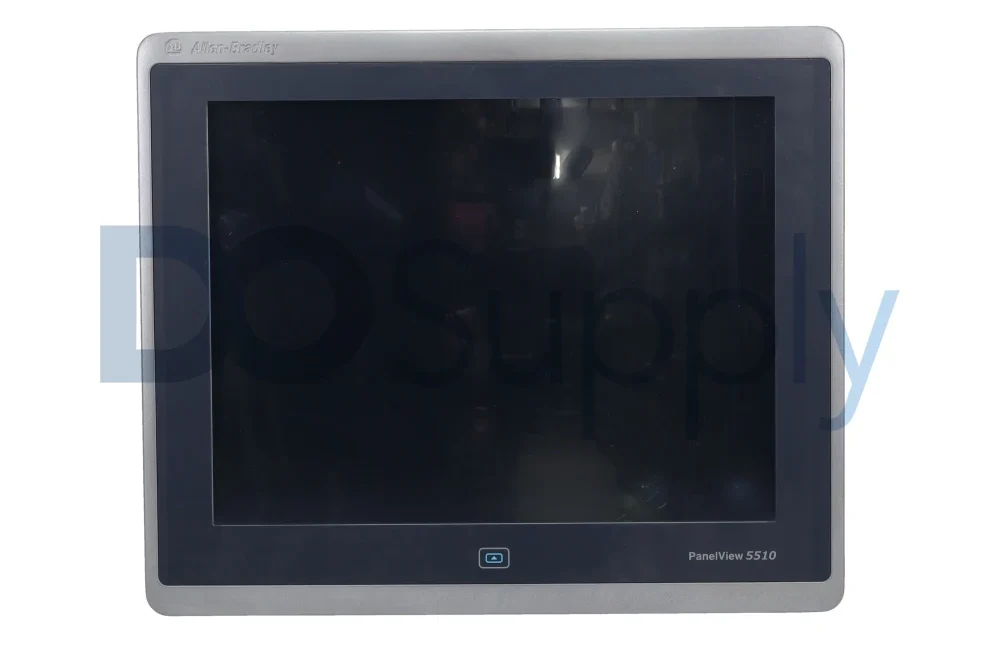
A PanelView terminal replaces the entire physical layer with a single touchscreen device that communicates over EtherNet/IP. The PanelView 800 runs on an ARM-based processor supporting up to 500 tags via Ethernet/IP or RS-232/RS-485. The PanelView Plus 7, available in 4- to 15-inch Standard and Performance variants, supports multiple simultaneous communication drivers. The PanelView 5500 has dual Ethernet/IP ports, a Device Level Ring topology, and SD card storage. Where a basic panel grows in physical complexity with every added function, the PanelView absorbs additional operator interactions in software with no additional wiring.
Communication Method: Hardwired I/O vs. Tag-Based Ethernet/IP
Basic operator panels communicate through proper hardwiring; each pushbutton feeds one discrete input, and each pilot light draws from one discrete output. Thirty operator functions require thirty I/O points, thirty field conductors, and thirty terminations at both the panel and the I/O card.
PanelView communicates via a single Ethernet/IP connection that carries all operator inputs and display data simultaneously, consuming zero additional I/O cards. Every display object, pushbutton, numeric entry field, and analog bar graph is bound directly to a controller tag address. A momentary pushbutton writes a BOOL tag on touch and releases on lift; a numeric entry object writes a REAL value directly into the controller data table. On machines requiring 30 operator interactions and 25 display parameters, the PanelView reduces the entire I/O demand to a single Ethernet cable. The wiring cost reduction alone frequently offsets the hardware price differential on panels of moderate complexity and above.
Process Variable Display: Pilot Lights vs. Numeric and Trend Objects
A pilot light is a binary device; it is on or off. Displaying an analog process variable, such as a PID loop’s process value, a flow total, or a motor running current, requires either a dedicated panel-mount analog meter per variable or a separate display device. Each additional instrument adds cost, wiring, and panel space.
PanelView numeric display objects read REAL or DINT tags from the controller and render engineering-unit values continuously, updated at the configured Requested Packet Interval, typically 100ms to 500ms for display applications. Trend objects log tag values over time and display them graphically at a configurable pen update rate, stored in terminal memory or to SD card on Plus 7 Performance and 5500 models. A single PanelView screen can simultaneously display 10 analog variables, their historical trends, and their setpoints, replacing what would otherwise require 10 separate panel instruments, 10 analog I/O points, and 10 sets of field wiring. For any application with more than two or three analog variables requiring operator visibility, the PanelView is the technically superior and frequently lower total-cost solution.
Alarm Management: Indicator Lights vs. Timestamped Event Logging
On a basic operator panel, an alarm is a red light. It tells the operator that something is wrong, nothing more. There is no timestamp, no alarm description, no acknowledgment record, and no history. After the fault clears and the light extinguishes, no retrievable record of the event exists.
PanelView alarm and event systems provide timestamped alarm detection, acknowledgment tracking, and structured alarm history logging to CompactFlash on older families, or SD cards on newer Performance and 5500 terminals. Each alarm record captures the tag address, alarm condition, activation time, acknowledgment time, and operator ID if security is configured. The alarm banner displays active alarms in priority order, and the alarm history object allows operators to review historical records without leaving the runtime. This retrievable fault record directly supports root cause analysis after unplanned downtime, data that a panel of indicator lights is constitutionally incapable of providing, regardless of how many lights are installed.
Operator Guidance: Static Controls vs. Contextual Display
A pushbutton does one thing regardless of the machine’s state. A pilot light indicates one bit regardless of context. Neither device can present the operator with step-specific instructions, conditional warnings, or process-state-dependent information. The operator must carry that contextual knowledge independently, which is a significant source of procedural error on complex machines.
PanelView display navigation allows screen content to change dynamically based on controller tag values. In multi-step batch sequences, CIP procedures, or die-change routines, the display automatically transitions to step-specific instruction screens as the controller advances through the sequence logic. The operator receives the exact guidance required at each step, confirms completion through a display pushbutton that writes a BOOL acknowledgment tag to the controller, and the sequence advances only after the permissive is satisfied. Attempting to replicate this interaction with hardwired controls produces an interface that provides zero procedural guidance, placing the entire burden of sequence knowledge on the operator and substantially increasing the probability of out-of-sequence actions.
Manual Entry vs. Structured Parameter Download
On a basic operator panel, changing a product recipe means an operator manually adjusting individual setpoints, potentiometers, thumbwheel switches, or directly editing PLC registers through a handheld programmer. Each parameter is entered individually, creating a window during changeover when some setpoints are updated and others are not, generating transient process conditions and potential quality nonconformances.
The PanelView recipe system stores complete parameter sets, setpoints, timer presets, counter limits, and analog scaling values, mapped to defined controller tag addresses. A recipe download writes all values simultaneously as a batch tag write operation, ensuring the controller receives a consistent parameter set with no intermediate states. In packaging, food processing, and batch chemical applications where changeovers occur multiple times per shift, recipe management through PanelView directly reduces changeover time and eliminates parameter-entry errors that generate product waste. The basic operator panel has no equivalent capability at any level of complexity.
Security and Audit Trail: No Access Control vs. User-Level Authentication
A hardwired operator panel offers no mechanism for operator identification, action logging, or access restriction beyond a physical key switch. Any operator can press any button at any time, and no record of who did what or when is generated. In regulated manufacturing environments, this is not just an operational limitation; it is a compliance failure.
PanelView terminals support user-level security that restricts individual display objects, recipe downloads, setpoint entry, and mode selectors by user account and permission level. Operators authenticate at the terminal, and all restricted actions are logged in the alarm and event log, including the operator’s username and timestamp. This audit trail satisfies FDA 21 CFR Part 11 requirements for electronic records in pharmaceutical manufacturing, and production record requirements in food and beverage environments.
Network Resilience: Single-Point Wiring vs. DLR Topology
Basic hardwired operator panels have no network dependency; each device functions independently through its own dedicated conductor. A single broken wire disables one function; the rest of the panel remains operational. This fault isolation is a genuine reliability advantage in simple applications.
PanelView 5500’s dual Ethernet/IP ports with Device Level Ring topology support provide comparable network-level resilience. DLR allows the PanelView to participate in a ring network where a single cable break causes the ring supervisor to reconfigure the network path in under 3ms, maintaining communication without operator awareness of the fault. Earlier PanelView Plus 7 models with a single Ethernet port lack such redundancy; a cable fault or switch port failure renders the terminal uncommunicative. In applications where network resilience is required, the 5500’s DLR capability directly addresses the single-point failure mode that makes single-port graphic terminals a reliability concern compared to individually wired discrete controls.
Final Thoughts
In conclusion, the choice between PanelView and a basic hardwired operator interface is a precise engineering decision, not a default toward newer technology. Where analog visibility, alarm history, recipe management, operator guidance, and audit trail capability are genuine application requirements, the PanelView Plus 7 or PanelView 5500 delivers what discrete I/O hardware cannot replicate at any price. Where the application is simple, safety inputs must remain network-independent, and per-unit cost is a primary constraint, hardwired controls remain the faster, cheaper, and more fault-tolerant solution. Defining that boundary accurately on every project is the core discipline of competent automation engineering. Speaking of competent engineering, keeping your device clean and well-maintained will keep it running strong, and we have an article here on how to do that with PanelViews.
Whether you are looking for a new PanelView or any other Allen-Bradley HMI, we at DO Supply carry a wide selection of in-stock terminals, tested and backed by our two-year warranty. If you find that your PanelViews need repair, we can help, too! All it takes is a phone call or an email to get your PanelView working the way it should.
DO Supply Inc. makes no representations as to the completeness, validity, correctness, suitability, or accuracy of any information on this website and will not be liable for any delays, omissions, or errors in this information or any losses, injuries, or damages arising from its display or use. All the information on this website is provided on an "as-is" basis. It is the reader's responsibility to verify their own facts.